
 Script Planner Assistant▸
 AI Apps
 AI News

Transkriptor: Convert Audio and Video to Text
Transkriptor: Convert Audio and Video to TextIntroduction
Transkriptor is an online transcription software that uses advanced artificial intelligence technology to convert audio and video into text. People use Transkriptor to transcribe podcasts, interviews, meetings, lectures, and other types of audio and video content. It helps save time and makes it convenient to search for information.
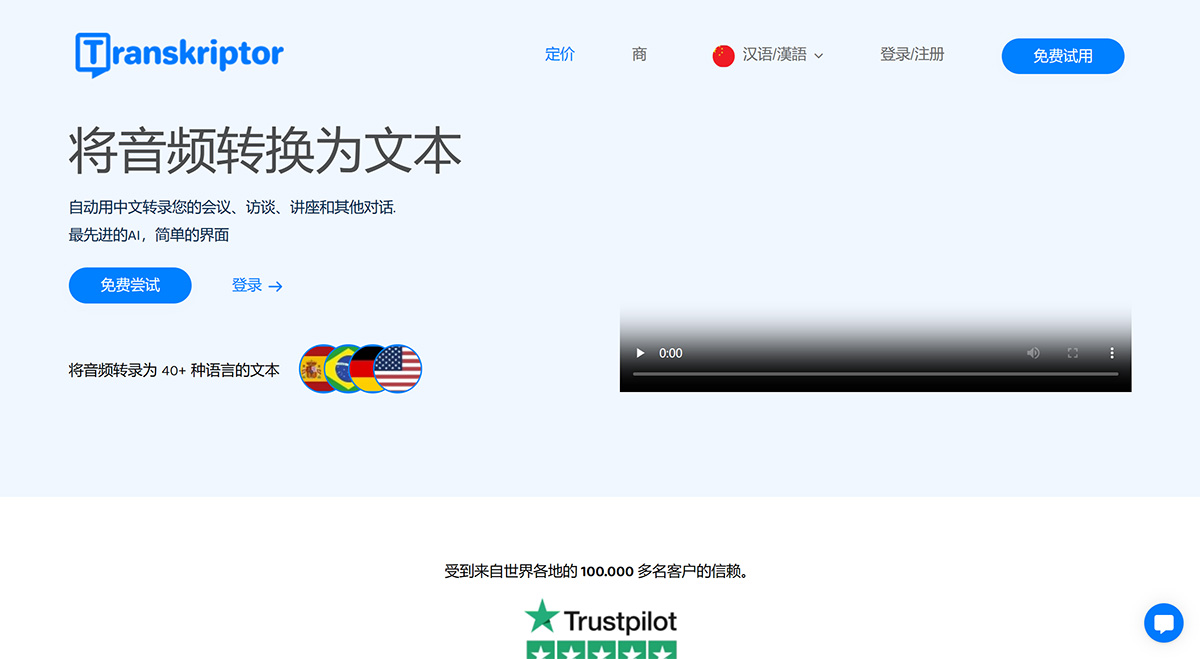
Core Features of Transkriptor:
Fast transcription using powerful AI
Transcription accuracy up to 99%
Affordable pricing
Support for over 100 languages
Remote collaboration features
Support for all audio and video file formats
Rich export options
Transcription via link
Slow-motion editing of transcriptions
Sharing and collaborative transcription
Multiple speaker identification
Applications of Transkriptor:
Convenient reference transcription for meetings
Automatic generation of meeting notes
Quickly find information in conversations
Translate transcriptions into other languages
Remote collaborative transcription
How to Use Transkriptor?
Using Transkriptor is very simple, please follow the steps below:
1. Click the "Login" or "Free Trial" button to sign up.
2. Upload audio or video files to the Transkriptor dashboard.
3. Wait for Transkriptor's powerful AI to generate the transcription.
4. Edit, download, or share the transcribed text as needed.














