
 Script Planner Assistant▸
 AI Apps
 AI News

Chatbot UI: Open-Source Chatbot Web UI Framework
Chatbot UI: Open-Source Chatbot Web UI FrameworkIntroduction
Chatbot UI, an open-source chat bot Web UI framework, provides an improved version of Openai's ChatGPT UI. This tool offers a simple user interface with features such as new conversation, new chat, import data, export data, settings, and plugin keys.
Chatbot UI supports access to models such as OpenAI, Azure OpenAI, Anthropic, Google, Mistral, and Perplexity, and also supports local model access on Ollama.
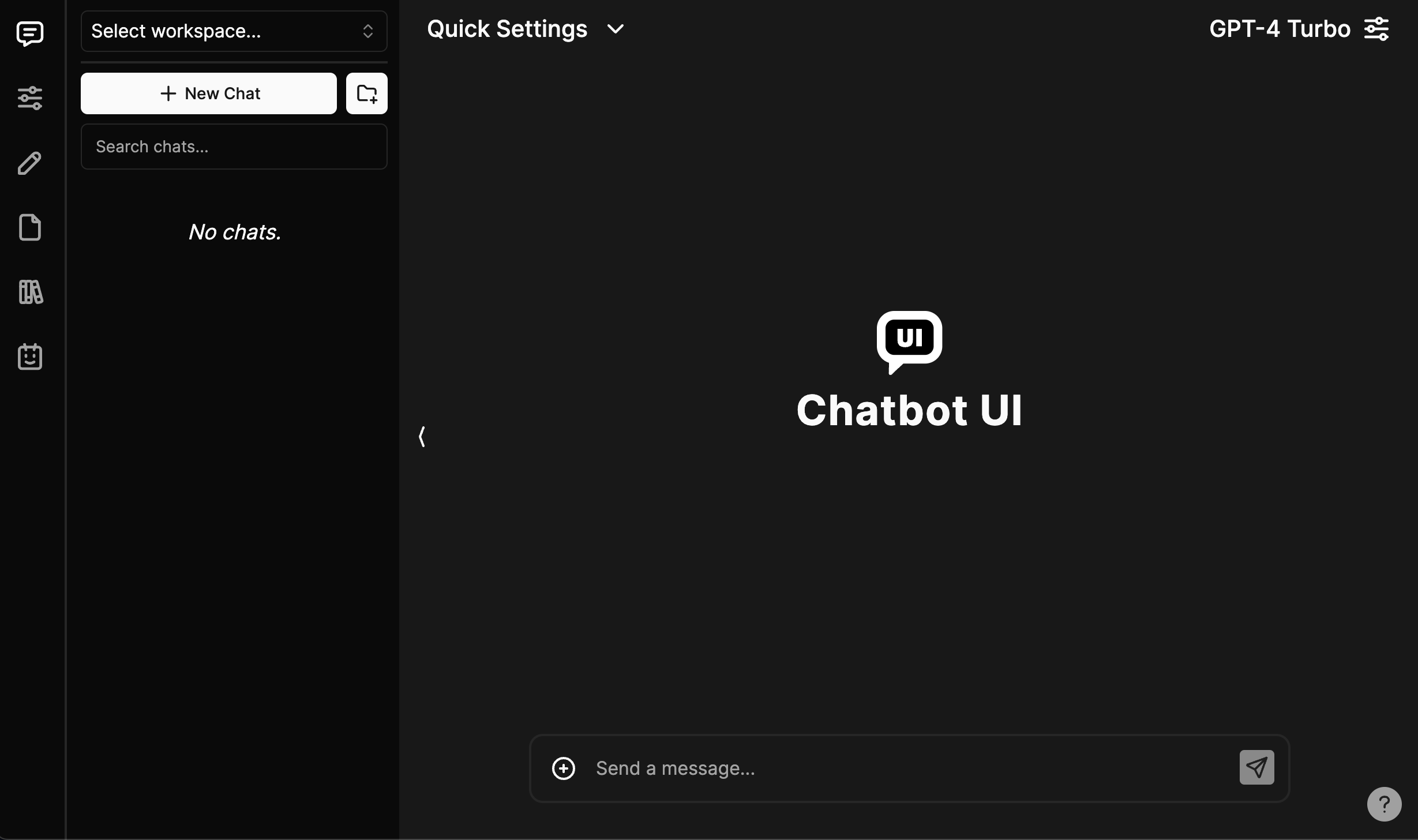
Chatbot UI Features:
Chat functionality, including image and file capabilities.
Use OpenAI embeddings or local embeddings.
Detailed chat settings.
Creation of chat setting presets for fast selection.
Prompts using / commands.
Files using @ commands.
File collections (collections) using @ commands.
Assistants (such as roles/GPTs, tools under development).
Import/export for all features.
Sharing functionality.
Authentication system.
Profiles with personal avatar backgrounds.
Workspaces with custom instructions.
Run locally or deploy hosted.
Integrated image/file storage.
Chatbot UI is designed to work with OpenAI's API, allowing users to enter their API key and connect quickly and easily. It should be noted that Chatbot UI is not affiliated with OpenAI; it is merely a clone of its ChatGPT UI.
Chatbot UI is only used as a way to communicate with OpenAI's API, and it will not work without an API key. Users are also advised to set their OpenAI API key in the lower left corner of the sidebar for seamless integration with the tool, and the key can be obtained through OpenAI's website.
In addition, Chatbot UI also offers a "new prompt" feature that allows users to enter new data. Overall, for those looking for a way to use the OpenAI API through an effective and user-friendly interface, Chatbot UI is a useful tool.














