
 Script Planner Assistant▸
 AI Apps
 AI News

pika.style: Screenshot Beautifier for the Web
pika.style: Screenshot Beautifier for the WebIntroduction
Recommend a super useful screenshot beautification tool — Pika
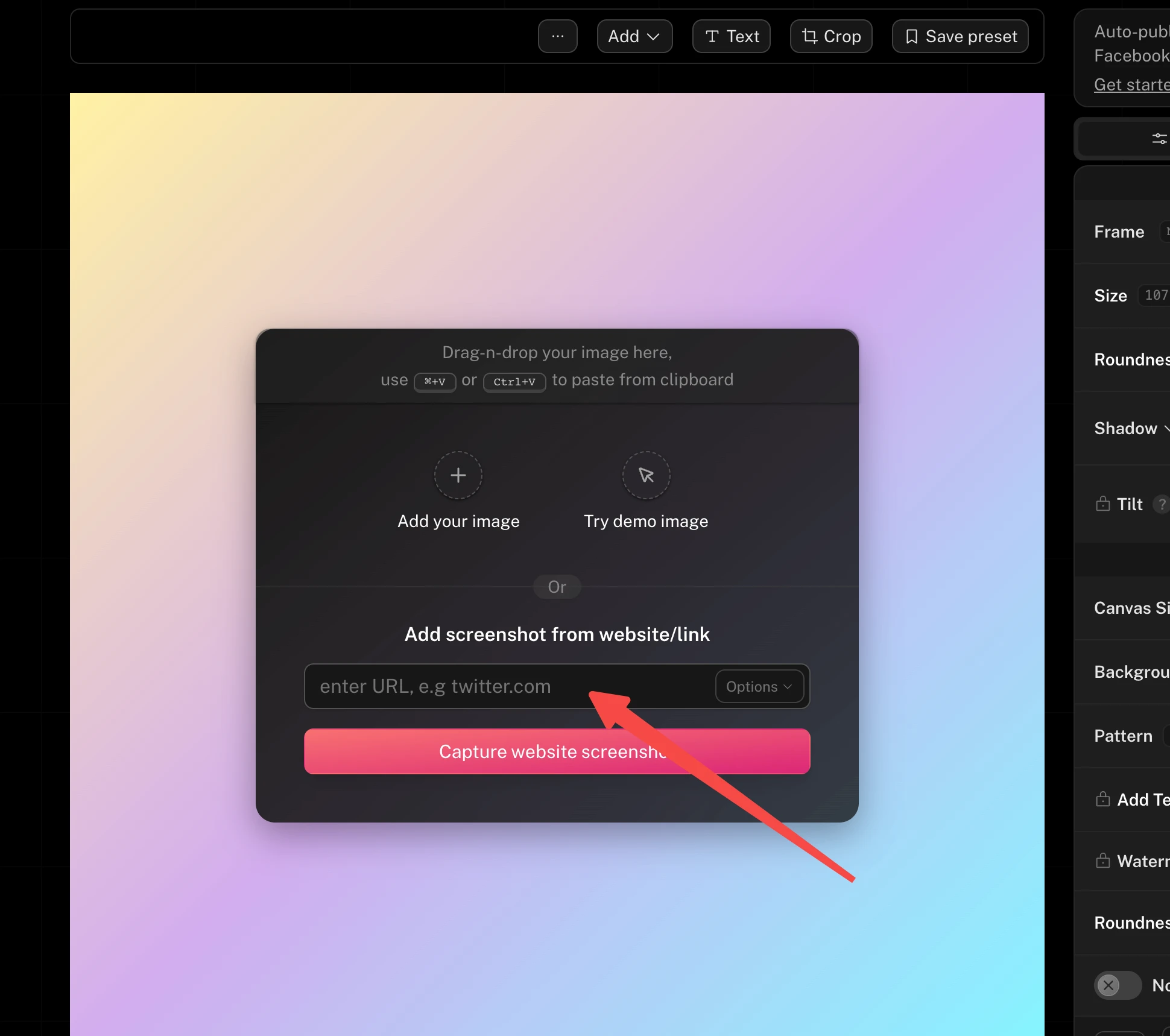
In addition to the regular upload screenshot beautification, Pika also supports directly entering a URL for web page screenshot and beautification, which is incredibly convenient for sharing web page information.
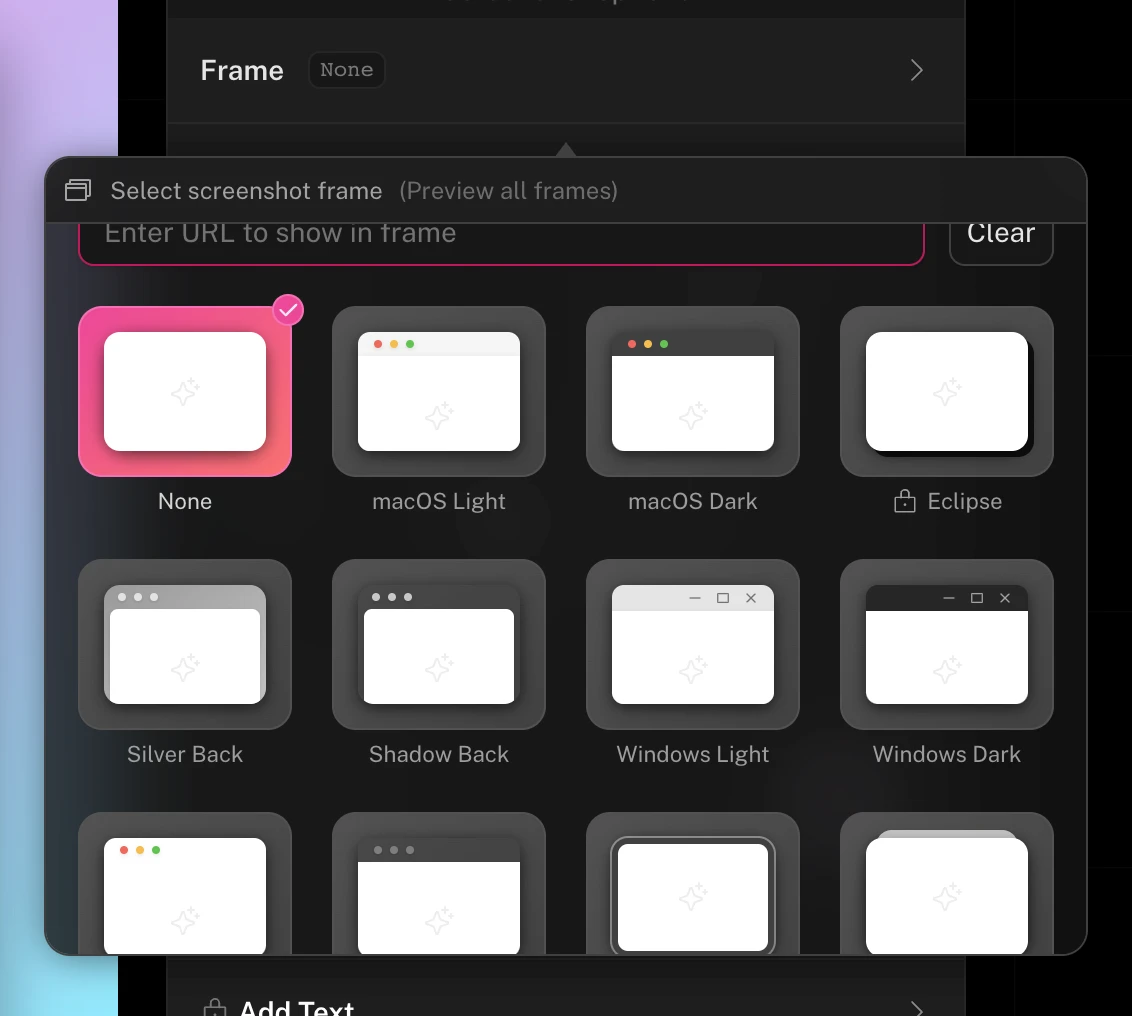
The adjustment options in the property panel on the right are very rich. For example, you can choose various frame styles, including MacOS window style, browser window style, and more...
Colors offer various gradients and animation choices, making every screenshot look great.
Although there is a paid pro version that offers more advanced features and the ability to export higher-resolution images, from my own use, the free version is more than enough.
Official website: https://pika.style/















