
 Script Planner Assistant▸
 AI Apps
 AI News

Topaz Video AI 4: Photo and Video Enhancement Tool
Topaz Video AI 4: Photo and Video Enhancement ToolIntroduction
Topaz Video ai 4 is a company that provides professional-grade photo and video enhancement software based on artificial intelligence. Their software uses deep learning to improve image quality, including noise reduction, sharpening, and resolution enhancement.
Topaz Video AI 4 is a powerful software suite designed to improve video quality. It combines five years of research and development to provide users with production-grade AI models for professional use cases.
Topaz Video AI 4 leverages temporal information to naturally upscale, deinterlace, restore, and increase the frame rate of videos. It also incorporates AI filters that inject realistic details into videos, drawing on additional information from multiple adjacent frames.
GPU acceleration ensures faster processing times and smoother results. In addition, it is specifically trained on video clips rather than still images, making it the highest quality product on the market.
Topaz Video AI 4 can be used to convert DVDs to Blu-ray quality for viewing on large-screen 4K TVs, remove noise and sharpen video, deinterlace footage, restore old footage, enhance and upscale video to 4K/8K, and apply AI models to enhance graphics.
Topaz Video AI 4 also offers motion interpolation for 60 FPS conversion or cinematic slow motion, as well as AI-powered shake stabilization for smoother panning and reduced camera shake.
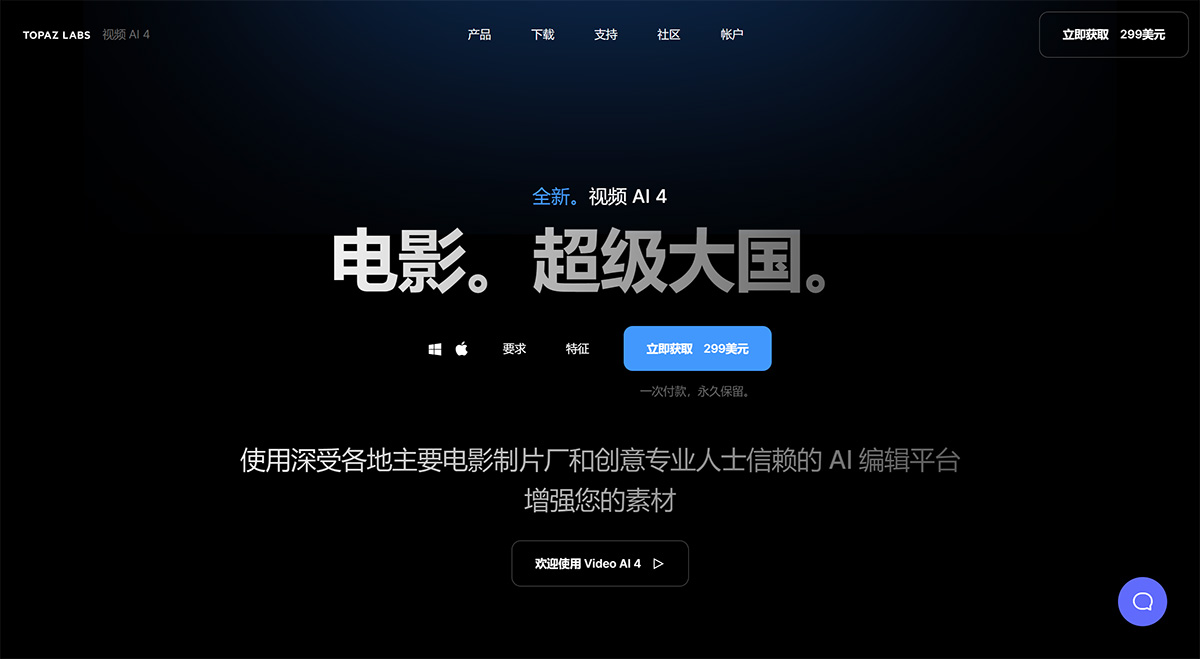
Topaz Video AI Features:
1. 24 temporal-aware AI models: The software uses 24 different AI models trained specifically for upscaling, enhancing, stabilizing, and smoothing video footage.
2. Ultra-high-definition content replacement: Capable of upscaling video to resolutions up to 16K and fixing issues caused by compression.
3. Cinematic noise reduction: Uses AI technology to remove noise while preserving cinematic-level detail.
4. Face recognition and correction: The software includes face recognition capabilities that automatically and instantly perform facial corrections.
5. Frame interpolation: Can increase the frame rate of videos up to 16 times for smooth slow-motion results.
6. Video stabilization: Provides video stabilization features to reduce blur caused by camera shake and slow shutter speeds.
7. Easy to install and use: Supports processing video directly on local hardware without the need for external servers, ensuring data security.
8. Optimized through partnerships with hardware vendors: Works with Intel, NVIDIA, AMD, and Apple to optimize processing times and deliver the best performance.
Applications of Topaz Video AI:
Topaz Labs software is suitable for a variety of professional application scenarios, including: - Photographers: Enhance photo quality and clarity, eliminate noise, and increase image resolution for print or digital media. - Videographers: Improve video quality, stabilize footage, and enhance video details. - Graphic designers: Enhance the visual quality of images for various design projects. - Restoration specialists: Repair old or damaged photos and videos through noise reduction and overall quality improvement.
How to Use Topaz Video AI?
To use Topaz Video AI, you can download and install the desired product from their website. Once installed, you can open the software and import your photos or videos. Then, you can apply various enhancement features, such as noise reduction, sharpening, or resolution enhancement. Simply adjust the settings and apply the enhancements. Finally, you can save the enhanced media files to your desired location.











