Script Planner Assistant▸
 AI Apps
 AI News

Genie: Text-to-3D Model Conversion Tool
Genie: Text-to-3D Model Conversion ToolIntroduction
Genie is a text-to-3D model conversion tool capable of creating any imagined 3D object from a text description in less than 10 seconds.The generated 3D models include not only shape but also surface material details such as color, texture, or reflectivity, making the models more realistic and detailed.
Genie use cases:
Designers use Genie to create unique three-dimensional shapes
Game developers use Genie to generate game scenes
Film special effects artists use Genie to create realistic VFX models
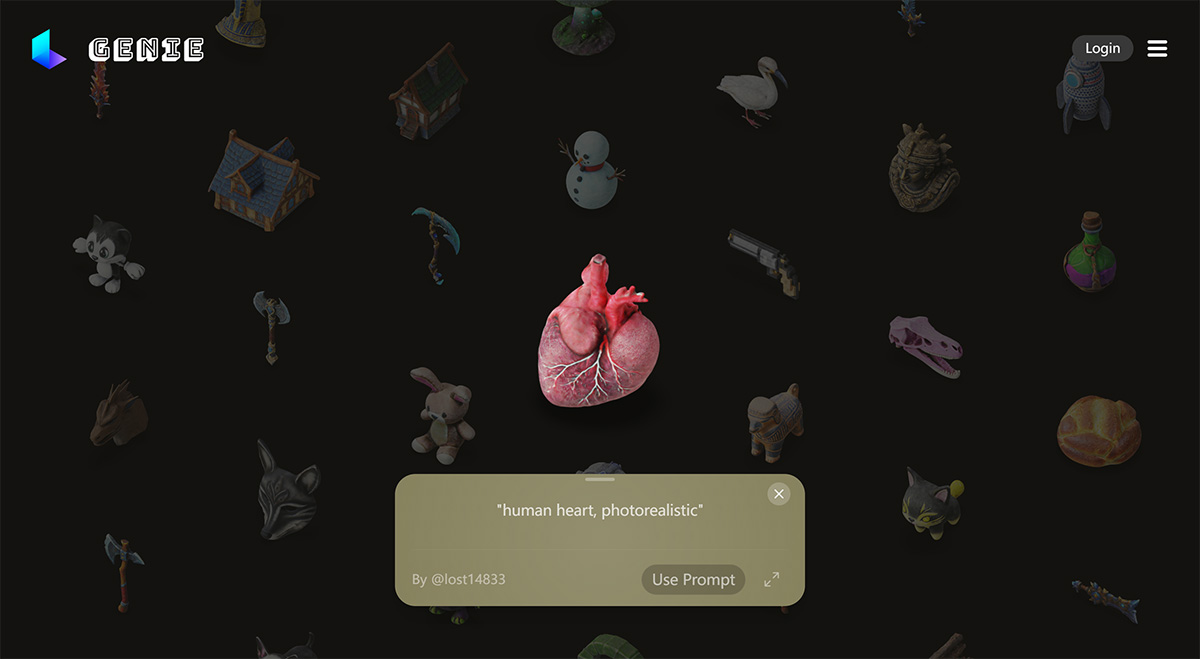
Genie features:
Genie can generate quad meshes and materials in standard formats at any polygon count, making it suitable for a wide range of use cases.
Quad mesh retopology: Quad meshes are preferred in 3D modeling and animation because they deform more smoothly and naturally (such as facial expressions in animation). Retopology is the process of optimizing these mesh structures to improve efficiency and quality.
Variable polygon count: Allows users to adjust the complexity of the model as needed. High polygon counts can be used for high-quality rendering, while low polygon counts are suitable for real-time applications such as video games, allowing models to be loaded and rendered quickly.
Supports all standard formats: 3D models generated by Genie 1.0 can be exported to all major 3D file formats, such as OBJ, FBX, etc., making these models usable across different software and platforms.
How to use Genie:
Genie is also very easy to use. After joining the Genie Discord community, select any Genie channel in the LUMA section, type /genie in the text box to bring up the Prompt input box, and describe the object you want in English, such as "An orange Winter Jacket", along with a style (disney render or voxel style) and form (full body or T-pose), then press Enter to send. Within seconds, you'll get a 3D model.
Genie is now available to try on the web and in Luma's iOS app.