
 Script Planner Assistant▸
 AI Apps
 AI News

Typecast AI: Text-to-Speech AI Generator
Typecast AI: Text-to-Speech AI GeneratorIntroduction
Typecast ai is an AI voice generator with emotional text-to-speech capabilities, allowing you to convert text into lifelike speech using over 400 realistic voices. It enables users to create customized and lifelike audio content for their videos, presentations, training materials, and more.
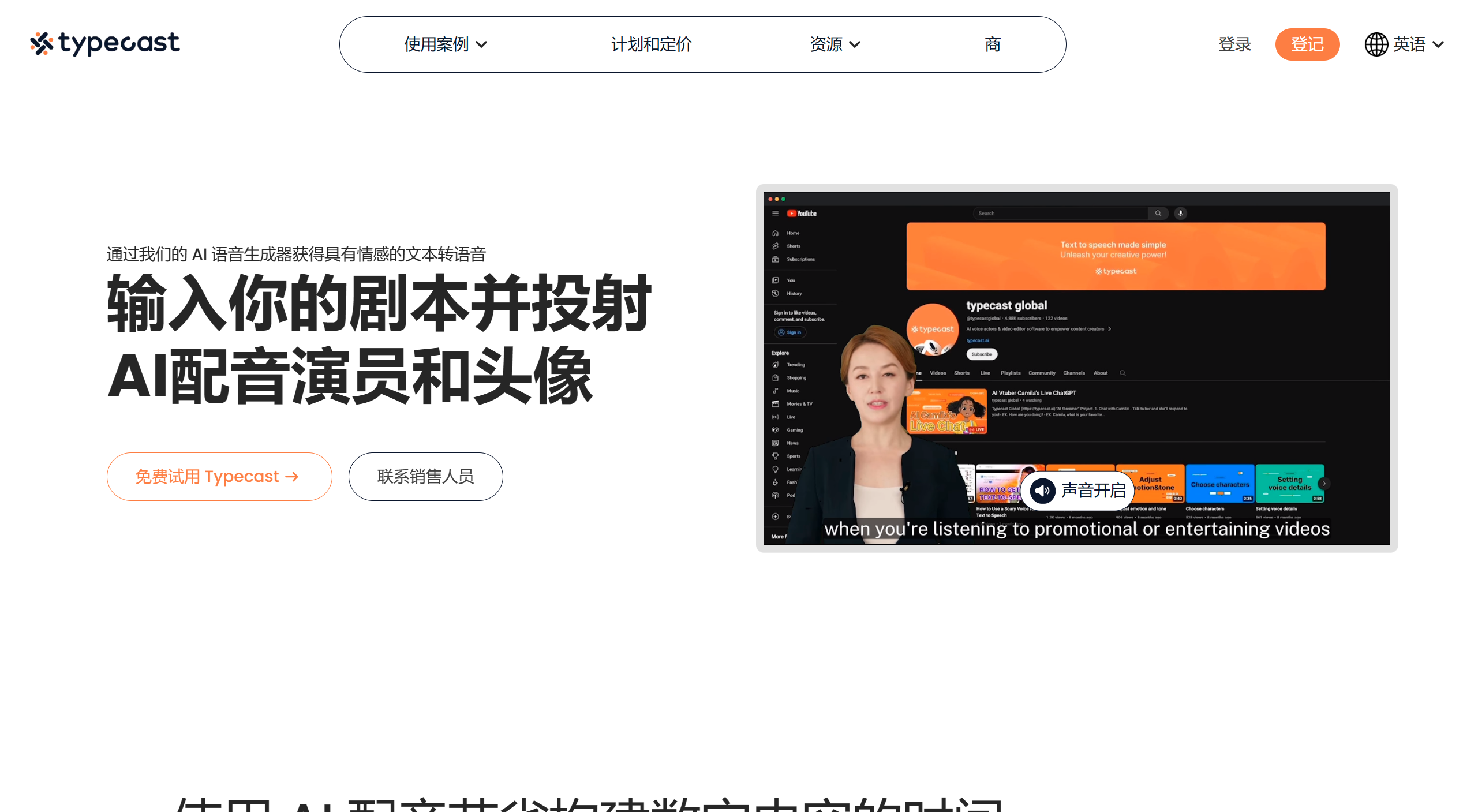
Typecast AI offers a variety of features and functions for different purposes, including storytelling, presentations, product marketing, training videos, YouTube videos, and education. Typecast's AI voice generator is designed to deliver realistic AI voices and avatars, allowing users to power their video content with engaging and captivating audio.
Users can easily cast a character, input their desired text, select a voice style, and download the generated audio. Typecast AI also provides text-to-speech templates for different categories such as audiobooks, education, sales, documentaries, training, and games, making it easier for users to get started. One of the key advantages of using Typecast's AI voice generator is its ability to save time and eliminate the hassle of production costs.
Users do not need to hire actors, manage crews, or rent studios, as Typecast AI eliminates the need for screen recording and post-production editing.
Typecast AI offers a simple and user-friendly interface, allowing users to directly type, paste, or import their written content into the platform. Overall, Typecast's AI voice generator is a web-based platform that provides users with a wide range of choices for creating high-quality video content with human-like virtual avatars.
Typecast AI provides emotional text-to-speech settings, a vast library of voiceover actors, and a seamless editing experience. With its user-friendly interface and powerful features, Typecast's AI voice generator is a valuable tool for content creators who want to enhance their videos with realistic and engaging audio.
Core Features of Typecast AI:
AI voice generator
Over 400 realistic voices
Emotional text-to-speech capabilities
Extensive voice actor library
Virtual simulation characters
Simple and easy-to-use platform
No complex studio setup required
No screen recording or post-editing needed
Web-based platform
Regular updates with new voice actors
How to Use Typecast AI?
To use Typecast, simply type or paste your text into the platform. Then, choose a voice style from the available options to give your content the desired emotional tone. Once you have customized the settings, you can download the generated audio and use it in your projects.














