
 Script Planner Assistant▸
 AI Apps
 AI News

Cartoonize Yourself: Turn Photos into Cartoons with One Click
Cartoonize Yourself: Turn Photos into Cartoons with One ClickIntroduction
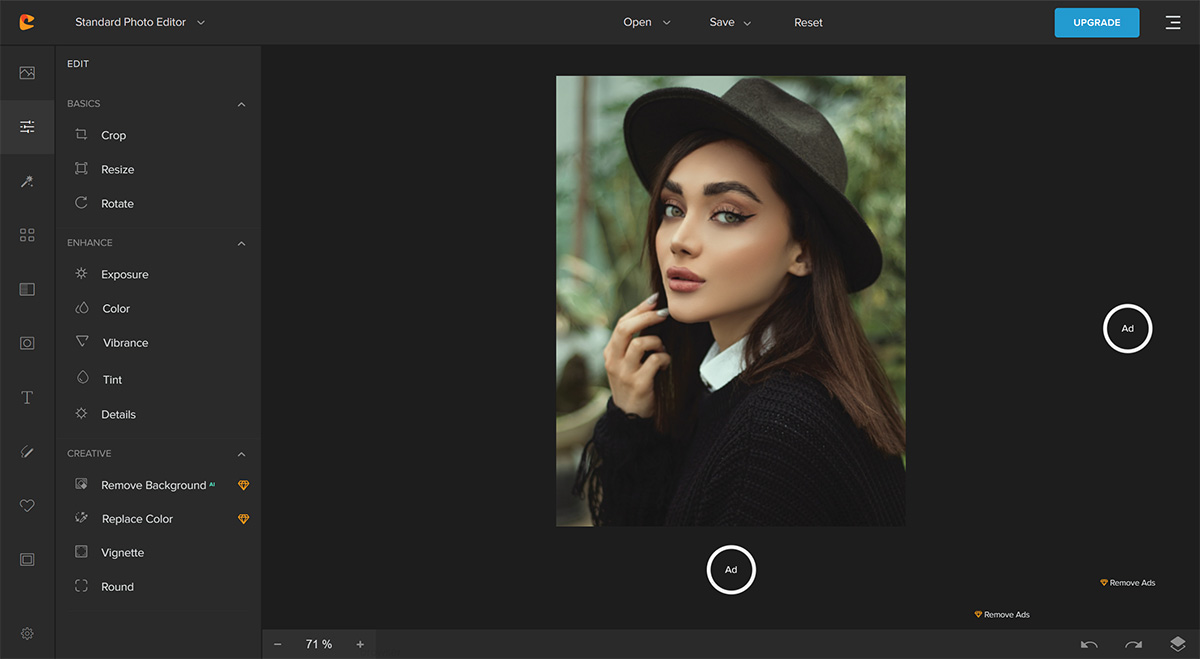
Cartoonize Yourself, one click from photo to cartoon. Use our cartoonizer, sketcher, and hundreds of other professional filters and effects to turn your photos into truly unique works of art.

Core Features of Cartoon Yourself:
Online and offline photo editing
Adjustable cartoon effects and filters
Feature-rich photo and text editor
A rich selection of tools to customize and beautify photos
An extensive collection of high-resolution stock photography, vector graphics, and icon sets
Easy-to-use professional photo editing and artistic creation tools
AI-powered instant background removal
Create collages and stunning overlays
Apply artistic masks and borders
Freehand drawing and multi-style brushes
Adjust exposure, color, clarity, and details
Compress and convert images
Create and organize layers
Export for printing at 400 DPI
Add vignettes, colorization, and more
FAQ about Cartoon Yourself:
1. Is Cartoon Yourself free to use?
Yes, Cartoon Yourself is completely free to use.
2. Do I need to install any software on my computer to use Cartoon Yourself?
No, Cartoon Yourself is an online service and you do not need to install any software on your PC or Mac.
3. What formats can I convert my images to?
You can convert your images to JPG, PNG, or even PDF format.
4. Can I edit my photos offline?
Yes, with Cartoon Yourself, you can edit your photos both online and offline.
5. Is there a limit on the size or number of photos I can upload?
There is no limit on the size or number of photos you upload.














