
 Script Planner Assistant▸
 AI Apps
 AI News

TensorPix AI: AI Video Enhancer
TensorPix AI: AI Video EnhancerIntroduction
TensorPix ai, an online AI tool for video and image enhancement. It can:
Increase resolution (e.g., from SD to HD)
Remove video compression artifacts
Reduce blur
Reduce ISO and other types of noise
Increase video frame rate
Create naturally smooth slow-motion videos
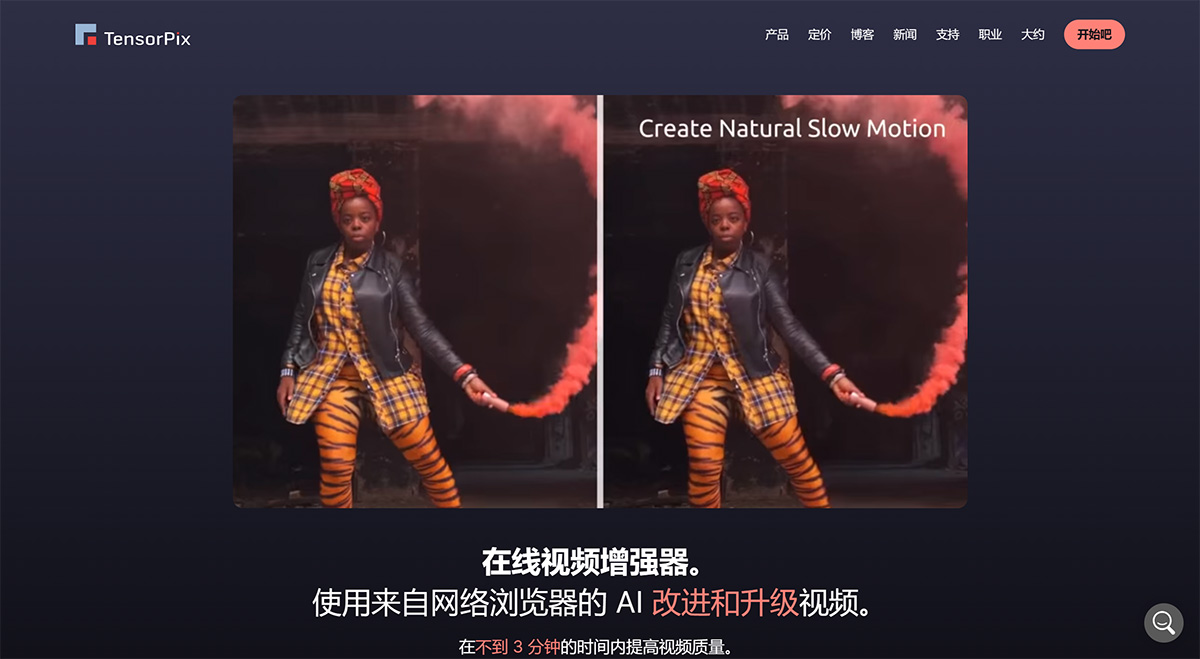
Core features of TensorPix:
1. Improve Video Quality
There are thousands of reasons why video quality can be poor. The reasons don't matter to us. We are here to provide the best AI-powered video enhancer so you can enjoy all your videos in the best 4K quality.
Watch your old videos like never before
Never worry about poor video quality again
Fix low resolution, blurry details, and various artifacts
2. Enhance Large Volumes of Videos Quickly
Whether your archive consists of some family videos, or you are an organization with thousands of hours of footage, we have you covered. We use GPU-accelerated cloud servers that can process hundreds of videos at once, up to 100 times faster than a regular office computer
100% online. No need to download and install additional software
Enhance and upscale multiple videos simultaneously, even from a smartphone or tablet
Avoid buying expensive hardware that will collect dust after the enhancement is done
3. Up to 4x Resolution Upscaling
Our AI has been trained on thousands of videos to learn how to enhance and upscale videos. Unlike non-AI upscaling software, it can increase resolution by up to 4x while preserving details and clarity.
Upscale old SD-format videos to HD or even 4K
Restore details, eliminate blur, and recover clarity
Make your videos look like they were shot with a professional camera
4. Frame Rate Boost and Slow Motion
60 frames per second is the new norm. Now, you can convert any video to 60 FPS with just a few clicks. Or create silky-smooth slow-motion videos without worrying about stuttering artifacts.
Convert videos to smooth 60 FPS or even higher
Create stutter-free slow-motion videos from any video
Once you reach 60 FPS, you'll never go back
How to Use TensorPix?
We know your time is valuable. That's why we made the video enhancement process as simple as possible.
1. Upload Video
Easily upload videos from any device
2. Choose AI Filter
Select an AI filter to improve video quality
3. Enhance and Download
Click "Enhance" and download the video once the enhancement is complete















