Script Planner Assistant▸
 AI Apps
 AI News

OneThingAI: Comprehensive AIGC Creation Platform
OneThingAI: Comprehensive AIGC Creation PlatformIntroduction
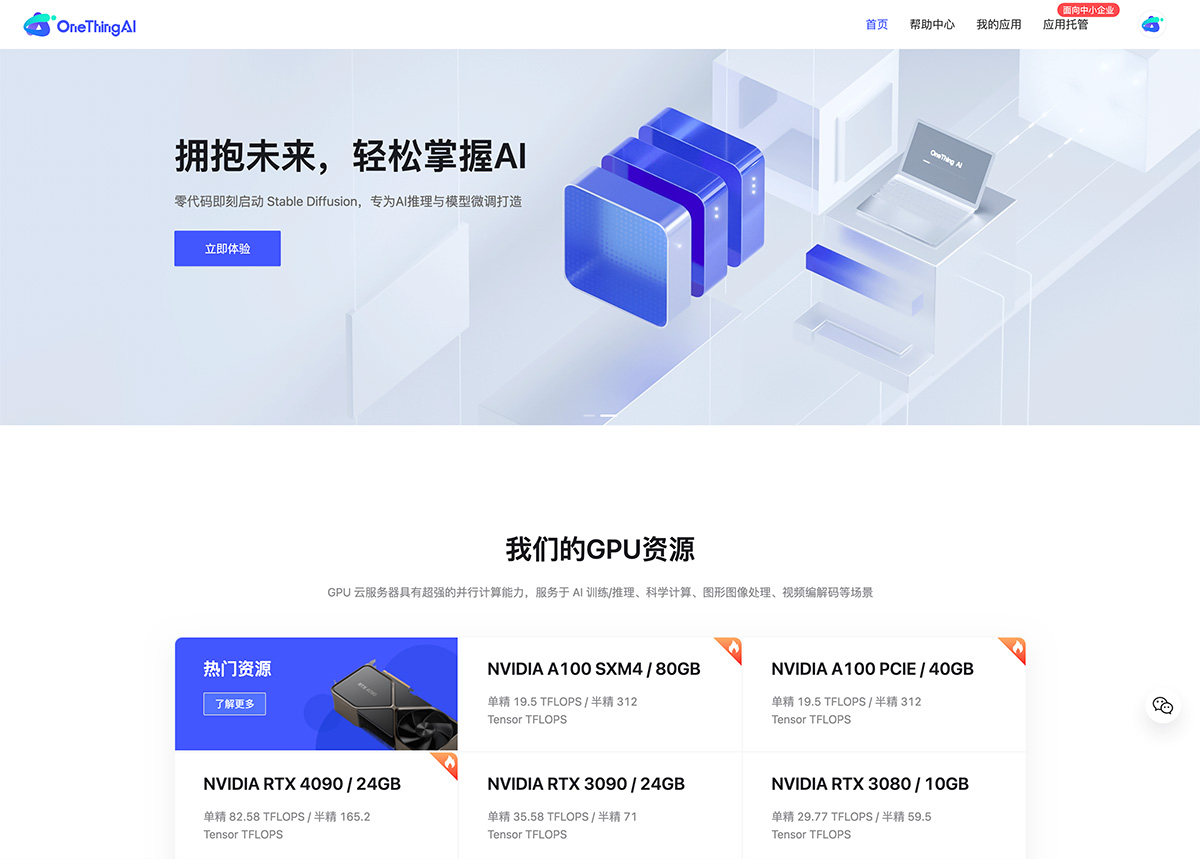
OneThingai offers one-stop, comprehensive cloud service solutions for a wide range of business scenarios. It serves scenarios such as AI training/inference, scientific computing, graphics and image processing, and video encoding/decoding, helping users achieve lightweight asset operations, making your creativity shine brighter, embracing the future right away, and launching AI with ease.
OneThingAI Target Users:
OneThingAI is committed to building a versatile and efficient AI creation ecosystem for users at all stages of AI painting, model fine-tuning (LoRA) users, AIGC creators, and developers, providing full-process support from concept ideation to final作品 completion.
OneThingAI Core Advantages:
OneThingAI is committed to providing you with one-stop solutions, offering advanced and high-quality computing resources such as professional-grade GPU A100 and consumer-grade GPU 4090, helping you easily and quickly build high-performance computing applications in the cloud. It also provides comprehensive cloud services, including massive GPU rendering compute, efficient storage solutions, reliable premium networking, and outstanding security, meeting your needs with high cost-effectiveness.
OneThingAI is a comprehensive AIGC creation platform for AI creators, compatible with mainstream AI painting tools: Stable Diffusion, Fooocus, ComfyUI, etc., requiring no code and ready to use with one click.
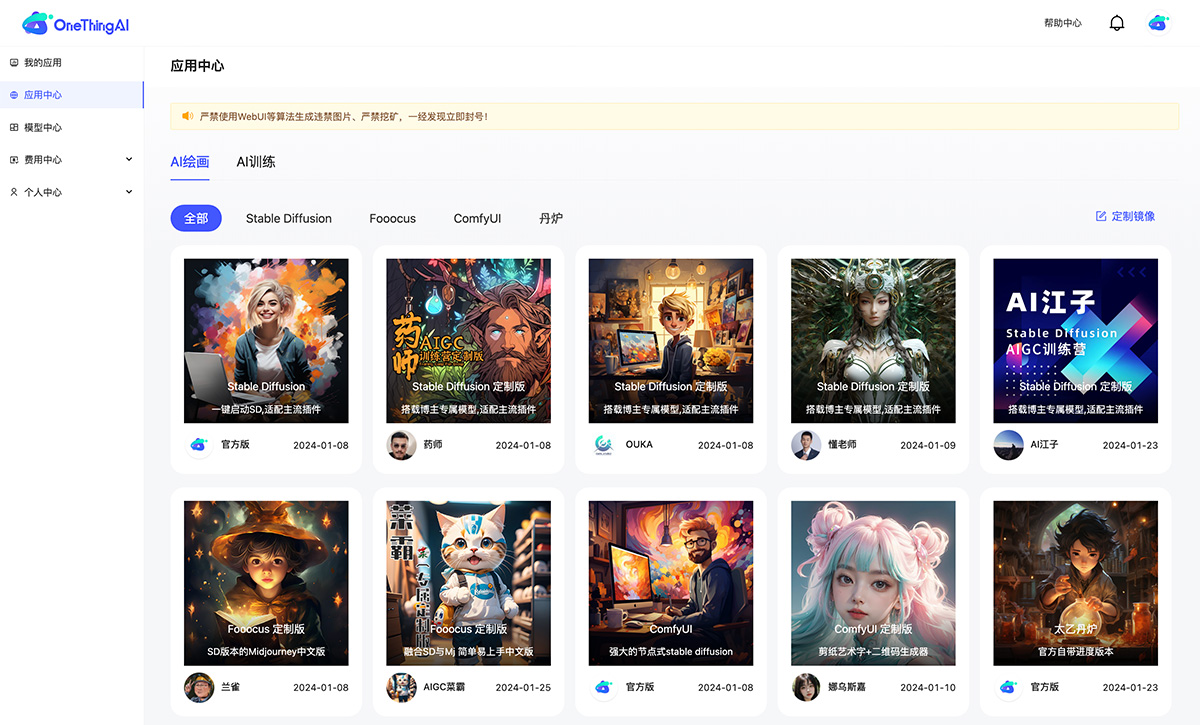
In addition to being compatible with mainstream AI painting tools such as Stable Diffusion, Fooocus, and ComfyUI, OneThingAI also provides a complete set of AI development tools: Web SSH, Jupyter development tools, etc., as well as API capabilities for developers to perform AI training, inference, and fine-tuning.
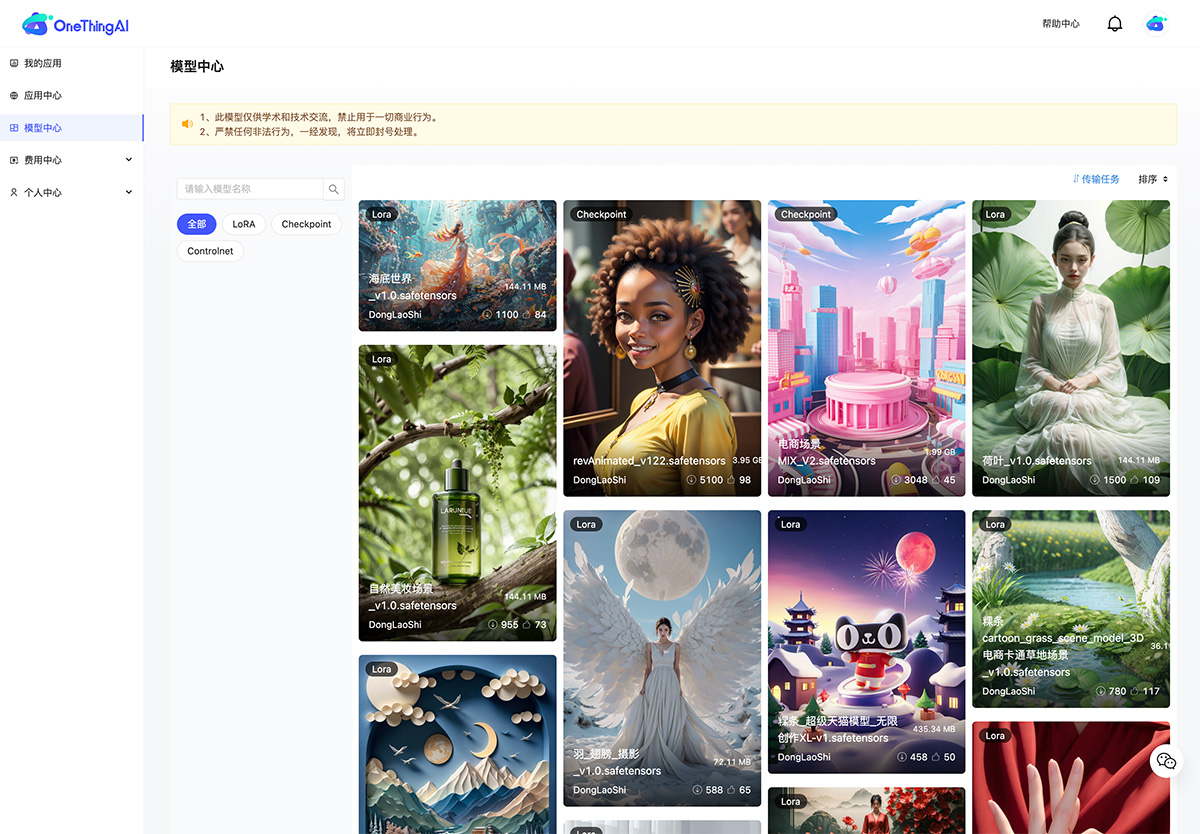
OneThingAI Platform Benefits:
OneThingAI offers flexible pricing strategies for different users, including pay-as-you-go and daily billing; striving to support your creative journey with the lowest learning cost.
New users who register will receive a large amount of vouchers immediately for a free trial experience! In addition, you can get more voucher rewards by making your first recharge or inviting friends!
How to Use OneThingAI:
Go to the OneThingAI official website, click [My Applications], explore the [Application Center] in the left navigation bar to enter the page. Current applications are divided into two major categories: [AI Painting] and [AI Training] (using the official Stable Diffusion WebUI version as an example here)
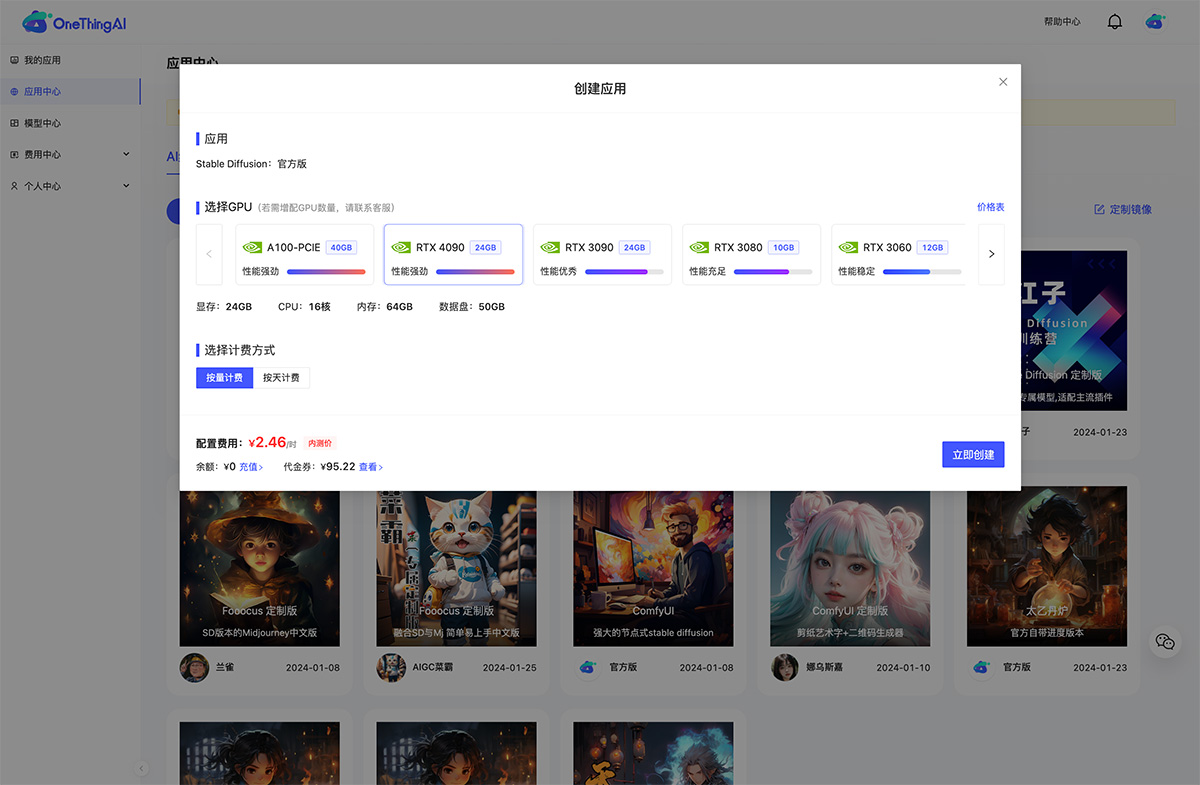
Select your desired GPU and billing method, click [Create Now], and enter the [My Applications] page. The application will perform a deployment operation when first created
Click the [Enable] button to start the application; after the application is started, you can click the Stable-Diffusion button in the right toolbar
Enter the localized Stable-Diffusion interface, and you can start your creation right away.
As a leader in the compute sharing platform field, OneThingAI integrates various GPU resources through virtualization and cloud-native technologies, achieving resource containerization and elastic scalability, effectively meeting users' compute needs, reducing compute cost expenses, and making it easy to build projects and applications! Embrace the future and master AI!