Script Planner Assistant▸
 AI Apps
 AI News

pyvideotrans_云技派,专注ai人工智能!
pyvideotrans_云技派,专注ai人工智能!Introduction
pyvideotrans is a video translation dubbing tool that can translate a video from one language into another language with dubbing and subtitles.
Speech recognition is based on the faster-whisper offline model.
Text translation supports google|baidu|tencent|chatGPT|Azure|Gemini|DeepL|DeepLX.
Text-to-speech supports Microsoft Edge tts and Openai TTS-1.
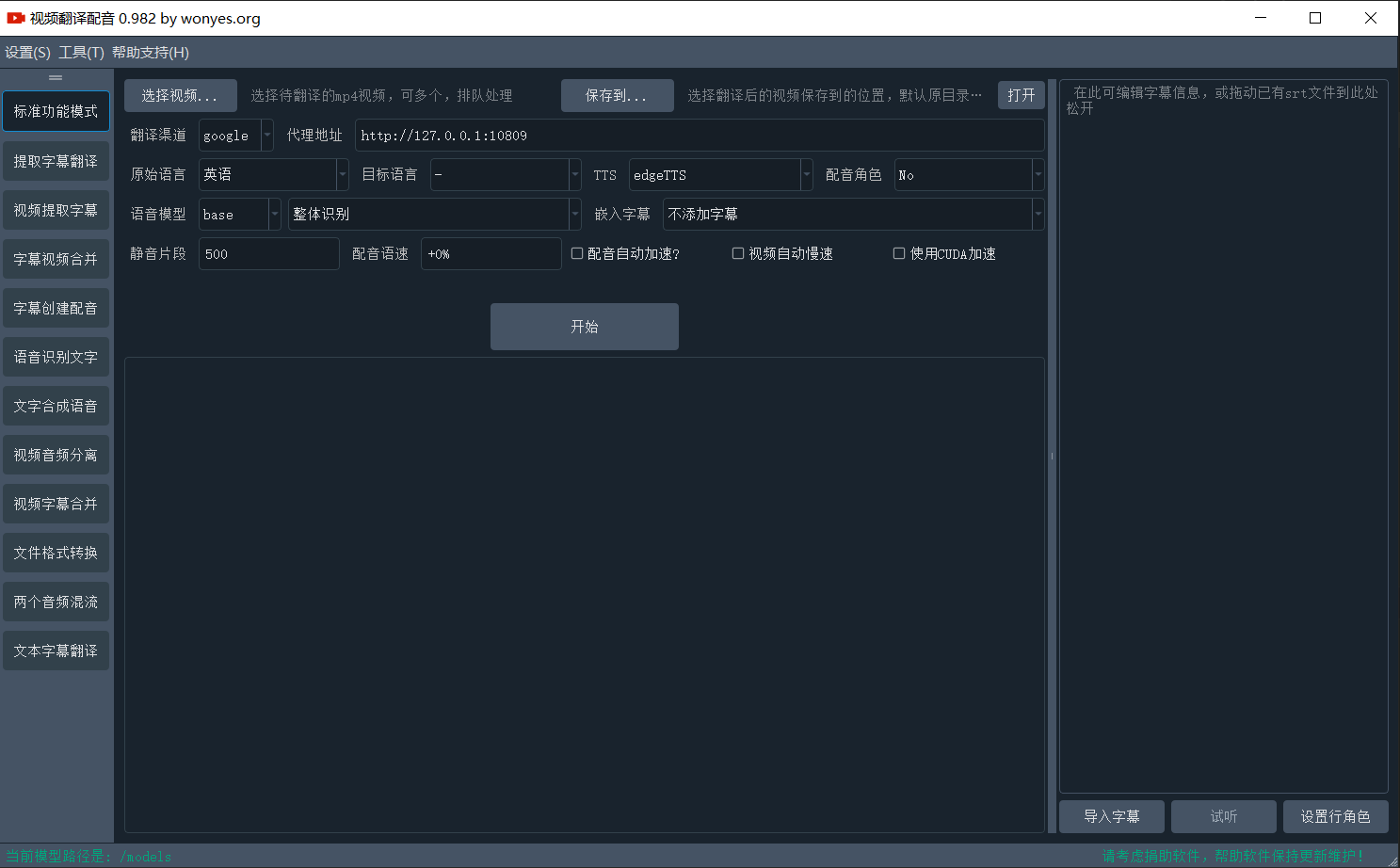
pyvideotrans features:
Automatic subtitle generation from speech
After subtitles are generated, you can edit them within the software before generating dubbing
A variety of dubbing voices to choose from
Multiple edgeTTS dubbing voices are available, and OpenAI's TTS model dubbing is also supported
Supports multiple translation engines
google+chatGPT+DeepL+Baidu+DeepLX+Gemini+tencent
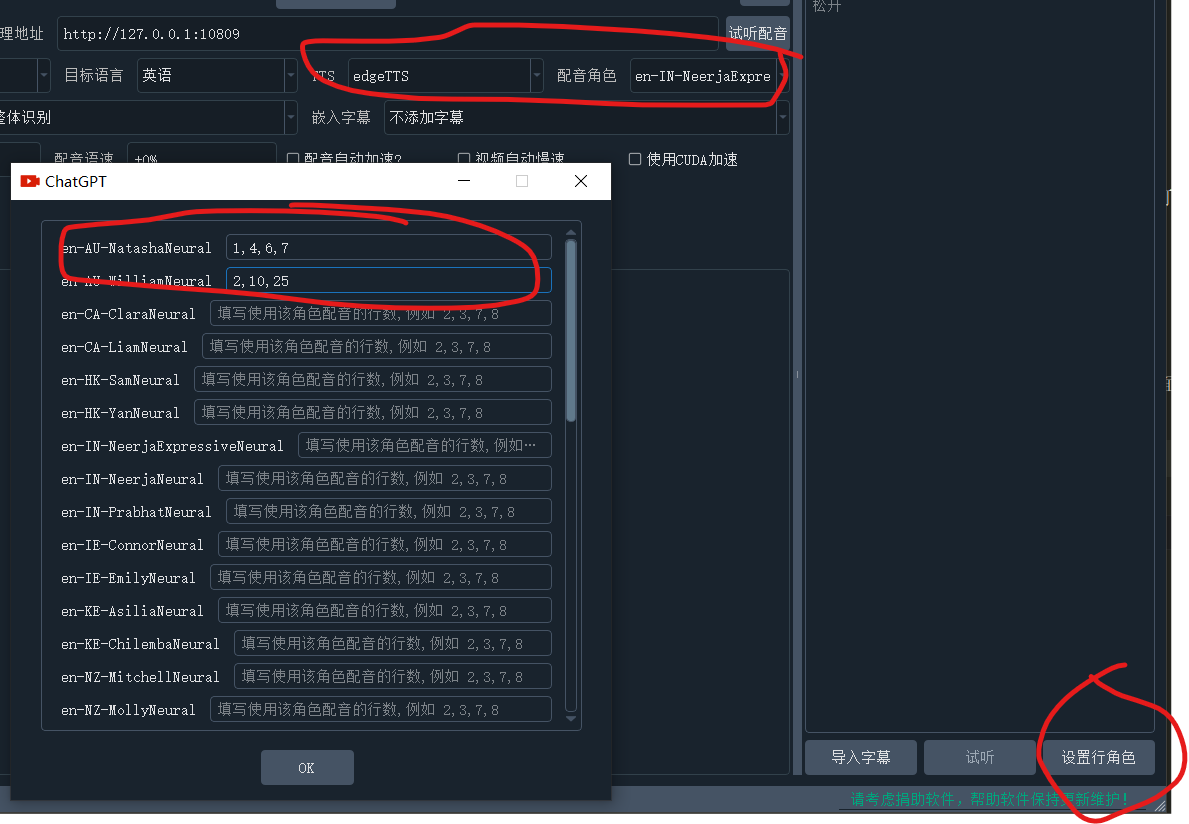
Main uses and usage of pyvideotrans:
[Translate video and dub it] Set various options as needed, freely configure combinations to achieve translation and dubbing, automatic speed adjustment, merging, etc.
[Extract subtitles without translating] Select the video file and the source language of the video, then the software will recognize the text from the video and automatically export the subtitle file to the target folder
[Extract subtitles and translate] Select the video file, select the source language of the video, set the target language you want to translate to, then the software will recognize the text from the video and translate it into the target language, then export a bilingual subtitle file to the target folder
[Merge subtitles and video] Select the video, then drag the existing subtitle file to the subtitle area on the right, set both the source and target languages to the language used in the subtitles, then select the dubbing type and voice, and start the process
[Create dubbing for subtitles] Drag a local subtitle file to the subtitle editor on the right, then select the target language, dubbing type, and voice, and a dubbed audio file will be generated in the target folder
[Recognize text from audio/video] Drag a video or audio file into the recognition window, and the text will be recognized and exported in srt subtitle format
[Convert text to speech] Use a specified dubbing voice to generate dubbing for a piece of text or subtitles
[Separate audio from video] Separate a video file into an audio file and a silent video
[Merge audio, video, and subtitles] Combine audio files, video files, and subtitle files into one video file
[Audio/video format conversion] Mutual conversion between various formats [Translate text/subtitles] Translate text or srt subtitle files into other languages