Script Planner Assistant▸
 AI Apps
 AI News

Miro: Online Whiteboard for Team Collaboration
Miro: Online Whiteboard for Team CollaborationIntroduction
Miro is an online whiteboard for team collaboration. With the magic of Miro, teams can visualize concepts, ideas, and solutions from anywhere—without the need for dry-erase markers. With Miro's online whiteboard, teams can sync, flow, and feel the connection of working side by side, even in remote, distributed, and hybrid work environments.
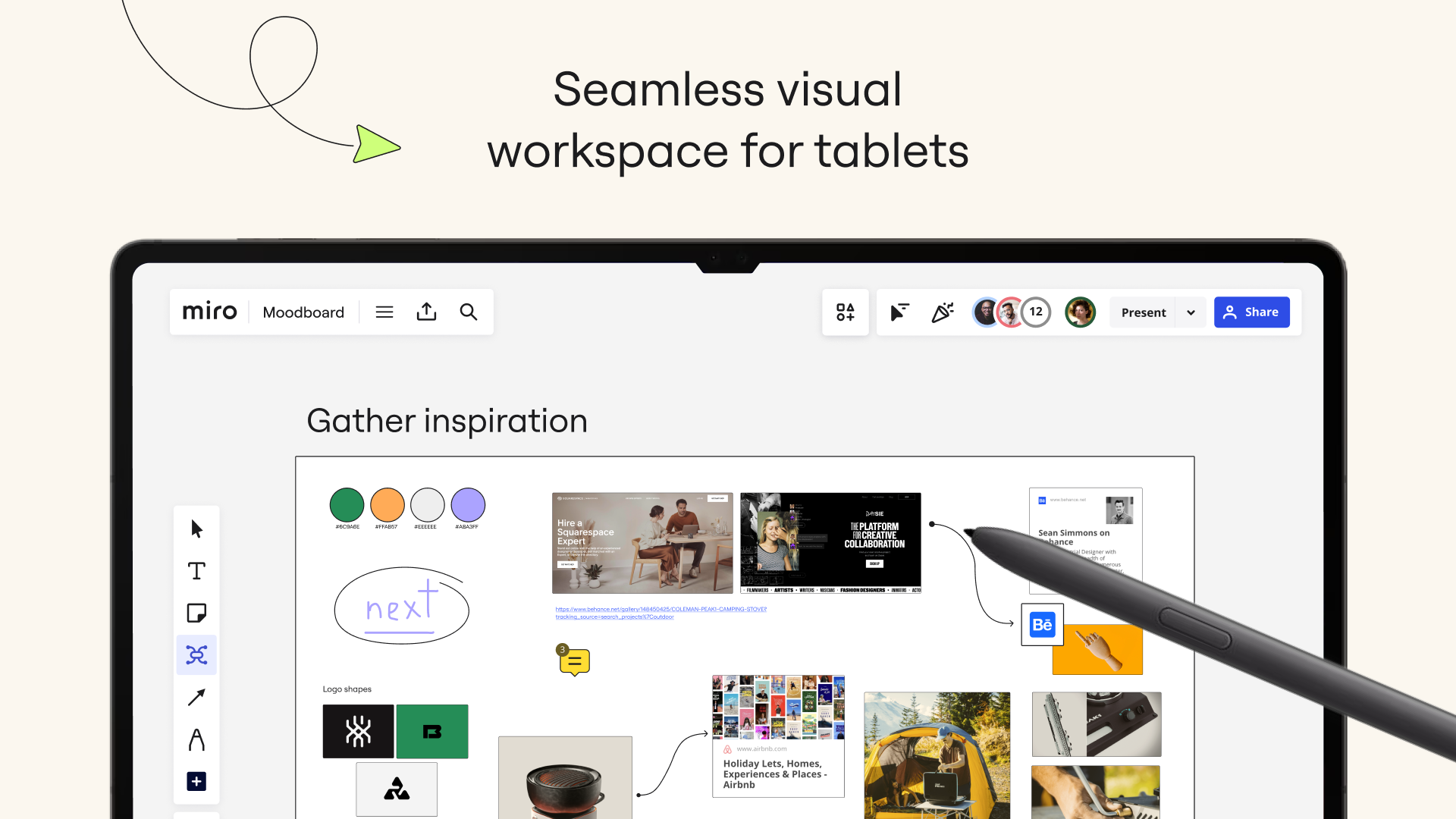
The Miro whiteboard app for tablets and mobile devices gives you the tools to collaborate on a whiteboard, bringing projects and context together in one place. Our customers love using Miro's online whiteboard to:
• Host online meetings and team workshops
• Brainstorm new ideas and designs on an unlimited whiteboard
• Edit, annotate, and markup documents and PDFs• Take digital notes with a stylus (and reduce paper use!)
• Easily collect resources, photos, documents, links, and references• Plan and manage agile workflows and Scrum ceremonies
• Create user journeys, map processes, and develop personas
• Teach online courses, replacing classroom blackboards with an online whiteboard
• Create a Miro whiteboard with ideas and inspiration, letting you create anywhere, anytime. With more than 200 pre-built templates, a drag-and-drop interface, and unlimited collaborators, working on our whiteboard is both fast and fun.
With Miro's whiteboard mobile app, you can:
• Scan paper sticky notes and convert them into editable digital notes• Create, view, and edit all of your boards• Capture and organize your ideas anytime, anywhere
• Share boards publicly or invite team members to edit them Upload images, pictures, documents, spreadsheets, and more· Share boards and invite team members to edit
• View, add, and resolve comments
On a tablet, you can also use Miro's whiteboard to:
• Use a stylus to draw concepts and sketch out new design ideas• Convert pencil or stylus drawings into shapes, annotations, and diagrams
• Set up your tablet as a second screen with Zoom or Microsoft Teams• Create mind maps to visualize your ideas
• Use the lasso tool to select and move sketches, drawings, or text anywhere on the whiteboard
• Use the highlighter to grab your team's attention during meetings