Script Planner Assistant▸
 AI Apps
 AI News

AcFun Video Online Parser & Downloader
AcFun Video Online Parser & DownloaderIntroduction
A站AcFunvideo online parsing and downloading, supports parsing and downloading videos from platforms such as Weibo, Miaopai, Oasis, Xiaokaxiu, YouTube, Twitter, Instagram, Facebook, Zuiyou, Weishi, Quanmin K Song, Quanmin Short Video, Bilibili, Momo, Meipai, Vimeo, Tumblr, NetEase Cloud Music, Qutoutiao, Inke, Xiaoying, Pear Video, Bestial Voice Translator, etc.
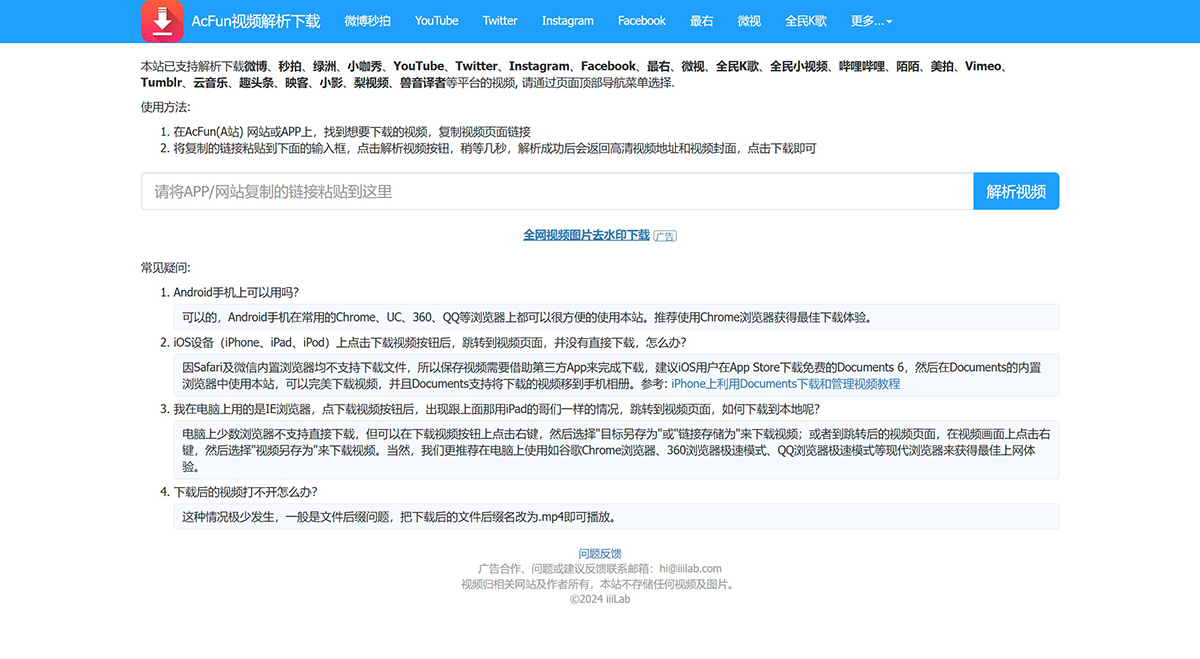
A站AcFun Video Online Parsing and Download Instructions:
1. On the AcFun (A站) website or APP, find the video you want to download, and copy the video page link.
2. Paste the copied link into the input box below, click the Parse Video button, and wait a few seconds. After successful parsing, a high-definition video address and video cover will be returned. Click download to get the video.
A站AcFun Video Online Parsing and Download FAQs:
Can I use it on my Android phone?
Yes, you can. Android phones can use this site conveniently on commonly used browsers such as Chrome, UC, 360, QQ, etc. The Chrome browser is recommended for the best download experience.
On iOS devices (iPhone, iPad, iPod), after clicking the download video button, it jumps to the video page but does not download directly. What should I do?
Since Safari and the built-in WeChat browser do not support downloading files, saving videos requires the help of a third-party app. It is recommended that iOS users download the free Documents 6 from the App Store, and then use this site in Documents' built-in browser to perfectly download videos. Documents also supports moving downloaded videos to the phone's photo album. Reference: Tutorial on using Documents to download and manage videos on iPhone
I'm using IE browser on my computer. After clicking the download video button, the same situation as the iPad guy above happens—it jumps to the video page. How do I download it locally?
A few browsers on the computer do not support direct downloads, but you can right-click the download video button and select "Save Target As" or "Save Link As" to download the video; or go to the video page that is redirected to, right-click on the video screen, and select "Save Video As" to download the video. Of course, we more recommend using modern browsers on your computer, such as Google Chrome, 360 Browser speed mode, QQ Browser speed mode, etc., for the best browsing experience.
What should I do if the downloaded video cannot be opened?
This situation rarely occurs and is generally a file extension issue. Change the file extension of the downloaded file to .mp4, and it will play normally.