
 Script Planner Assistant▸
 AI Apps
 AI News

CopyFish: Free OCR Software
CopyFish: Free OCR SoftwareIntroduction
Copyfish is a free OCR program that extracts text from images, videos, and PDF files. Copyfish runs in Chrome, Edge, and Firefox browsers, and can also be used via the desktop.
Copyfish Features:
Saves time and effort by eliminating the need to retype text from photos.
Supports multiple image formats, including screenshots, charts, graphs, PDF documents, cartoons, error messages, memes, Flash, and YouTube videos.
Users can use this tool to quickly Google, save, email, or translate the extracted text.
Copyfish Use Cases:
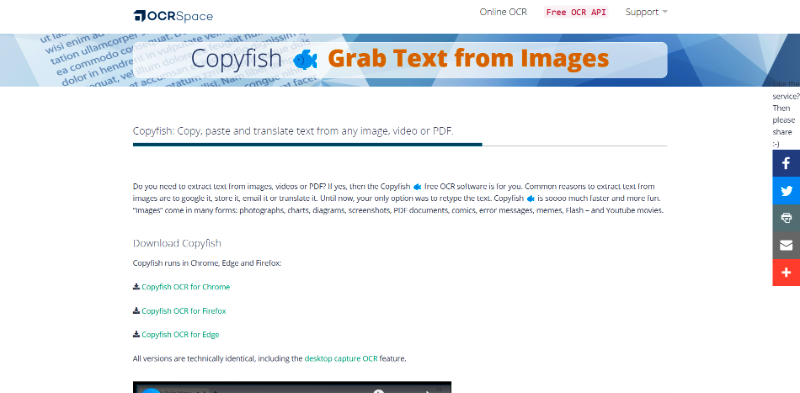
It is simple to use and pleasant to operate.
The following are use case scenarios for Copyfish:
Extract text from photos for research.
Translate text from photos into multiple languages.
Preserve important information in photos for later use.
Convert PDF files into editable text.
How to Use Copyfish?
1. Install the extension, then click the Copyfish icon in the Chrome browser.
2. Select the area containing the text (image, video, html5, ajax — Copyfish works with any input).
3. That's it! Copyfish extracts the text from the image, displays it, and translates it.
Overall, Copyfish is a useful tool for anyone who wants to quickly and efficiently extract text from photos.













