
 Script Planner Assistant▸
 AI Apps
 AI News

RemoveWaterMark: AI-Powered One-Click Image Watermark Remover
RemoveWaterMark: AI-Powered One-Click Image Watermark RemoverIntroduction
RemoveWatermark.ai is an artificial intelligence-driven tool designed to effectively remove watermarks from images and videos. It utilizes advanced algorithms to ensure clean and seamless removal, making it an ideal solution for professionals and individuals who need to clear watermarks for various purposes such as marketing, content creation, or personal use.
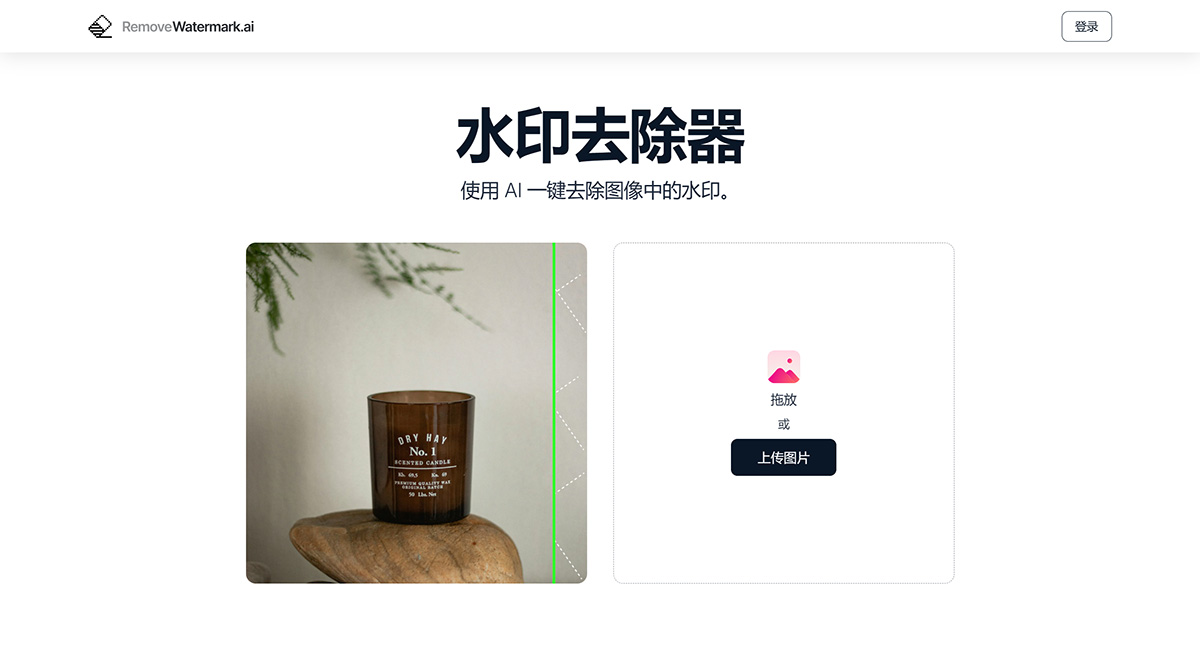
RemoveWaterMark Features:
AI-Powered Watermark Removal: Automatically detects and removes watermarks from images and videos.
High-Quality Results: Ensures clean, seamless removal without compromising the quality of the original media.
User-Friendly Interface: Easy to use, suitable for both professionals and beginners.
Batch Processing: Allows simultaneous watermark removal from multiple files.
Versatile Applications: Useful for marketers, content creators, photographers, and individuals.
Fast Processing Speed: Quickly processes files to efficiently remove watermarks.
Privacy and Security: Ensures secure handling of user data and media.
Cross-Platform Compatibility: Accessible on various devices and operating systems.
Regular Updates: Continuously improved with the latest AI advancements.
Customer Support: Provides assistance and support for users.
How to Use RemoveWaterMark?
1. Upload Your Image
First, upload the image from which you want to remove the watermark.
2. Automatic Detection
The AI-driven tool will automatically identify and remove the watermark.
3. Download Your Image
Preview and download your clean image without any watermarks.
RemoveWaterMark Highlights:
1. One-Click Removal
Easily remove watermarks with just one click. All you need to do is upload the watermarked image, and our tool will do the rest, leaving you with a clean image.
2. Instant Results
Our tool is fast and efficient, removing watermarks in seconds. No more hours of manual editing — get clean images instantly.
3. High-Precision Reconstruction
After removing the watermark, the tool cleverly fills in the space. It looks as if the watermark was never there, making your images look great.
4. Process Multiple Images
Have many pictures? No problem! Remove watermarks from multiple photos at once, saving you time and effort. Perfect for bulk images.















