
 Script Planner Assistant▸
 AI Apps
 AI News
Xiaomi Create: Xiaomi AI Creation App
Xiaomi Create: Xiaomi AI Creation AppIntroduction
Xiaomi Creation APP, a system-level multifunctional handwriting + drawing creation tool. It provides rich creative elements and tools. Xiaomi Creation App supports various pen types such as fountain pen, pencil, and marker, and you can freely adjust the nib size, pressure sensitivity, opacity and other parameters. It is very suitable for casually recording inspiration or thought fragments. It aims to help users carry out creative activities on their phones, including writing, drawing, photography, etc.
Xiaomi Creation App can be downloaded from the Xiaomi official app store.
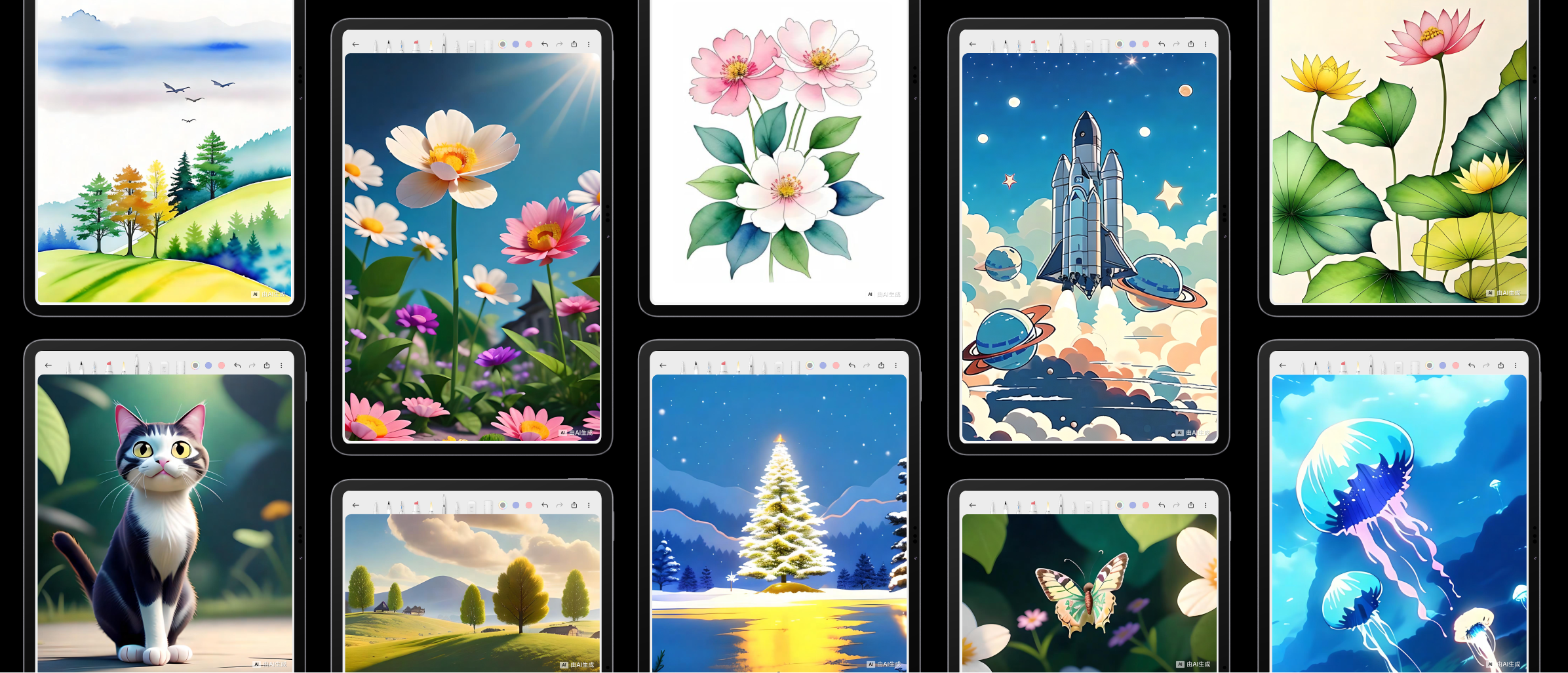
Among them, Xiaomi Creation APP - AI MiaoHua, based on creative content such as doodles and drafts on the canvas, uses AI large models to change the artistic style, line shapes, color matching, etc. of the picture to generate new content and assist creation. With just a few strokes, wonderful paintings can be easily generated, which is welcomed by everyone.
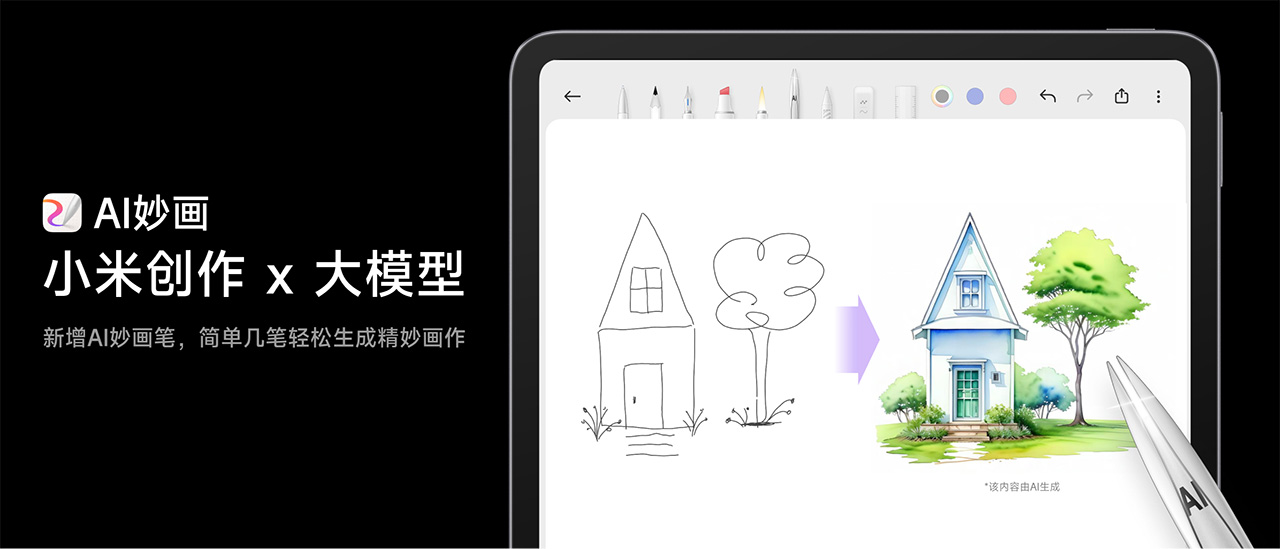
How to use Xiaomi Creation APP - AI MiaoHua?
1. Doodle
The new version of Xiaomi Creation supports canvas ratio selection. If the default vertical canvas does not meet your drawing needs, you can adjust it to landscape or change the ratio. It is best to set this before doodling. After doodling, use the AI MiaoHua brush to select the content you want to optimize. For the whole page creation, just click the canvas directly. For area creation, you need to first lasso the selection and then click "AI MiaoHua".
2. MiaoHua
Add a text description. The text description should be as accurate and comprehensive as possible, such as "red flower". Multiple descriptive words should be separated by commas, such as "flower, red". Choose the AI modification level and artistic style. The smaller the AI modification level, the closer it is to the original image; the larger it is, the more room there is for the AI to play freely and create.
3. Selection
Choose your favorite AI MiaoHua work (choose 1 out of 4). The 4 preview images can normally be loaded within 10 seconds, but if the network environment is unstable or too many people are using it at the same time, the speed may be slightly slower. It is recommended that you do not exit the loading interface during the waiting period. If you are not satisfied with any of them, you can click "Previous Step" to regenerate.
4. Generate
Click "Generate Final Draft" to obtain the wonderful painting. The whole page creation will automatically create a new page, while the area creation will directly replace the original doodle on the canvas. In order to relieve the pressure on the server, the same Xiaomi account can generate MiaoHua up to 100 times a day. If the limit is exceeded, you will have to wait until the next day.
On December 14, the copyright of "Xiaomi Creation Application System Software Based on AI Algorithm" of Beijing Xiaomi Mobile Software Co., Ltd. was approved for registration. The software abbreviation is "Xiaomi Creation", and the version number is V1.0. Xiaomi has always maintained an active development trend in the digital industry and artificial intelligence field.















