
 Script Planner Assistant▸
 AI Apps
 AI News
StoryBird AI: Illustrated Storybook Generator
StoryBird AI: Illustrated Storybook GeneratorIntroduction
StoryBird ai is an illustrated storybook generation tool that uses artificial intelligence to create customized illustrated storybooks for children. Users only need to enter prompts to automatically generate story picture books. The generated storybooks can be downloaded as PDFs, videos, or published on Amazon for sale.
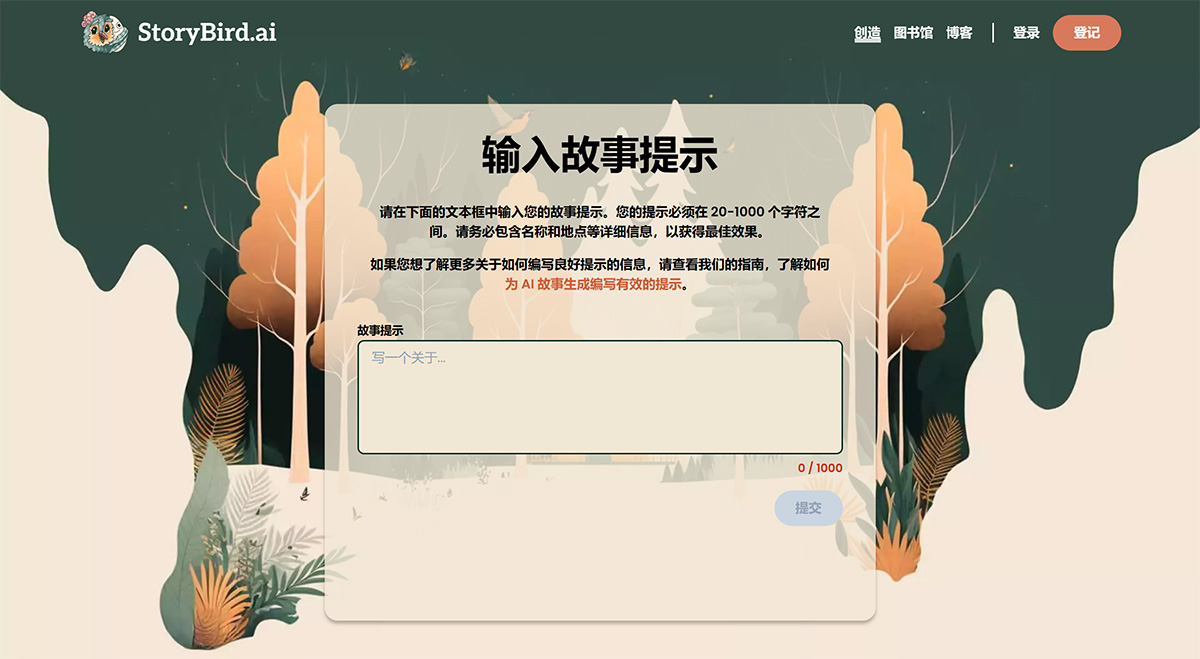
How to use the web version of StoryBird AI?
1. Go to the StoryBird AI website and click "Sign up" in the upper right corner to register an account.
2. After registering an account, click "Begin My Story" to get started.
3. Enter an English or Chinese text description of 2 - 1000 characters in StoryBird AI, then click "Submit".
4. StoryBird AI automatically generates the storybook.
The "StoryBird AI" plugin is a compelling feature exclusive to ChatGPT Plus users. This tool enables you to create personalized illustrated narratives based on given prompts, adding a unique flavor to your StoryBird AI experience.
Join the growing community of enthusiasts who have embraced the ChatGPT "StoryBird AI" plugin and unlocked a world of unparalleled creativity. People from all walks of life have harnessed the power of this plugin to craft immersive narratives, captivating characters, and engaging dialogues. But don't just take our word for it—click here to explore reviews and community content that showcase the incredible experiences people have already had using the "StoryBird AI" plugin.
Steps to operate the StoryBird AI ChatGPT Plugin:
Ready to dive into the captivating world of the ChatGPT "StoryBird AI" plugin? As a ChatGPT Plus user, you have the exclusive opportunity to embark on an incredible storytelling adventure. Follow the simple step-by-step guide below and start creating your own StoryBird AI right away!
Step 1 - Enable Plugin Access for ChatGPT Plus
If you haven't already, click on the profile icon at the bottom left of the screen, then navigate to the settings menu. Once there, look for the "Beta features" section and enable the "Plugins" option. Note: This feature is only available to ChatGPT Plus users.
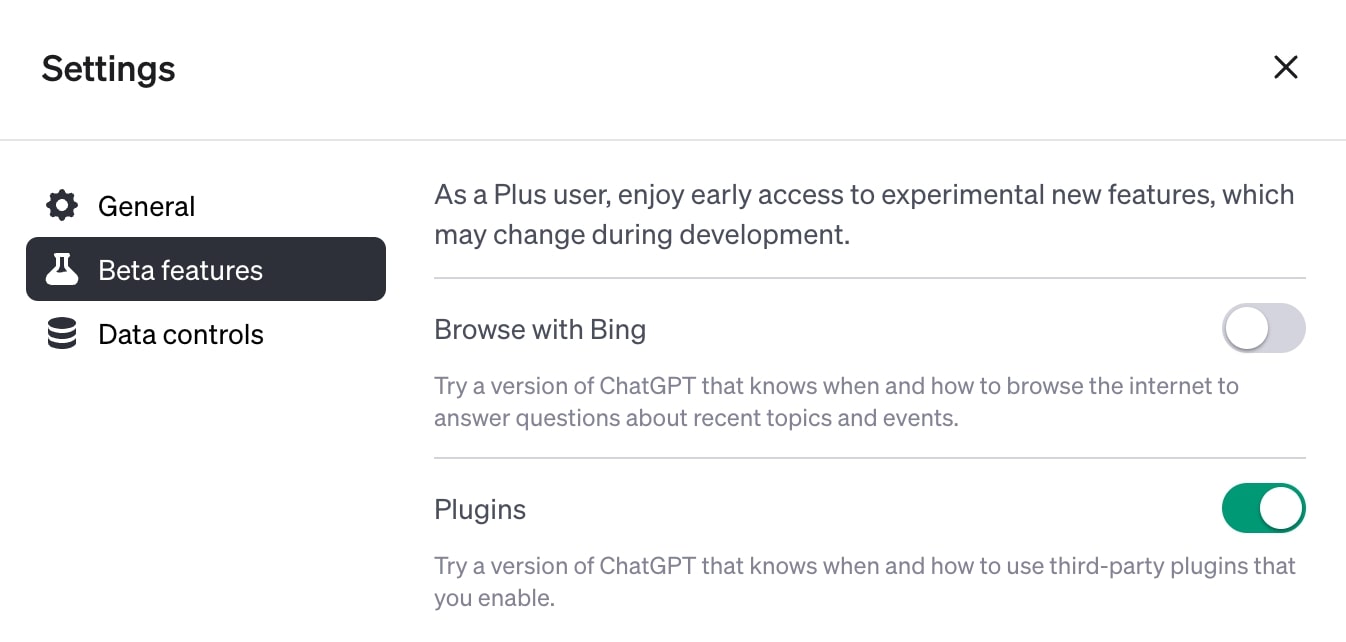
ChatGPT settings page.
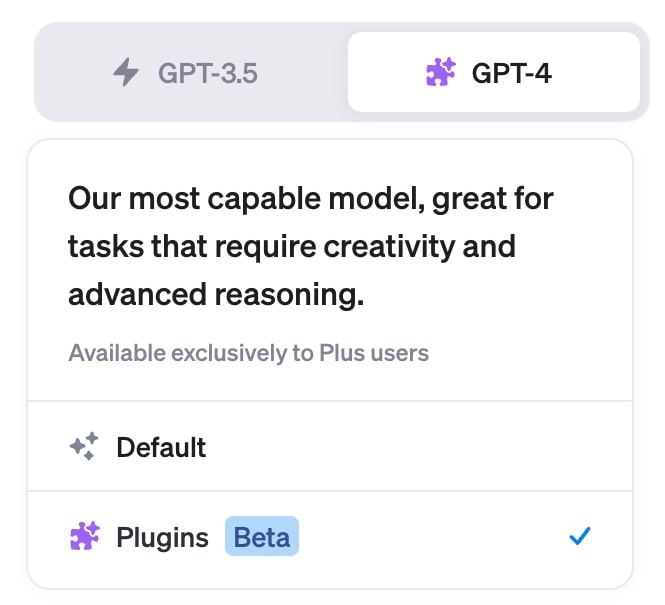
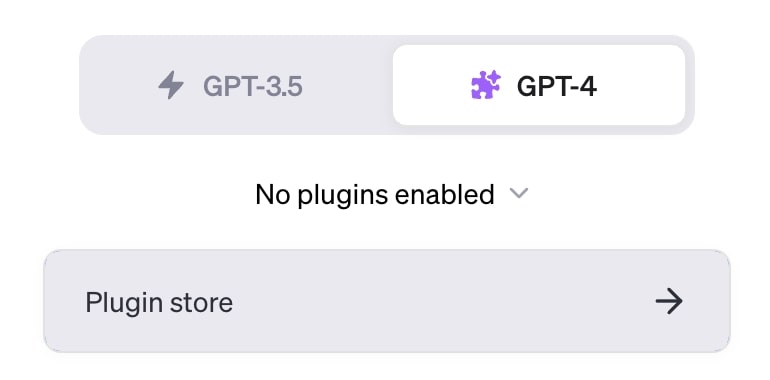
Step 2 - Switch to GPT-4 to Use Plugins
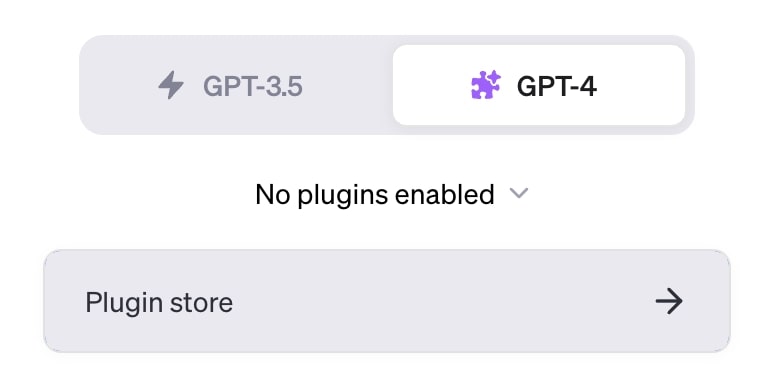
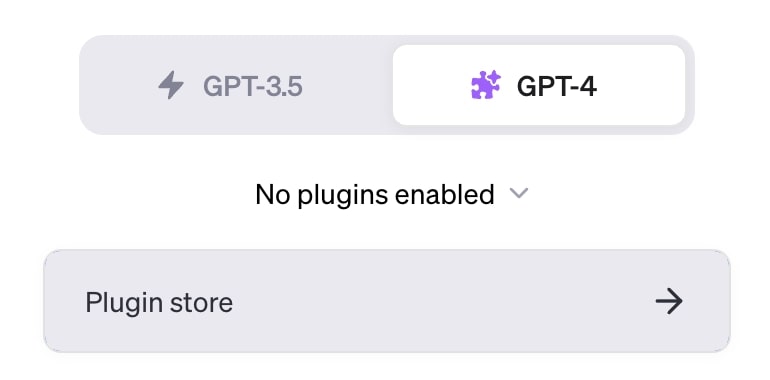
Your next task is to make sure you're using the correct model. In the chat interface, select "GPT-4 with Plugins" as your model of choice. If you have trouble finding this option, simply click the following link: GPT-4 with Plugins
ChatGPT chat interface, language model selection.
Step 3 - Install the "StoryBird AI" Plugin
Now that you're using GPT-4 with plugins, head to the Plugin Store.
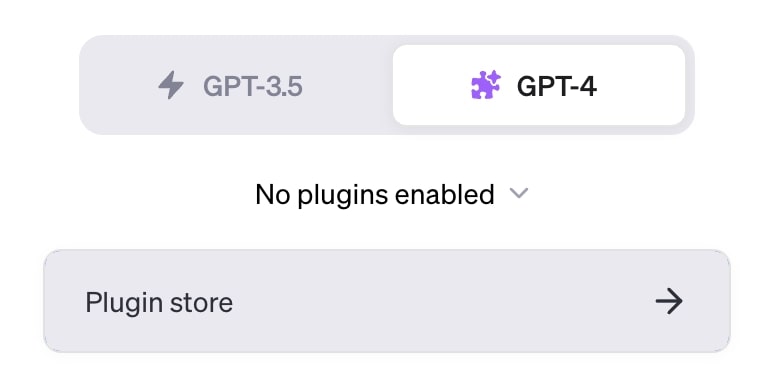
ChatGPT Plugin Store link.
Here, you can browse the available options. Search for "StoryBird AI" in the "All" plugins category. Once you find it, click "Install".
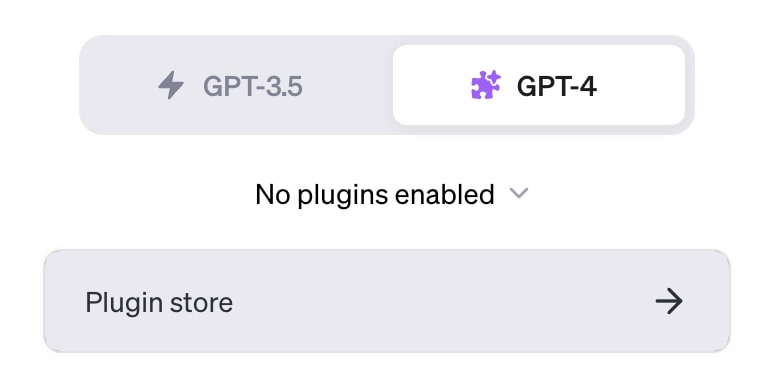
ChatGPT Plugin Store, searching for "StoryBird AI".
When you return to the main chat screen, you should now see that the "StoryBird AI" plugin has been enabled.
ChatGPT shows the StoryBird AI plugin is enabled.
Step 4 - Unleash Your Creativity
You've set the stage—now it's time to get creative. Write your StoryBird AI prompt in the chat interface. This can be anything that sparks your imagination, such as "Write a StoryBird AI about a prince named Arthur who must save his mother, the queen, with his magical sword." To learn more about what makes a good prompt, click the following link: Prompt Examples Guide
ChatGPT input prompt text to create StoryBird AI using the "StoryBird AI" plugin.
Step 5 - Experience the Magic
With your prompt in hand, all you need to do now is wait. The "StoryBird AI" plugin will spring into action, creating a unique narrative based on your input. Once ready, you'll receive a link to access your personalized StoryBird AI. Click this link to read, edit, purchase, or publish your work.
The "StoryBird AI" plugin output generated by ChatGPT.
There you have it: a simple guide to creating immersive StoryBird AI using the "StoryBird AI" plugin for ChatGPT Plus. Enjoy your journey through the world of personalized StoryBird AI storytelling!















