
 Script Planner Assistant▸
 AI Apps
 AI News

Visio Studio: Advanced Background Removal Tool
Visio Studio: Advanced Background Removal ToolIntroduction
Visio Studio, an advanced image capture, background removal, and editing tool. It provides users with a comprehensive solution for creating high-quality visual effects and enhancing their images. It is available for iOS, Android, Figma, Photoshop, and Chrome. Powered by machine learning, the tool can accurately interpret and classify objects, offering real-time feedback for the perfect shot. Visio Studio also precisely removes backgrounds from photos and offers a feature to enlarge with clarity.
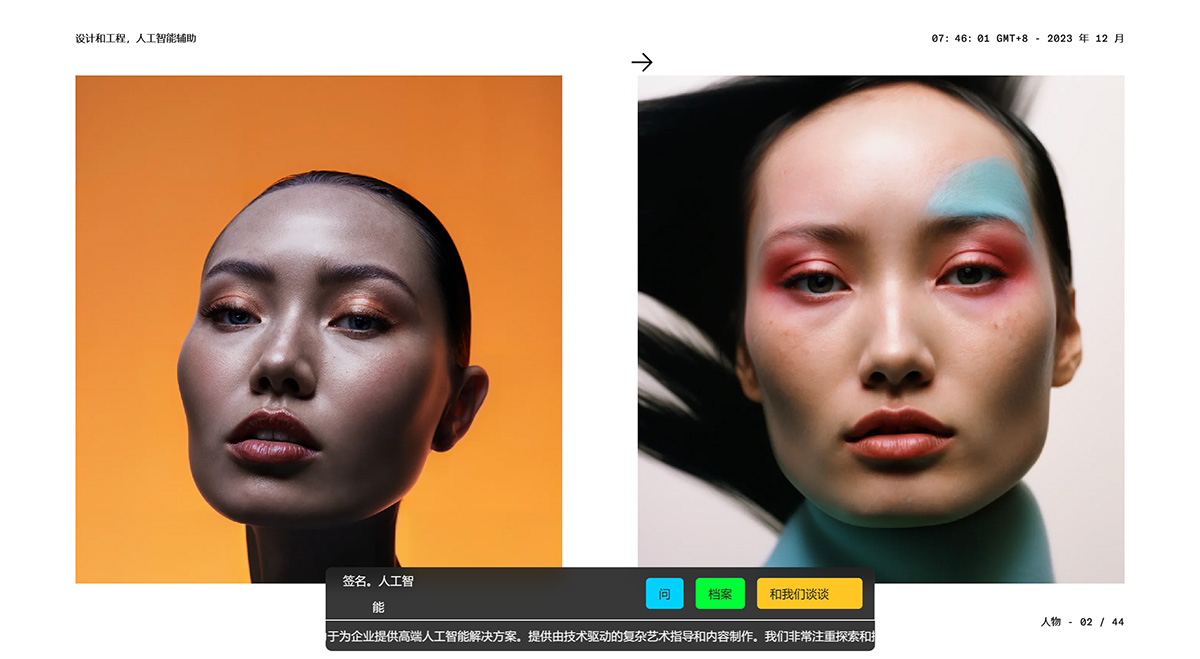
Core Features of Visio Studio:
Image capture
Background removal
Editing tools (color adjustment, filters, cropping)
Integrated camera functionality
Intuitive user interface
Applications of Visio Studio:
Professional photographers and designers looking to enhance their visual effects
E-commerce businesses aiming to create appealing product images
Digital marketing agencies seeking efficient image editing solutions
How to Use Visio Studio?
To use Visio Studio, simply upload your image or capture directly using the integrated camera functionality. Once the image is loaded, you can apply various editing options such as background removal, color adjustment, filters, and cropping. The intuitive user interface ensures a seamless editing experience for both beginners and professionals.














