
 Script Planner Assistant▸
 AI Apps
 AI News

ShortBread Ai: AI Comic Generator
ShortBread Ai: AI Comic GeneratorIntroduction
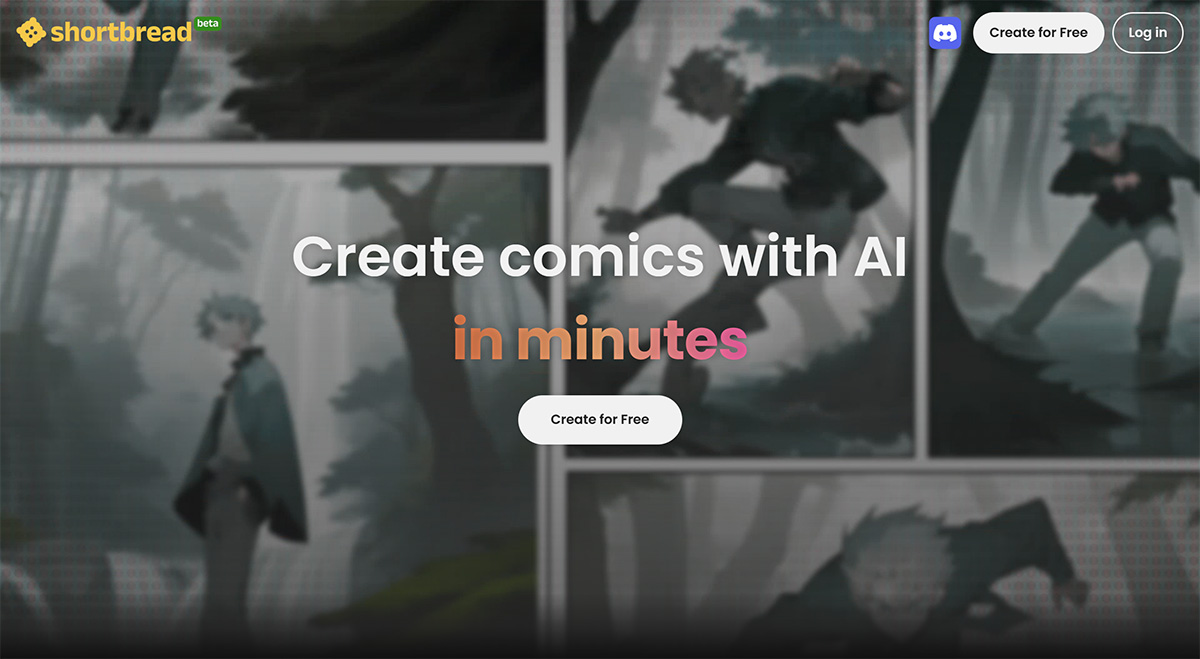
Shortbread ai (formerly Kurukuru) is an AI comic generator. Users only need to choose the canvas size, layout, and input text descriptions to express their ideas. It can help you create comics using AI in just a few minutes.
Shortbread is an all-in-one 3D engine and platform that enables every storyteller to create, publish, and monetize comics. By uploading or generating characters, posing panels, and applying stylized filters, anyone can make comics in minutes instead of hours.
ShortBread Ai website link:https://shortbread.ai
Shortbread AI Features:
Optimized for comic storytelling. Characters occupy >90% of the panel area. Shortbread offers simple yet detailed character control to express those ~feelings~.
Create art at the click of a button. The panels creators want look like hand-drawn art, not photorealistic like traditional 3D engines. Shortbread has proprietary filters to render webcomic, manga, and comic styles (patent pending), and is continuously integrating with generative AI.
User-generated content + massive asset library. Comic creation is asset-heavy: character poses, props, backgrounds. Shortbread provides a massive library of native assets and encourages creators to upload, share, and trade.
Character generation. We partner with 3D art teams behind games like Genshin Impact and Onmyoji to build powerful character generation tools with aesthetics loved by Gen Z and Gen Alpha.
Share everything via link. Real-time collaboration.
Help creators from distribution to monetization. Comic creation is a complete journey, and creators need much more help and support than just a great tool!
How to use Shortbread AI?
1. After entering the Shortbread website, click "Start Creating".
2. Click "Create a Slice" to create a comic.
3. Choose the canvas size, and click "Next".
4. Choose the layout, and click "Next".
5. Enter a text description, and click "GO".
6. After the comic is generated, click on a panel. On the right side, you can fine-tune that specific panel, including "Environment", "Appearance", "Clothing", "Emotion", and "Camera". Click "Regenerate" to regenerate that panel.
7. Click on the speech bubble content to customize the bubble shape, text, font, font size, etc. in the "Graphic Editor".
8. Download or share the comic, and your AI comic is complete.
Even without registering an account, Shortbread AI provides 50 credits to generate comics, with each generation consuming 1 credit. However, if you want to save comic projects, you need to register an account.















