
 Script Planner Assistant▸
 AI Apps
 AI News

LINER AI_云技派,专注ai人工智能!
LINER AI_云技派,专注ai人工智能!Introduction
Liner ai helps you ask and learn about anything smarter and faster. Get instant answers with real-time information and references. Easily digest useful information from any web article and YouTube videos.
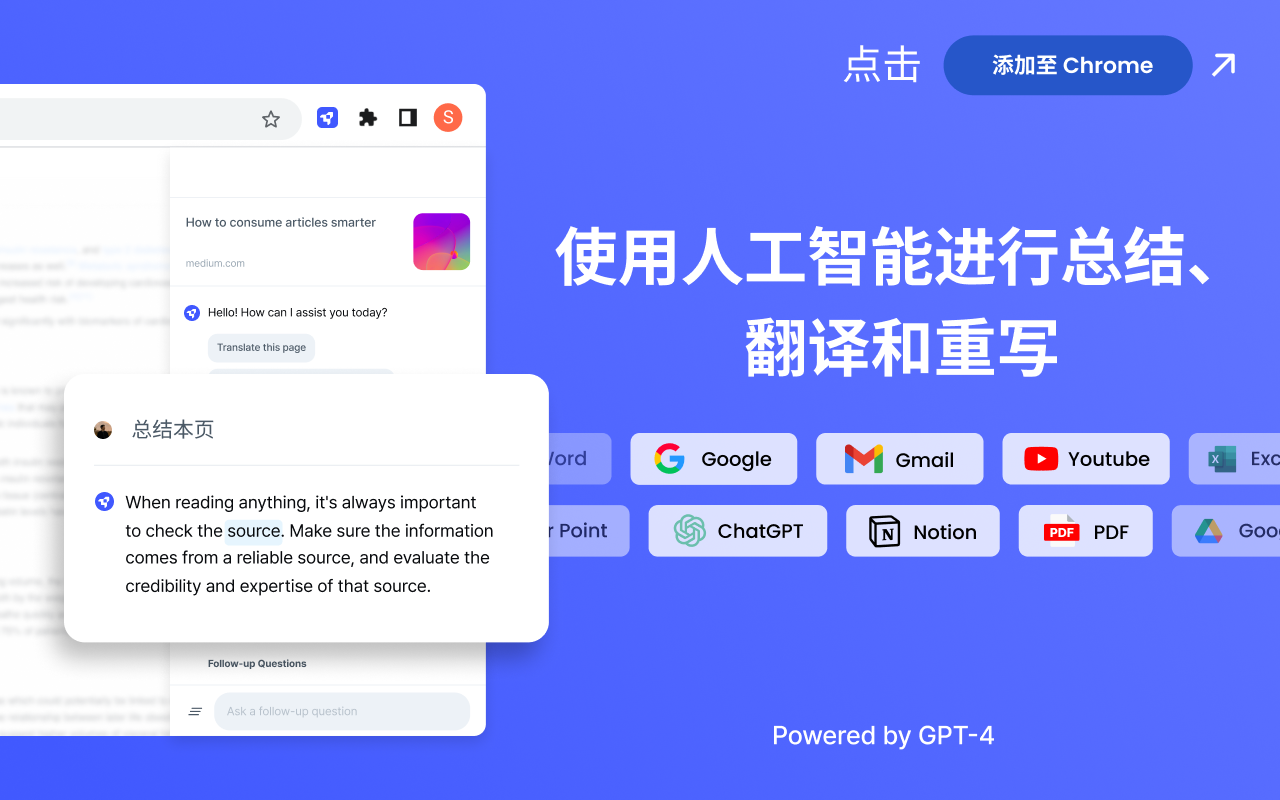
Liner AI Copilot is currently powered by ChatGPT/GPT-4, the Google search engine, and high-quality highlighted information contributed by a large number of users from around the world. With our AI Copilot, you can translate, simplify (paraphrase sentences into easy-to-read text), and dive deeper into the sentences you are reading. Liner AI Copilot will help you find the right amount and quality of information without wandering around the web, saving you time and effort.
As an AI Copilot with ChatGPT integration, Liner enhances your browsing experience with easy access to search on any webpage (even on YouTube)! This allows you to explore the topic more deeply by engaging in discussions with the AI assistant that follows you wherever you go. Once installed, simply click the AI Copilot icon on the right side of your browser. You can then ask Liner AI any question, and it will instantly generate answers backed by ChatGPT prompts.

Core Features of LINER AI:
Save significant time with Liner's one-click summarizer for articles, PDFs, and YouTube videos.
Upload your PDFs and collaborate with AI to summarize, extract insights, and find information within documents.
Write with AI writing tools to boost your writing confidence. Get suggestions on tone, grammar, and expression.
Highlight text, YouTube videos, or images that you consider insightful. Organize your insights in your personal workspace.
Chat with GPT-4 and access the latest AI models through Liner.
Use Cases for LINER AI
Research and information gathering
Academic study and note-taking
Professional document annotation and analysis
Collaborative highlighting and knowledge sharing

How to Use LINER AI?
To use LINER, simply install the browser extension or take advantage of the PDF highlighting tools. With the browser extension, users can highlight and save important information while browsing the web. The PDF highlighting tool allows users to highlight and annotate PDF files online. Users can also comment on and share their highlighted sections. LINER works on all devices and platforms.















