
 Script Planner Assistant▸
 AI Apps
 AI News

Imaiger – AI-Powered Image Search and Generation Platform
Imaiger – AI-Powered Image Search and Generation PlatformIntroduction
Imaiger is a tool that allows you to search and generate images and online tools created by AI. You can use Imaiger to find millions of artworks and images generated using AI technology. You can also use Imaiger to create your own images by choosing different styles, colors, and themes.
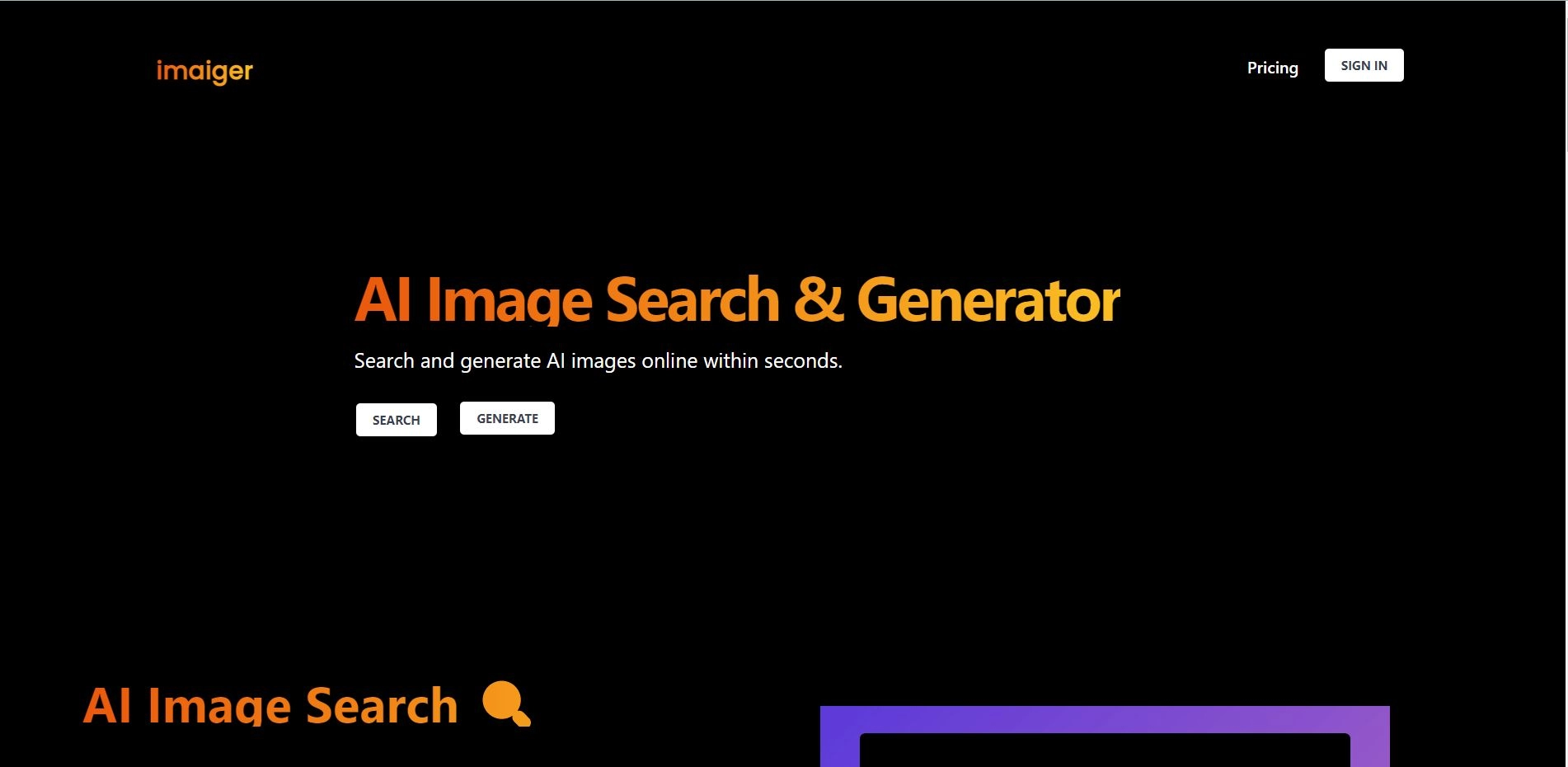
Imaiger is different from other image search engines because it does not use real photos or artworks. Instead, it uses AI models that can generate realistic original images from scratch. These AI models are trained on large image datasets and learn how to create new images that look similar to ones they have seen before.
Imaiger is useful for anyone interested in AI-generated art and images. You can use Imaiger to find inspiration and new ideas for your own creative projects. You can also use Imaiger to explore the possibilities and limitations of AI as an artistic medium. You can see how AI can create beautiful, surprising, and sometimes even strange images that you might not have expected.
Applications of Imaiger:
Find artworks and images generated using advanced artificial intelligence technology
Create unique and personalized visual effects
Discover new images that may be difficult to find otherwise
Fine-tune image search and generation settings to meet specific needs
Core Features of Imaiger:
AI-powered image search, allowing you to search images by keyword, color, size, and more, finding millions of artworks and images created by artificial intelligence technology.
You can get inspiration and fresh ideas for your own creative projects
Generate images from scratch or customize them, simplifying and saving time on image search and generation
Fully customizable settings, suitable for businesses and individuals
How to Use Imaiger?
You need to register an account with your email or Google account. Then, you can search for images by entering keywords, or generate images by clicking the generate button. You can also filter the results by style, color, and theme. You can save your favorite images to your personal gallery or download them to your device.














