
 Script Planner Assistant▸
 AI Apps
 AI News

DiffusionBee_云技派,专注ai人工智能!
DiffusionBee_云技派,专注ai人工智能!Introduction
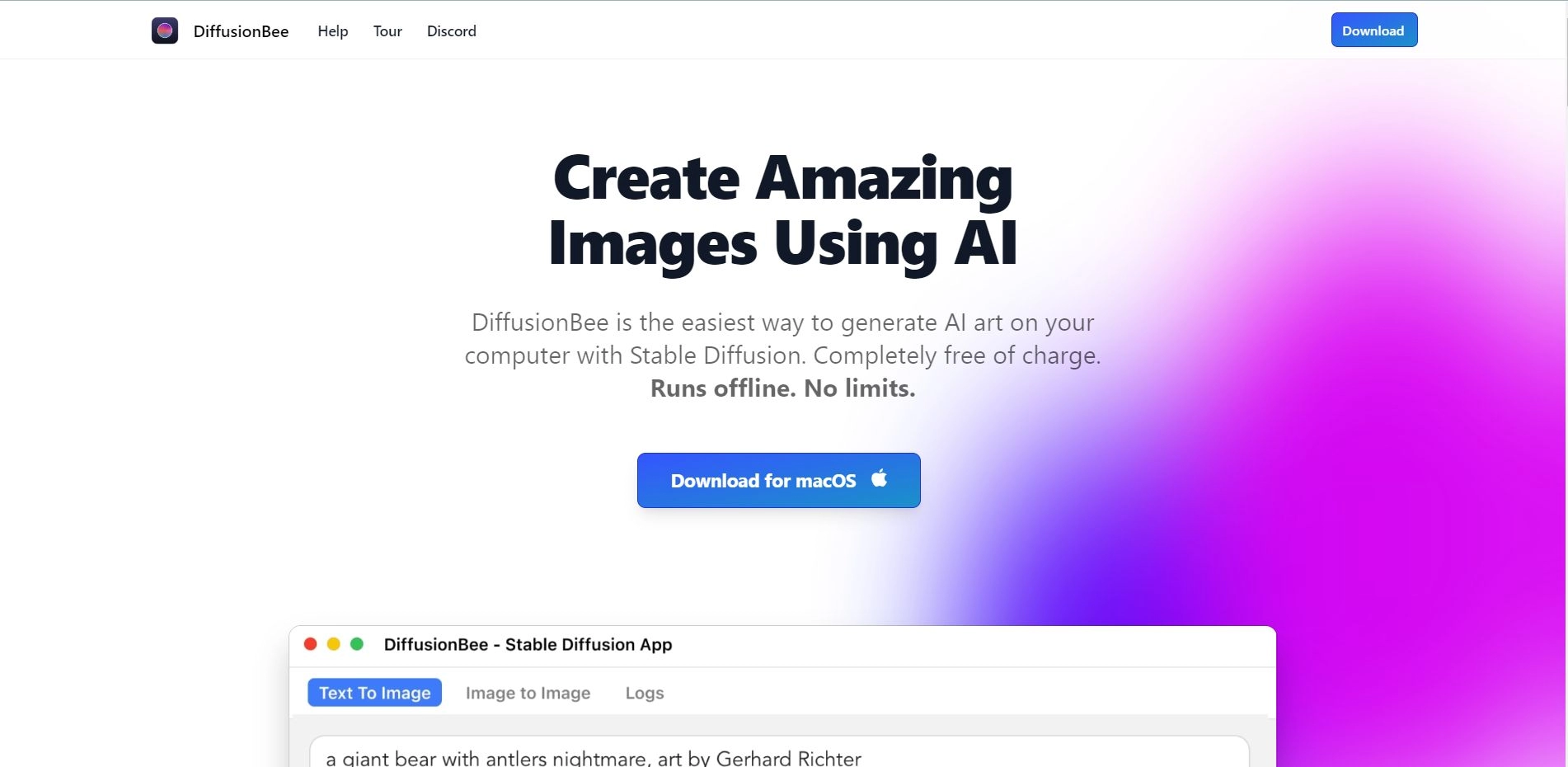
DiffusionBee is the easiest way to generate AI art on your computer using Stable Diffusion. It offers advanced text-to-image generation, image modification, inpainting, upscaling, and other tools, completely free and running offline. No restrictions.
DiffusionBee DownloadmacOS:diffusionbee.com
DiffusionBee Advantages:
1. Unleash your imagination with just a few words
DiffusionBee allows you to unleash your imagination by providing tools that generate AI art within seconds. You can use it to edit existing images or create new ones from scratch. It is easy to use, and the results can be truly stunning. All you need is a text prompt, and the AI will generate images based on your instructions.
2. Reimagine and transform your images
DiffusionBee provides easy-to-use, AI-powered tools to modify your existing images. You can add or remove objects, change image styles, or transform scenes using text prompts.
Core Features of DiffusionBee:
Text-to-image generation
Image modification
Inpainting and upscaling
Custom models for specific styles/objects
Advanced options for professional users
Local and private generation
Active community on Discord
Applications of DiffusionBee:
DiffusionBee can be used for a variety of purposes, including:
Creating unique and stunning artwork
Modifying existing images with new styles and objects
Generating realistic scenes or objects based on text prompts
Upscaling low-resolution images
Exploring and experimenting with AI art
How to Use DiffusionBee?
To use DiffusionBee, simply download the macOS application and install it on your computer. Once installed, you can open the application and access various AI art generation tools. Enter a text prompt or choose an image as a starting point, and the AI will generate stunning artwork based on your instructions. The generated images will be saved locally on your computer.















