Script Planner Assistant▸
 AI Apps
 AI News

BookmarkGPT: Bookmark Your ChatGPT Prompts
BookmarkGPT: Bookmark Your ChatGPT PromptsIntroduction
BookmarkGPT is an extension for saving ChatGPT prompts. With the BookmarkGPT browser extension, enhance your ChatGPT experience by keeping your prompts neatly organized in a minimalist way.
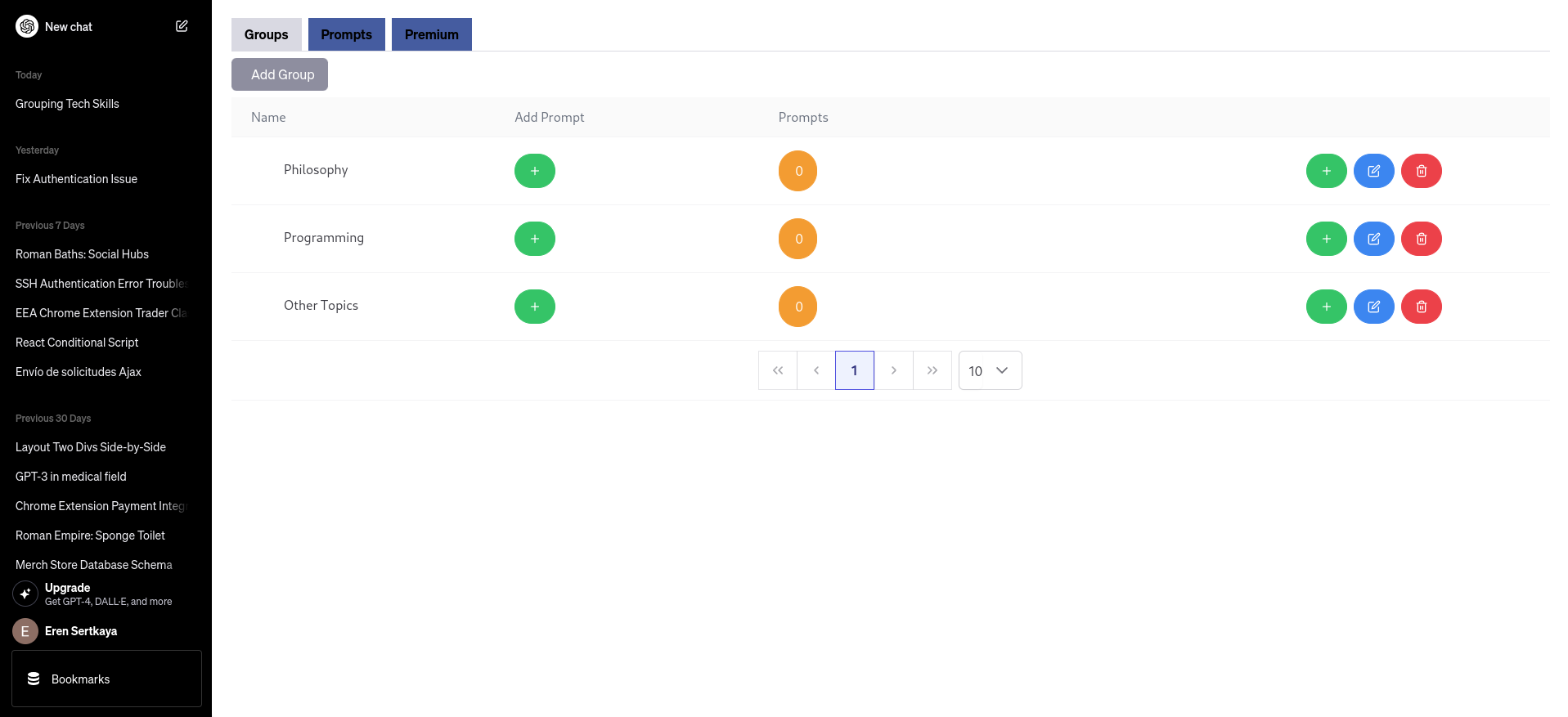
Key Features of BookmarkGPT:
1. Bookmark Your Favorite Prompts:
Easily save and access your favorite prompts with just one click. Whether it's a clever conversation opener, a useful coding snippet, or a creative writing prompt, BookmarkGPT ensures you never lose a valuable idea.
2. Create Custom Prompt Groups:
Take organization to the next level by creating custom groups for your prompts. Categorize them by project, topic, or any criteria you choose. Stay organized and find the right prompt at the right moment.
3. Effortless Management:
BookmarkGPT is intuitive and user-friendly, seamlessly integrating into the sidebar of chat.openai.com. Manage your saved prompts directly from the extension, making it a breeze to add, edit, or delete entries.
How to Use BookmarkGPT:
Install the BookmarkGPT extension.
Chat with ChatGPT on any web page as usual.
Found a prompt you like? Click the bookmark icon to save it.
Create custom categories for better organization.
Manage your prompts from the window that opens when you click the BookmarkGPT button in the top-left corner of chat.openai.com.
Enjoy a neat, personalized ChatGPT experience.
Why Choose BookmarkGPT?
BookmarkGPT is designed for users who value creativity, productivity, and organization. Never miss a brilliant idea again—enhance your ChatGPT conversations with BookmarkGPT today!