
 Script Planner Assistant▸
 AI Apps
 AI News

Imglarger_云技派,专注ai人工智能!
Imglarger_云技派,专注ai人工智能!Introduction
Imglarger is a tool that uses artificial intelligence to enhance and enlarge images. It can help you improve the quality, resolution, and detail of your photos without losing any information.
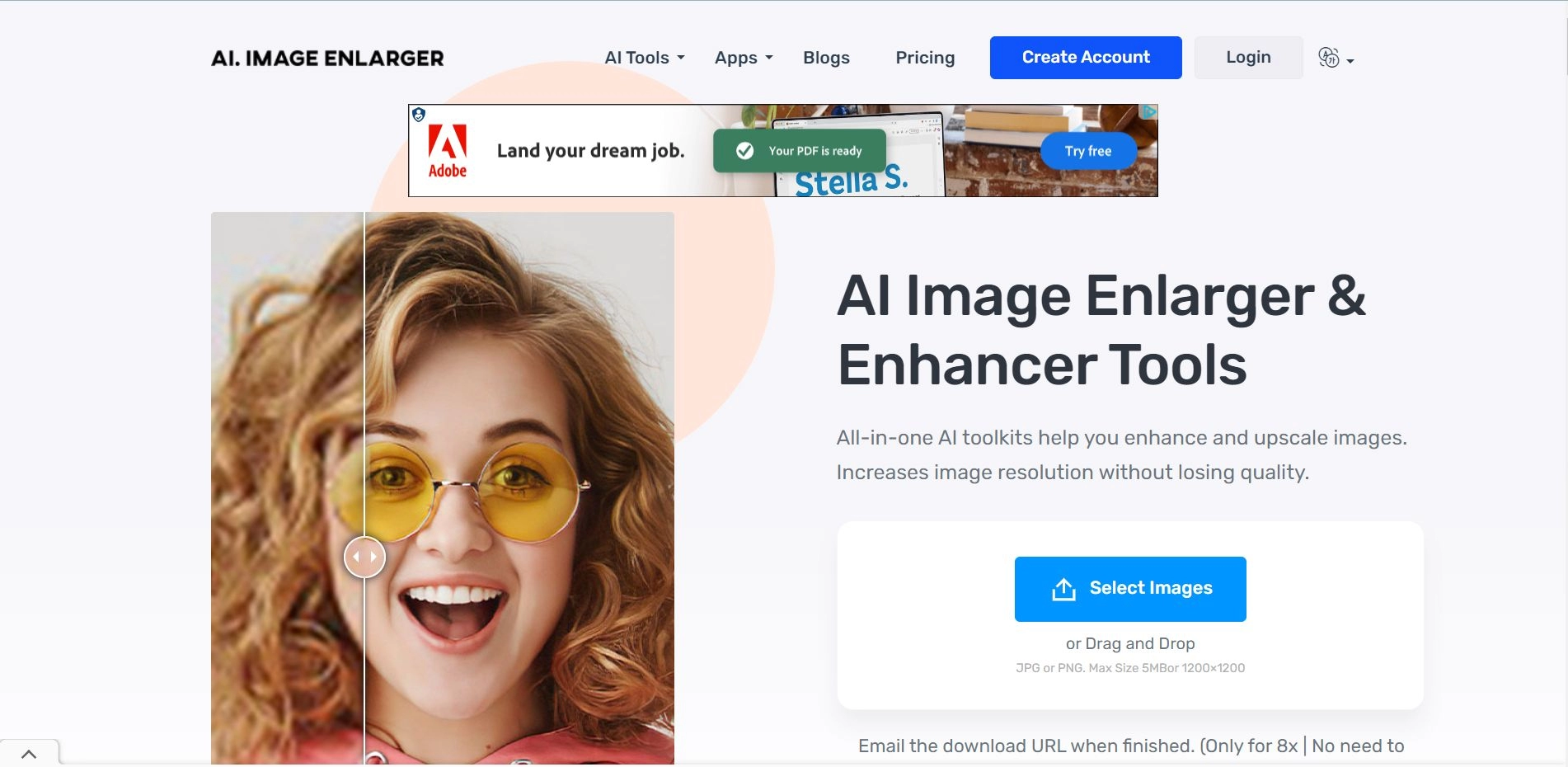
You can use Imglarger to enlarge images by 200%, 400%, or 800%, remove noise and blur, adjust color and lighting balance, retouch faces, remove backgrounds, add color to black and white photos, and more. Imglarger is easy to use and fast. You only need to upload an image or enter a URL, choose the tool you want to use, and wait for the result. You can also download the image or get a link to share with others. Imglarger is suitable for both personal and business needs, such as photography, e-commerce, cartoon and anime enthusiasts, and more. It is a powerful and versatile image enhancer that can make your photos look better in seconds.
Imglarger Advantages:
It offers a variety of ai tools to enhance and improve images, such as enlarger, enhancer, sharpener, face retoucher, background remover, and more.
It supports enlarging images by 200%, 400%, and 800% without losing quality.
It has a special AI Anime Upscaler tool that can upscale anime and cartoon images to 16k resolution.
It is fast, secure, and easy to use. It does not require any registration or download.
It is free for most tools, except for the background remover, which charges a low fee per image.
Imglarger Features:
Automatic and Fast: A fast photo enhancer that can automatically improve image quality. The process of photo enlarging and enhancement takes only a few seconds.
Best Quality: We use advanced algorithms to optimize every detail of your images. You can upscale your photos to 8k while maintaining their best quality.
Artifact Removal: Eliminate artifacts while preserving image clarity and detail. Imglarger makes your images look cleaner and free of defects caused by compression.
Data Security Guarantee: A secure AI image enlarger and enhancer for personal and commercial purposes. All uploaded images will be deleted within 24 hours after processing.
Batch Processing: Upload multiple photos to imglarger and enhance them all at once. Improve your productivity by batch processing photos without waiting for a long time.
Photo editor: Edit your images with Imglarger to enhance them better. Crop images, adjust exposure and brightness, increase sharpness, improve contrast, apply filters, and more.














