
 Script Planner Assistant▸
 AI Apps
 AI News

HitPaw Video Enhancer – Powerful AI Video Repair & Upscaling Tool
HitPaw Video Enhancer – Powerful AI Video Repair & Upscaling ToolIntroduction
HitPaw Video Enhancer Video Enhancer is a video quality enhancement tool that uses artificial intelligence technology to improve video resolution and quality. It can upscale HD or 1080p videos to 4K.
HitPaw Video Enhancer can upscale low-resolution videos to high resolution, reduce video noise, and automatically optimize brightness and contrast. In addition, it features a user-friendly interface and supports a wide range of input video formats.
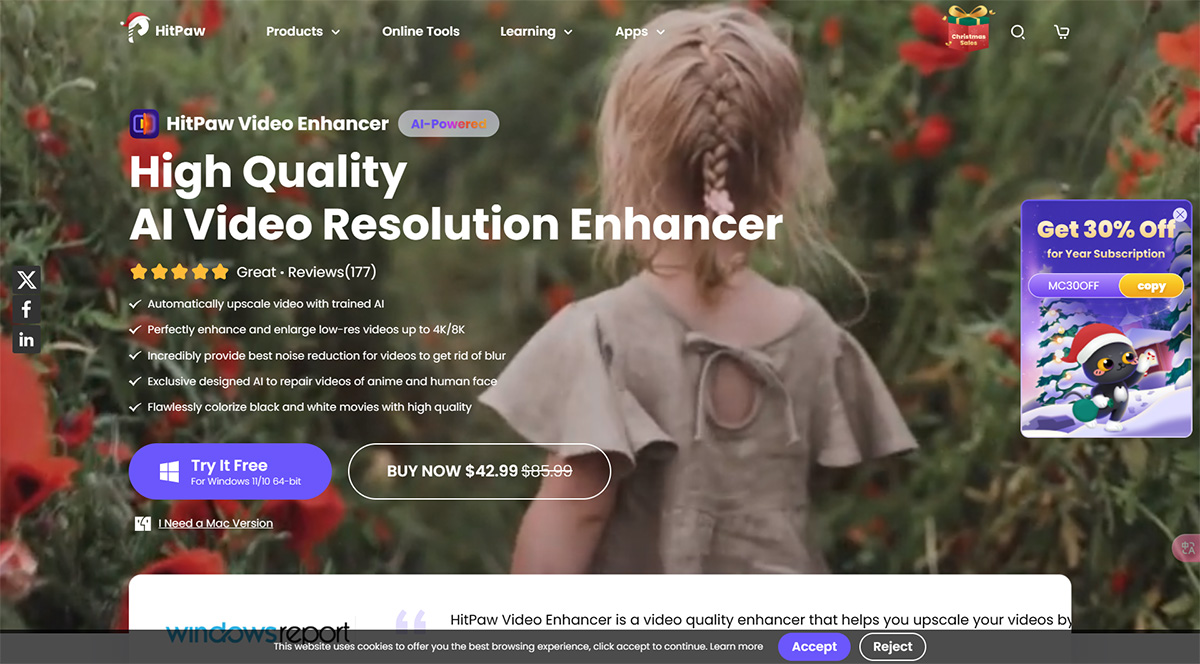
Core Features of HitPaw Video Enhancer:
Automatic AI Upscaling
High-Quality AI Video Resolution Enhancement
Noise Reduction for Clearer Videos
AI Video Repair for Anime and Human Faces
Colorization of Black and White Movies
Applications of HitPaw Video Enhancer:
Upscale and enhance low-resolution videos
Repair and restore damaged videos
Convert low-resolution videos to 4K
Remove noise and blur from videos
Colorize black and white movies
How to Use HitPaw Video Enhancer?
To use HitPaw Video Enhancer, simply launch the software, upload your video, select the appropriate AI model based on the video type, preview the effect, and then export the enhanced video.











