
 Script Planner Assistant▸
 AI Apps
 AI News
OpenArt AI
OpenArt AIIntroduction
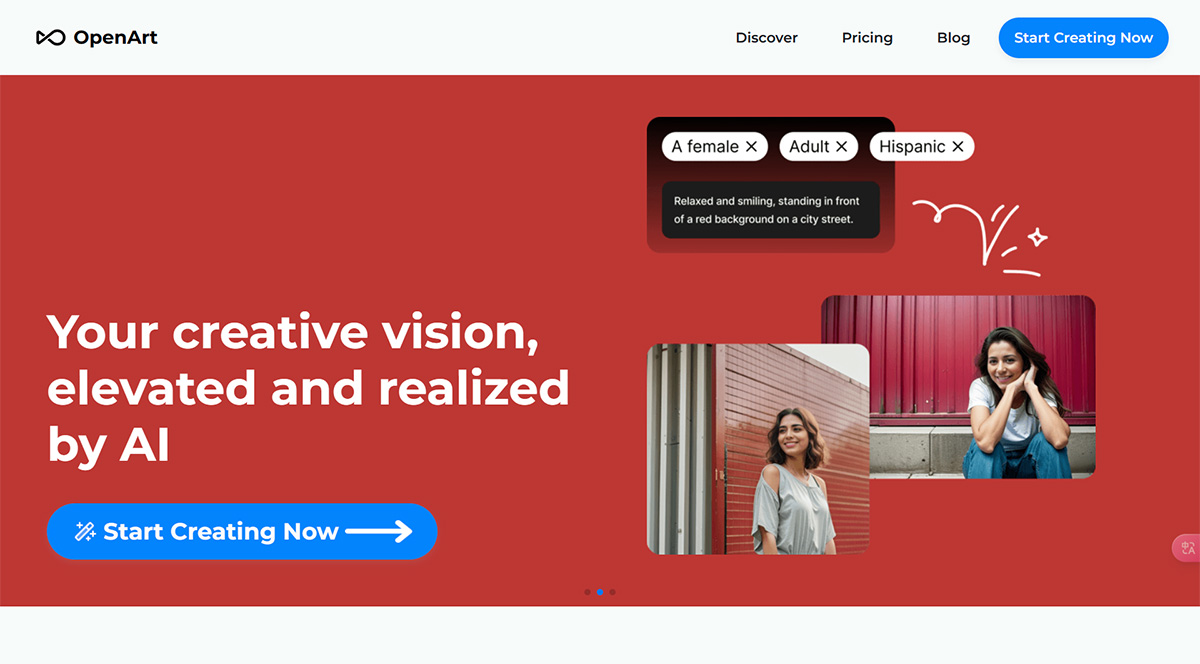
OpenArt is an AI image generator designed to elevate and bring your creative visions to life. It offers a wide selection of AI models and styles to choose from, boosting your creativity and productivity by 10x. It supports a variety of features such as txt2img, img2img, ControlNet, inpainting, and more. OpenArt also provides 2x and 4x face/anime upscaling, along with access to over 10 million prompts.
OpenArt.ai is not as feature-rich as Midjourney, but it is easy to use, simple to sign up for, and has its own distinctive strengths in anime-style image creation.
Core Features of OpenArt:
AI image generator offering 20+ models and styles to choose from
Supports txt2img, img2img, ControlNet, inpainting, and more
2x and 4x face/anime upscaling
Interact with AI without spending time crafting prompts
Finer control over colors and output similarity
Creative variations feature to explore multiple versions of an image
Access to over 10 million prompts
Applications of OpenArt:
Create AI-generated art
Generate anime characters
Create AI avatars
Design game assets with AI
Enhance images using inpainting and upscaling features
Explore creative variations of original images
How to Use OpenArt?
To use OpenArt, simply sign up for an account. After logging in, you can start creating images by selecting your desired AI model and style. You can provide a prompt or interact with the AI in new ways without the need for complicated instructions. OpenArt allows you finer control over colors and how far the generated image deviates from the original. You can also explore creative variations of the original image to broaden your imagination.















