
 Script Planner Assistant▸
 AI Apps
 AI News

FocuSee_云技派,专注ai人工智能!
FocuSee_云技派,专注ai人工智能!Introduction
What is FocuSee?
FocuSee is a full-featured ai screen recording tool. It can record both the screen and webcam simultaneously, capture microphone and system audio, and automatically recognize and record keyboard shortcut operations. It offers auto-zooming, AI features, and visual enhancement settings, and is available for macOS and Windows. Users can turn ordinary screen recordings into professional, cinematic-quality videos without tedious post-production editing. It's ideal for presentations, tutorials, online courses, or marketing videos.
FocuSee offers a rich set of layouts and customization options, along with comprehensive export settings that simplify the video creation process, boost creative efficiency, and enable anyone to produce high-quality video content.
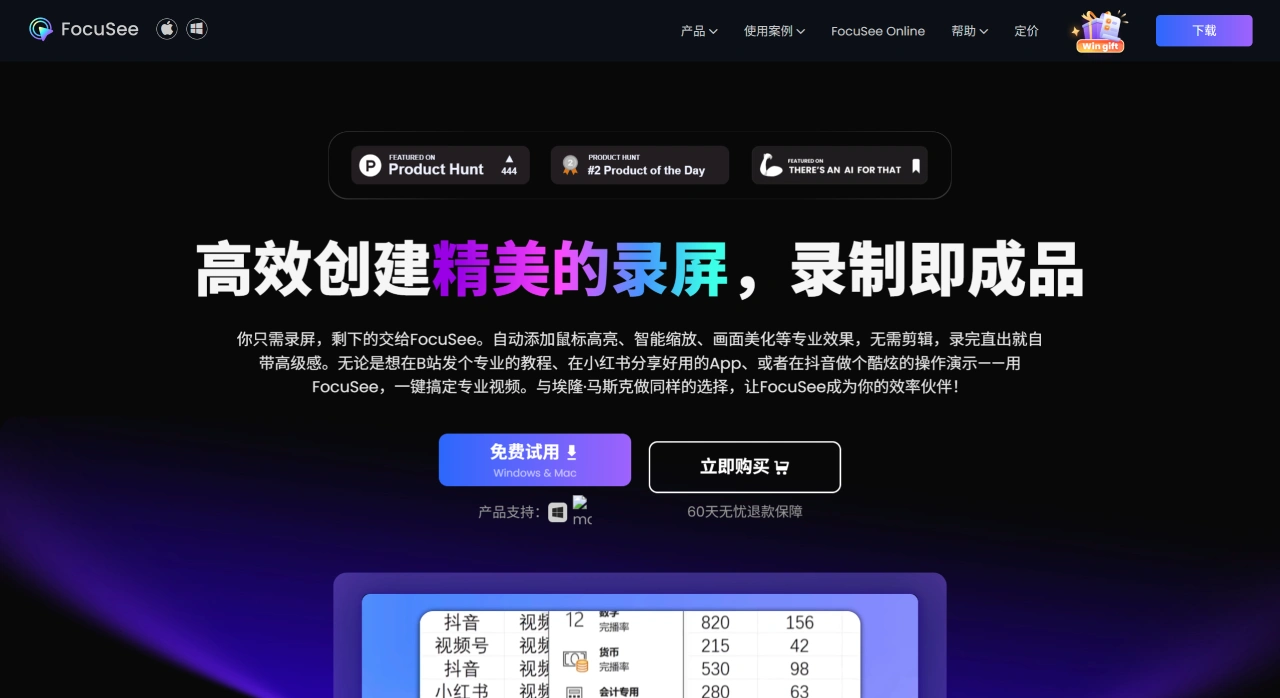
Key Features of FocuSee
AI Editing: Reduces manual work, boosts post-production efficiency by 50%, and is easy to use.
Auto Zooming: Intelligently tracks the mouse, automatically applies zoom effects at click locations, requires no manual operation, and significantly enhances the visual appeal of videos.
AI Avatars: Offers a variety of high-quality digital human avatars, allowing videos to be interactive and engaging without appearing on camera, avoiding camera anxiety.
AI Audio Enhancement: Removes background noise with one click, improves audio clarity, and delivers near-studio-quality sound.
AI Silence & Filler Word Removal: Intelligently detects and removes silent segments and common filler words such as "um" and "uh", making videos smoother and more natural without repeated editing.
AI Subtitle Generation: Supports automatic recognition in over 55 languages, making it easy to create subtitles in the corresponding language and greatly simplifying the video editing process.
AI Background Removal: Quickly handles messy webcam backgrounds with virtual backgrounds or transparent output, keeping the frame clean and professional.
Visual Enhancement Effects: Make videos more visually appealing and enhance the immersive experience.
Cursor Animations: A variety of mouse styles, click effects, and sound effects make operations more vivid and engaging, adding greater visual impact.
Spotlight Effect: Highlights important content to keep viewers focused on key details, ensuring no important information is missed.
Dynamic Webcam Layouts: Supports dynamic switching of webcam layouts, such as picture-in-picture and full-screen modes, allowing smooth transitions with simple operation and greatly enhancing the viewing experience.
Built-in Editing Tools: Provides an all-in-one editing solution to ensure a smooth editing process.
Blur Masking: Blur sensitive information with one click to protect privacy and information security.
Watermark Feature: Easily add personal or brand watermarks to protect original content and boost brand exposure.
Flexible Export & Sharing: Suitable for users who want quick delivery and high-quality videos.
Multi-Format, High-Quality Export: Supports export to MP4 and GIF formats, compatible with 4K resolution and 60fps, ensuring top-tier video quality.
Multiple Size Presets: Switch between different aspect ratios with one click, quickly adjusting to the optimal dimensions for major social media platforms and improving publishing efficiency.
Cloud Sharing: Easily share videos via links for convenient access and distribution.
Use Cases for FocuSee
Online Education: Record clear and easy-to-understand online courses. Combined with dynamic effects and auto-zooming, produce professional course videos that enhance learner engagement and experience.
Product Showcases: Even without a video production background, easily create professional product showcase videos that clearly present product features and advantages with a professional look.
Marketing Video Creation: Easily produce consistently styled promotional videos, reducing reliance on outsourced services.
Software Tutorials: Developers and tech
support teams can record detailed usage tutorials to help users quickly master product features and improve the user experience.
Social Media Content Creation: The latest AI features greatly simplify the video production process, allowing creators to produce high-quality content with minimal effort.
FocuSee Pricing
Subscription/perpetual license plans and Standard/Premium plans are available. Starting from 14 yuan/month.
Related Information:















