
 Script Planner Assistant▸
 AI Apps
 AI News

Speechify_云技派,专注ai人工智能!
Speechify_云技派,专注ai人工智能!Introduction
Speechify is a leading text-to-speech application available on Chrome, iOS, and Android. It allows users to convert text into natural, smooth speech, making it easier and more efficient to listen to documents, articles, PDFs, emails, and more on any device. Millions of people have downloaded Speechify and given it millions of five-star reviews.
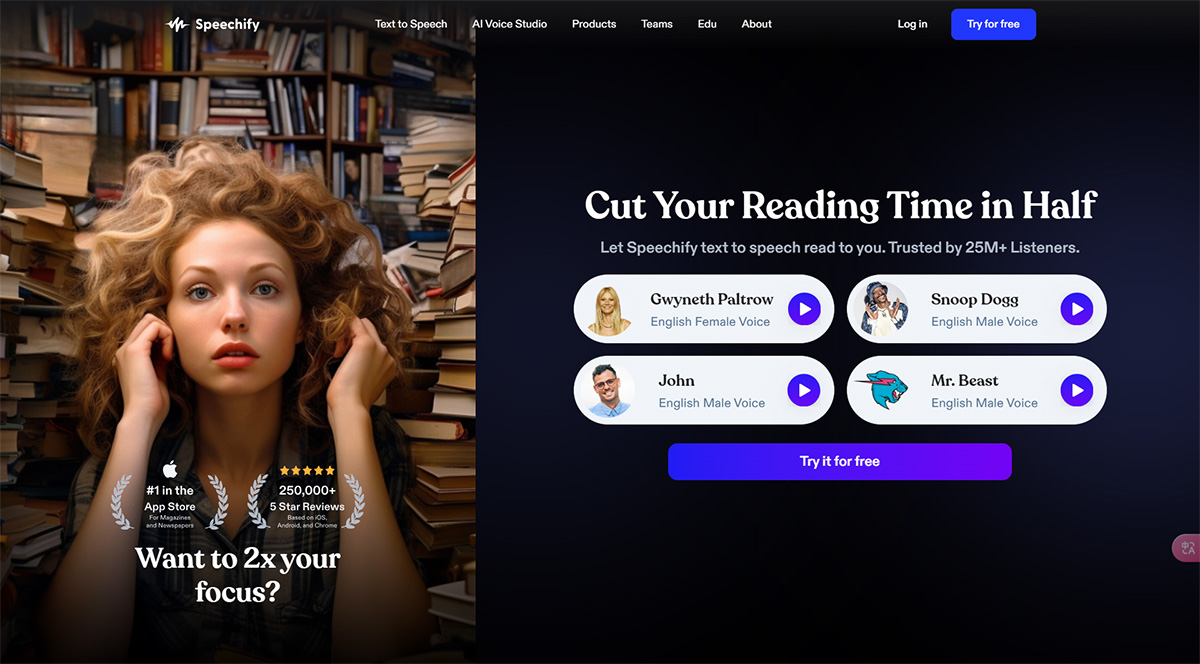
Core Features of Speechify:
Text-to-Speech: Convert any text into natural, smooth speech.
Listen Online: Listen to and organize files in the browser.
Chrome Extension: Listen to Google Docs, web articles, Gmail, Twitter, and more.
Mobile Applications: Listen anytime, anywhere on iOS and Android apps.
Mac Application: Listen to content no matter where it is on your computer.
AI Voice Dubbing: Convert content into voiceover and download it as .MP3, .OGG, or .WAV files.
Voice Cloning: Create high-quality AI voice clones in seconds.
AI Dubbing: Use AI video dubbing to automatically translate and dub videos in over 100 languages.
Transcription: Quickly and accurately transcribe videos in over 20 languages.
AI Video Generator: Create AI-generated videos in minutes.
Audiobooks: Access a large catalog of high-quality narrated audiobooks.
Applications of Speechify:
Personal: Improve reading speed, focus, and memory with Speechify.
Education: Provide text-to-speech for students with disabilities and NYC public schools to enhance learning and accessibility.
Business: Boost productivity with the business voice studio.
Content Creators: Use AI voice dubbing to convert content into voiceovers and use AI dubbing to translate and dub videos.
Audiobook Enthusiasts: Enjoy a large selection of audiobooks with high-quality narration.
How to Use Speechify?
To use Speechify, you can download the app on your phone or install the Chrome extension on your computer. Once installed, you can listen to any text by simply selecting it and clicking the play button. Speechify also offers additional features such as file organization, listening to Google Docs, web articles, Gmail, Twitter, and more.














