
 Script Planner Assistant▸
 AI Apps
 AI News

Wisecut_云技派,专注ai人工智能!
Wisecut_云技派,专注ai人工智能!Introduction
Wisecut is an automatic video editor based on speech recognition, allowing users to convert long-form talking videos into short, impactful clips with music, subtitles, and auto-reframing. It is designed to save video editing time and engage audiences with its AI features.
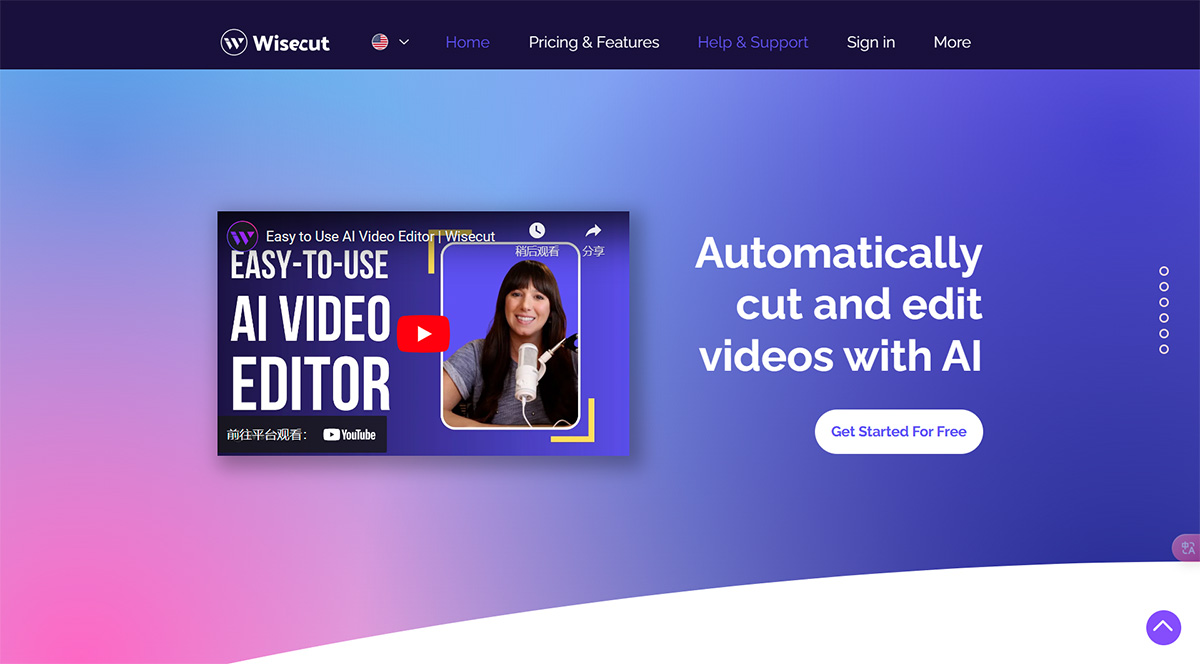
Core Features of Wisecut:
Speech recognition-based automatic video editing
Auto-cut silent parts to remove long pauses
Automatic subtitles and translation for improved engagement
Smart background music selection
Automatic audio noise reduction to balance volume
Storyboard-based video editing for easy fine-tuning
Use Cases of Wisecut:
Convert long-form content into impactful short clips suitable for platforms like YouTube Shorts, TikTok, Instagram Reels, and social ads
Create tutorial videos, voiceovers, and training materials
Edit testimonial videos by removing pauses and adding subtitles
How to Use Wisecut?
1. Sign up for a Wisecut account.
2. Upload your long-form video.
3. Wisecut will automatically cut silent parts, add subtitles, and select suitable background music.
4. Edit the transcribed story according to your speech.
5. Download the edited video and share it on platforms such as YouTube Shorts, TikTok, Instagram Reels, and social ads.
Wisecut offers free basic features. Paid plans are also available for access to advanced features.














