
 Script Planner Assistant▸
 AI Apps
 AI News

PhotoEditor AI_云技派,专注ai人工智能!
PhotoEditor AI_云技派,专注ai人工智能!Introduction
PhotoEditor.ai is an AI image editing tool that can quickly remove unwanted objects, text, or people from images.
PhotoEditor.ai employs modular neural networks and AI algorithms, including neural networks, reinforcement learning, unsupervised learning, and evolutionary algorithms. Inpainting is an advanced image editing technique that seamlessly fills in removed areas by analyzing the pixels and context surrounding the masked regions, simplifying the photo retouching and enhancement process. It is more efficient and easier to use than traditional methods, delivering outstanding results.
What PhotoEditor.ai Does:
Create stunning portraits. Enhance your skin, minimize blemishes, and effortlessly highlight your best features.
Optimize your social media visuals. Build an impactful brand that conveys a polished, professional image to your audience.
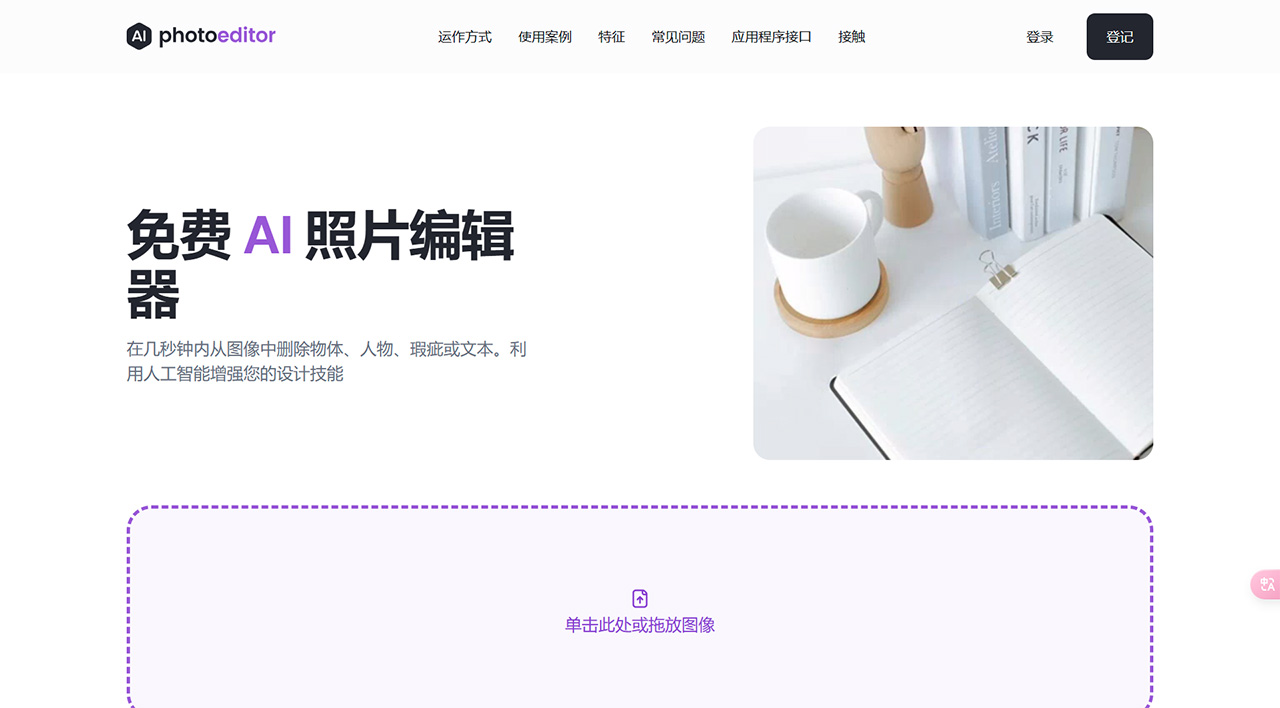
PhotoEditor AI Features:
Object Remover: Remove any unwanted foreground or background objects from your photos with just a few clicks
Text Remover: Erase any text overlays, watermarks, print marks, or unwanted captions
Face Enhancer: Say goodbye to blemishes, wrinkles, and imperfections. Instantly enhance your facial features
Web and Mobile Support: Works out of the box on both web and mobile. Edit photos at home, in the office, or on the go
High Quality: Download results in 1024px resolution for free. No more 720px limits or clunky sliders
Free and Easy to Use: PhotoEditor AI is a free and simple tool, with no paid download required.
How to Use PhotoEditor AI:
1. How to remove people from photos?
You can remove people from photos in just a few seconds using PhotoEditor.ai. Simply upload your image and brush over the person you want to remove. Additionally, make sure to also brush over the shadows.
2. How to remove unwanted objects/text from photos?
PhotoEditor.ai automatically segments and understands the objects and text present in the image. Simply upload your image, then use the brush to paint over the area of the text or object you want to remove, and wait a few seconds—the object will be removed.














