
 Script Planner Assistant▸
 AI Apps
 AI News

Studio AI_云技派,专注ai人工智能!
Studio AI_云技派,专注ai人工智能!Introduction
Studio ai is an AI-based website design tool, with a built-in WebDesignAI that can understand what you're designing, learn from your feedback, and instantly turn your design into a live website.
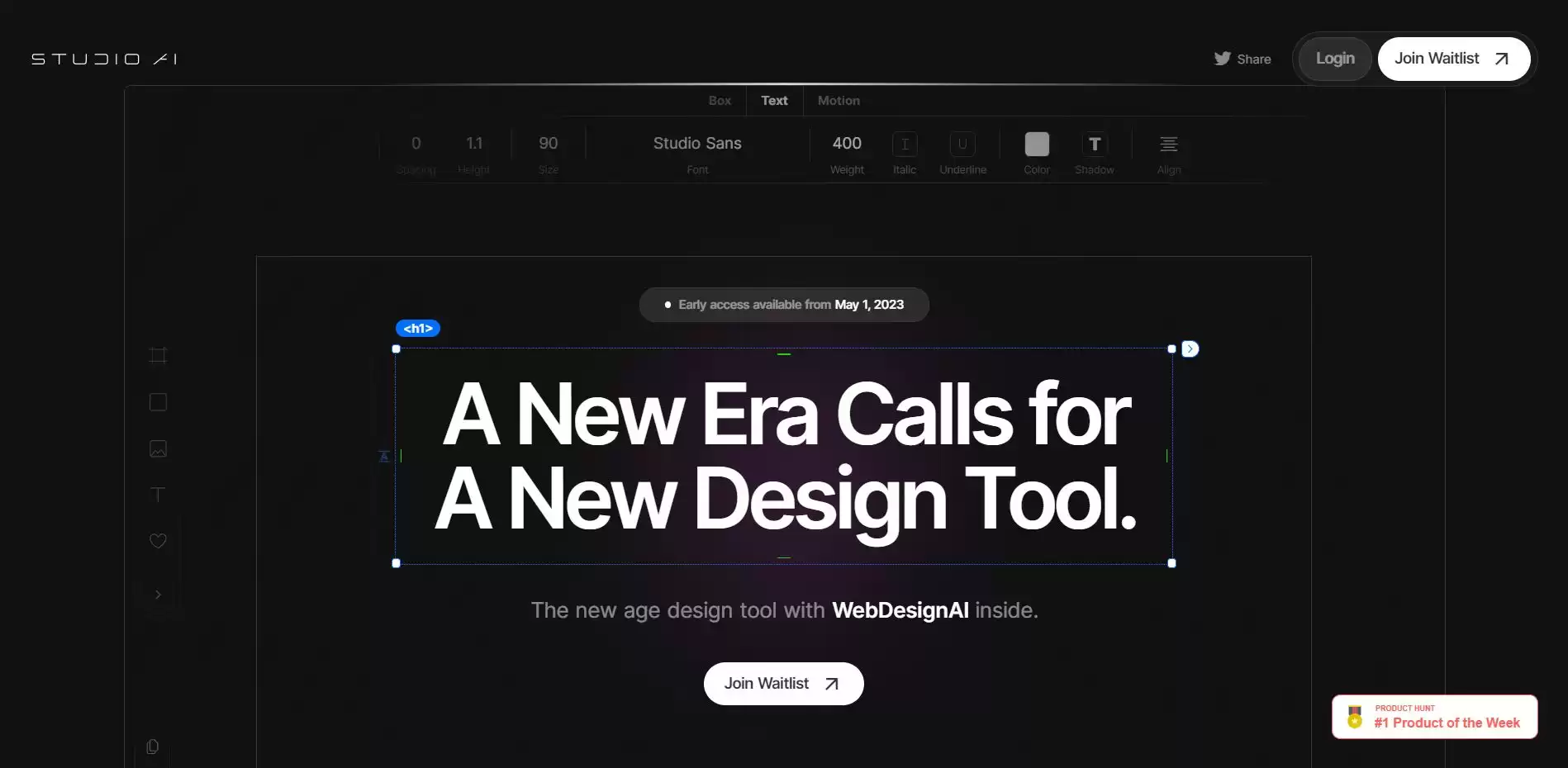
How to Use Studio AI:
1. First, choose a template or a blank canvas and add your own content, such as text, images, videos, etc. You can customize your design using various elements such as colors, fonts, backgrounds, animations, etc.
2. Use the WebDesignAI feature to generate new design suggestions based on your preferences and goals. You can accept or reject suggestions and provide feedback to improve the results.
3. Once you are satisfied with your design, you can publish it to the web with a single click. You can also export your design as an HTML or WordPress file.
Features of Studio AI:
It is a web design tool that uses artificial intelligence to understand your design goals and learn from your feedback.
It can instantly turn your design into a live website without coding.
It has a free plan that allows you to create up to three projects and export them as HTML or WordPress.
It has a user-friendly interface that lets you drag and drop elements, customize fonts, colors, and backgrounds, and preview your design on different devices.
It has a community of designers who share their work and inspire each other.
Studio AI is not just a design tool—it's also a platform where you can collaborate with other designers, share your work, and get inspiration from others. You can also access a library of resources such as icons, images, fonts, and more to enhance your designs.












