
 Script Planner Assistant▸
 AI Apps
 AI News

Google Colab Copilot_云技派,专注ai人工智能!
Google Colab Copilot_云技派,专注ai人工智能!Introduction
Colab Copilot is an AI coding tool that can generate code suggestions based on natural language queries or existing code. It can help you write faster, better, and more creative code. However, GitHub Copilot is available as a Visual Studio Code extension, so you need to install and use VS Code to use it.
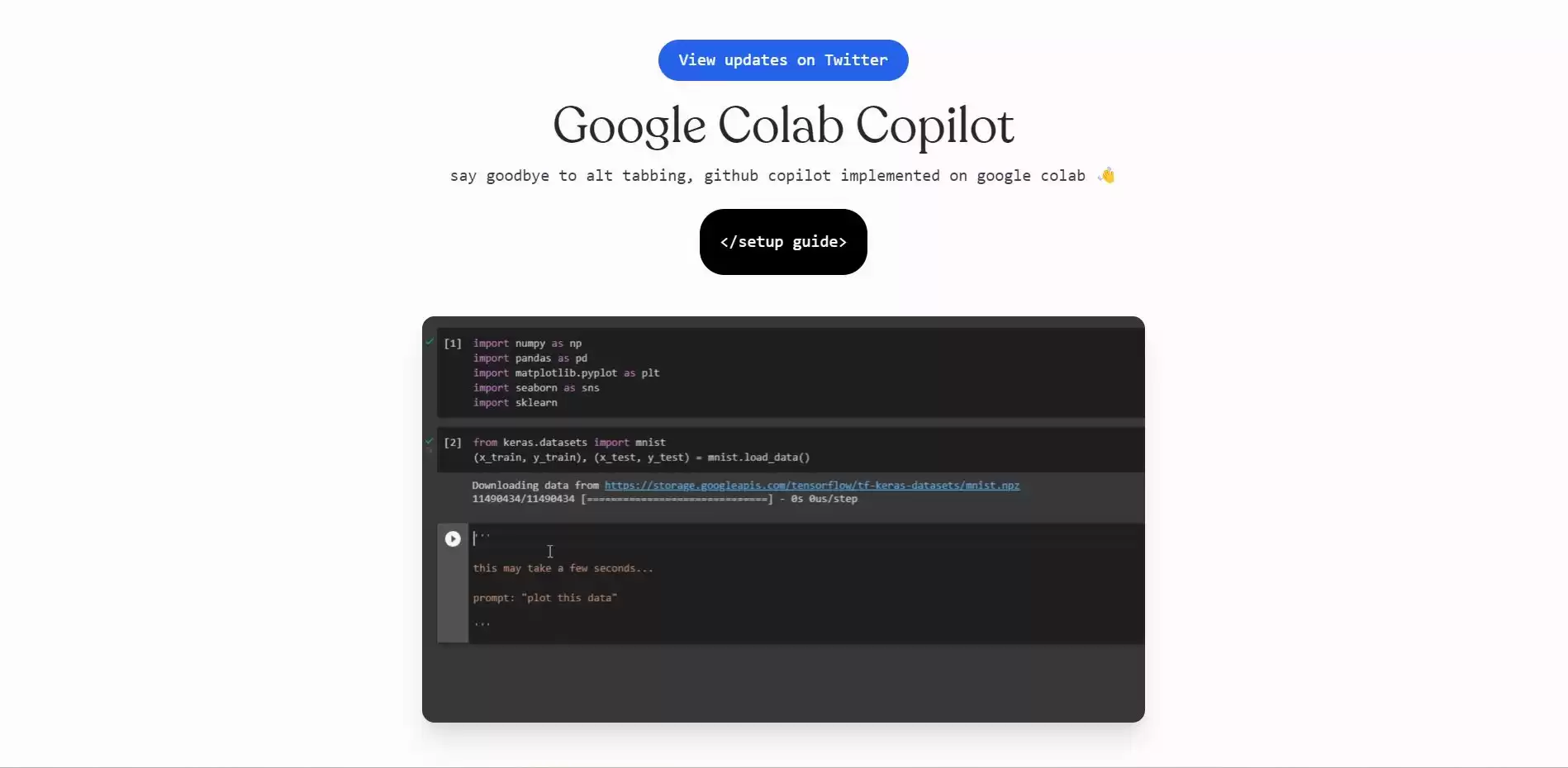
Google Colab Copilot solves this problem by bringing GitHub Copilot into your browser. You can use it on any Google Colab notebook without installing anything. You just need an OpenAI API key, which you can get for free by joining the waitlist.
To use Google Colab Copilot, you need to follow these simple steps:
1. Copy the JavaScript code from https://github.com/naklecha/google-colaboratory-copilot/blob/main/copilot.js
2. Replace "" in the code with your actual OpenAI API key.
3. Open the console on a Google Colab notebook, then paste the code into the console.
4. Press Shift + Alt + Enter on your keyboard to run the code.
5. Done! Enjoy the magic of Google Colab Copilot!
Google Colab Copilot will display a popup window where you can type a natural language query or select some existing code. It will then generate a code suggestion for you, which you can insert into your notebook by clicking on it. You can also use the arrow keys to browse through different suggestions and press Enter to select one.
Features of Google Colab Copilot:
It can help users save time and effort by generating content in seconds.
It can help users improve their writing skills by providing feedback and suggestions.
It can help users avoid plagiarism by checking the originality of content and citing sources when needed.
Google Colab Copilot is an amazing tool that can boost your productivity and creativity as a Python programmer. It can help you with data analysis, machine learning, web scraping, and more. It can also teach you new techniques and best practices by showing you how other programmers have solved similar problems.












