
 Script Planner Assistant▸
 AI Apps
 AI News

ShareX_云技派,专注ai人工智能!
ShareX_云技派,专注ai人工智能!Introduction
ShareX is a free and open-source advanced screenshot tool and screen recorder. It can not only take screenshots but also record the screen, automatically add watermarks and shadows, and is designed for Windows systems. It provides comprehensive screenshot and screen recording functionality, with no ads, making it a lightweight tool. ShareX has over 15 years of development history, is trusted by many large companies, and is designed for high-efficiency users.
Compared with the previous Sogou Pinyin input method's screenshot tool and the built-in Windows screenshot tool, ShareX is more convenient, more user-friendly, and more powerful.
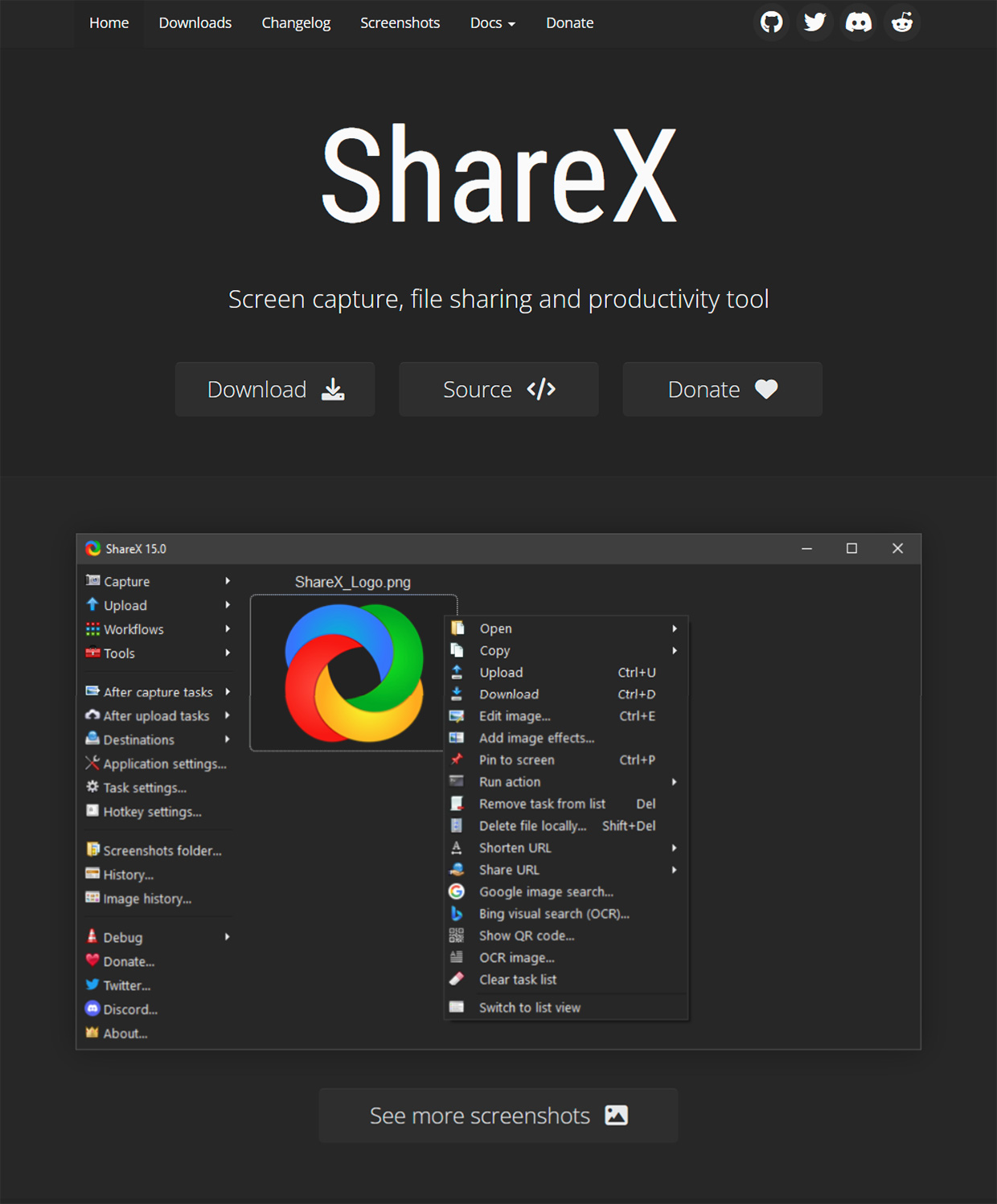
ShareX Features:
ShareX is free, open-source, and lightweight (only 7.07MB in size)
Multiple screenshot methods, including full screen, active window, multi-region screenshots, custom regions, etc. Compared with the previous Sogou Pinyin input method's screenshot tool and the built-in Windows screenshot tool, ShareXis more convenient, more user-friendly, and more powerful.
ShareX supports screen recording and GIF recording, as well as file sharing.
Various region screenshot types, including rectangle, ellipse, freehand drawing, etc., as well as rich annotation tools.
Supports uploading files, text, images, as well as uploading from URLs, clipboard, and more.
ShareX comes with various practical tools (such as color picker, screen color picker, ruler, image editor, image combiner, image splitter, image thumbnail generator, video thumbnail, video converter, QR code, monitor test, etc.)
Automatically add watermarks and shadows
Automatic image host upload - upload to shared servers, email, or third-party cloud servers
Customizable shortcut key settings
OCR (Optical Character Recognition) text recognition function
ShareX Use Cases
Personal use: Record screen operations, create tutorials, share interesting content.
Team collaboration: Quickly share design details, operational workflows, etc.
Teaching and presentations: Record instructional videos, create GIF animations.
Related Links:
Official Website: https://getsharex.com
GitHub: https://github.com/ShareX/ShareX/releases
Steam: https://store.steampowered.com/app/400040/ShareX
Overall, ShareX performs admirably, with many commonly used features, and is worth saving and learning.
Related Information:















