
 Script Planner Assistant▸
 AI Apps
 AI News

Collov AI
Collov AIIntroduction
Collov ai is an interior design AI generator that transforms your interior aspirations into stunning, visionary interior design renderings by leveraging artificial intelligence, blending convenience with aesthetics. It is also very simple to use: just upload a photo of your property and select the room type and style, generate creative concept images via chat, and easily fine-tune details as needed. Collov.ai will then generate a photorealistic rendering of the room.
Collov AI's models are crafted within our photorealistic AI generator software, offering diverse combinations of flooring, paint, lighting, decor styles, and more. Whether you're after a bohemian, coastal, farmhouse style, or a traditional look, Collov AI will deliver captivating ideas for your interior design.
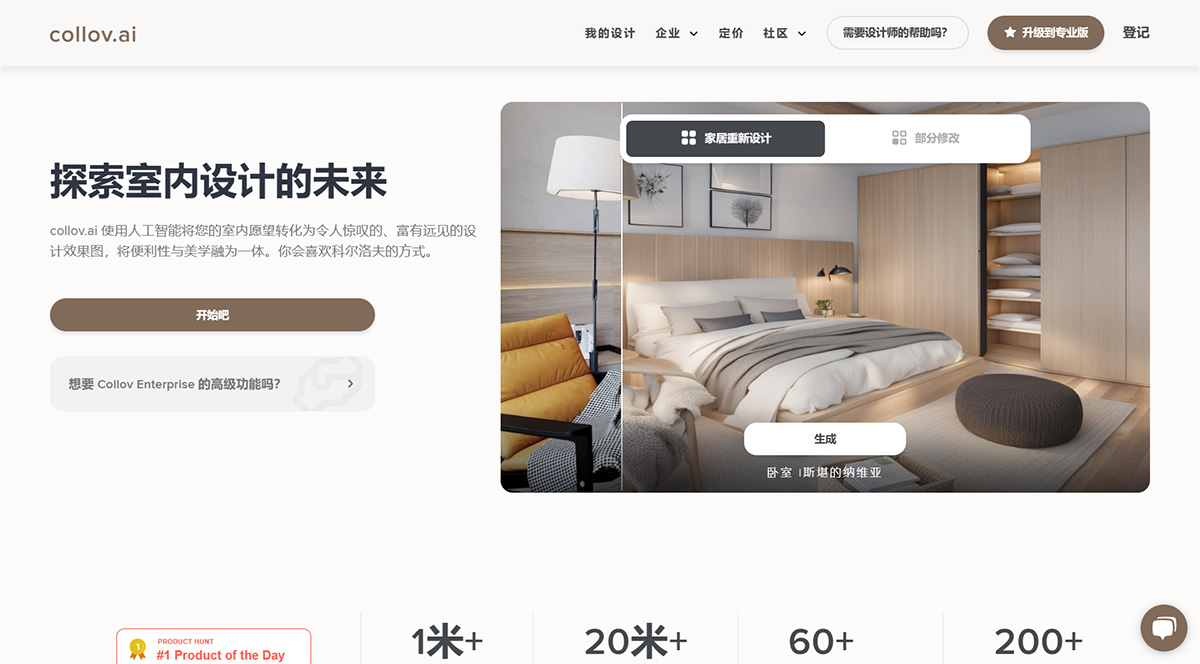
We've made remarkable progress:
Grown our user community to over 600,000 across 1+ countries.
Created more than 200,000 innovative interior design images.
Established solid partnerships with over 200 businesses.
Continuously elevating user experience and leading design innovation.
Traditional design approaches can no longer meet modern needs. The journey to revolutionize home design is underway, and Collov Ai's goal is to deliver an efficient, intuitive, and creative design experience for everyone, committed to making cutting-edge AI design accessible to all.
Collov Ai Features:
New AI-powered home redesign: Transform your space with AI. Upload a photo, pick a style, and watch your vision come to life.
Chat Designer: Turn your text descriptions into stunning visual designs using AI.
Magic Eraser: Effortlessly remove unwanted elements from your designs.
Visual Assistant: Get AI suggestions to instantly enhance your room design.
Design Storyboard: Transform your designs into compelling visual narratives and storylines.
Furniture Editing (Optional): Seamless furniture detection for tailored adjustments.
How to Use Collov AI?
Preparation: Open your browser and navigate to https://collov.ai to access the official site.
Sign up and log in: For first-time users, click the "Sign Up" button to create a new account, and fill in your email and password. Once registered, log in to save your designs and access personalized features.
Upload photo and select room type: Take a clear, well-lit photo of the room you want to design and upload it to the platform. After uploading, choose the room type, such as bedroom, living room, or kitchen. This helps the AI better understand the room's structure and requirements.
Pick a style and generate a design: The platform offers styles like modern minimalist, Scandinavian, and Chinese classic—choose according to your preference.
After selecting a style, click "Generate," and within seconds, multiple 3D design proposals will be ready to view directly on the platform.
Adjust and refine: You can tweak details like colors, materials, and furniture layout through simple drag-and-drop operations. Once you're satisfied, save the design or share it with friends or family. Designs can also be exported as images or videos.
Purchase and implement: Each design proposal comes with purchase links for the furniture and decor—just click the links to buy directly. Once you've made your purchases, bring the design to life based on your own situation.
We are excited about AI's potential to transform how we perceive and create spaces.
Related Information:















