Script Planner Assistant▸
 AI Apps
 AI News

Xingye App
Xingye AppIntroduction
Xingye App is a powerful AI chat bot and AI virtual social tool that provides users with an immersive intelligent conversational social service. It allows users to create brand-new virtual companions based on their own ideas for interaction. With interesting open-ended storylines and realistic AI chat, you can experience genuine conversational interaction. Whether it's casual chatting or voice chat, Xingye AI can meet your needs.
Xingye App is an immersive virtual AI role-play social application launched by Shanghai Xiyu Technology Co., Ltd., focusing on emotional companionship AI Social.
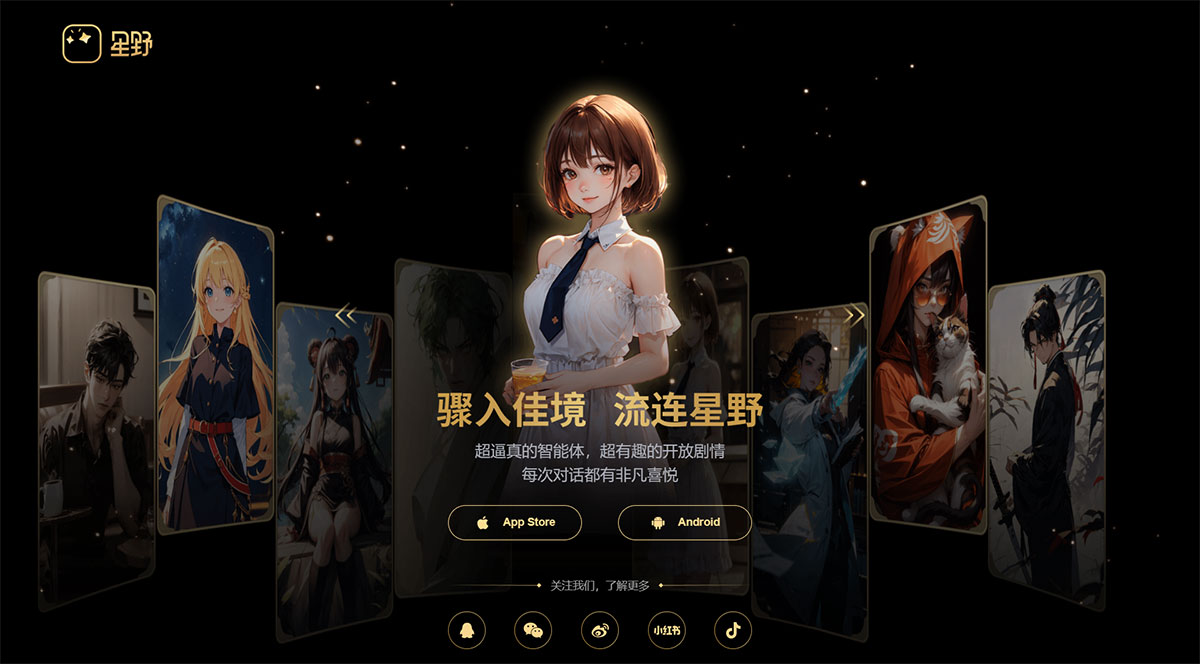
Xingye App Features:
1. A variety of virtual social scenarios to meet the social needs of different users
2. An intelligent matching system that can perform smart matching based on users' interests, hobbies, and needs
3. Users can set personalized signatures to showcase their unique personality and characteristics.
4. Utilizes multimodal technology to create an immersive AI virtual social experience. Customizable appearance, character settings, and voice tones, along with rich scene construction and interaction methods, greatly enhance users' sense of immersion.
5. Captures the needs of users centered around the otome game community, providing a safe and controllable space that satisfies users' creation and interaction needs.
How to Use Xingye App:
Character Creation - let's first look at the steps involved in character creation:
Step 1: Appearance Creation
Based on uploaded images and descriptive words, a total of 18 anime-style images can be generated. This card-making process is very popular among young users, allowing them to continuously create cards:
Step 2: Character Setting Creation
Here, settings can be auto-generated or manually configured field by field. There are two interesting points:
1. You can set voice tones with a high degree of freedom, choosing any 5 voice tones. You can set the proportion of each voice tone and then blend them into your own custom voice.
2. The dialogue style can be specified through multiple rounds of dialogue, or directly called from dialogue templates. This is equivalent to few-shot, allowing the AI to learn from the dialogue style.
Step 3: Confirm and Publish
Here, you can go back to make modifications, or set whether the agent is public or hidden.
Once confirmed, it can be published.