
 Script Planner Assistant▸
 AI Apps
 AI News

CodeGPT_云技派,专注ai人工智能!
CodeGPT_云技派,专注ai人工智能!Introduction
CodeGPT is an open-source extension that brings artificial intelligence into your IDE (Integrated Development Environment), allowing you to generate code snippets, comments, documentation, tests, and more through natural language queries. You can also use CodeGPT to learn from existing code, refactor code, and discover new libraries and frameworks.
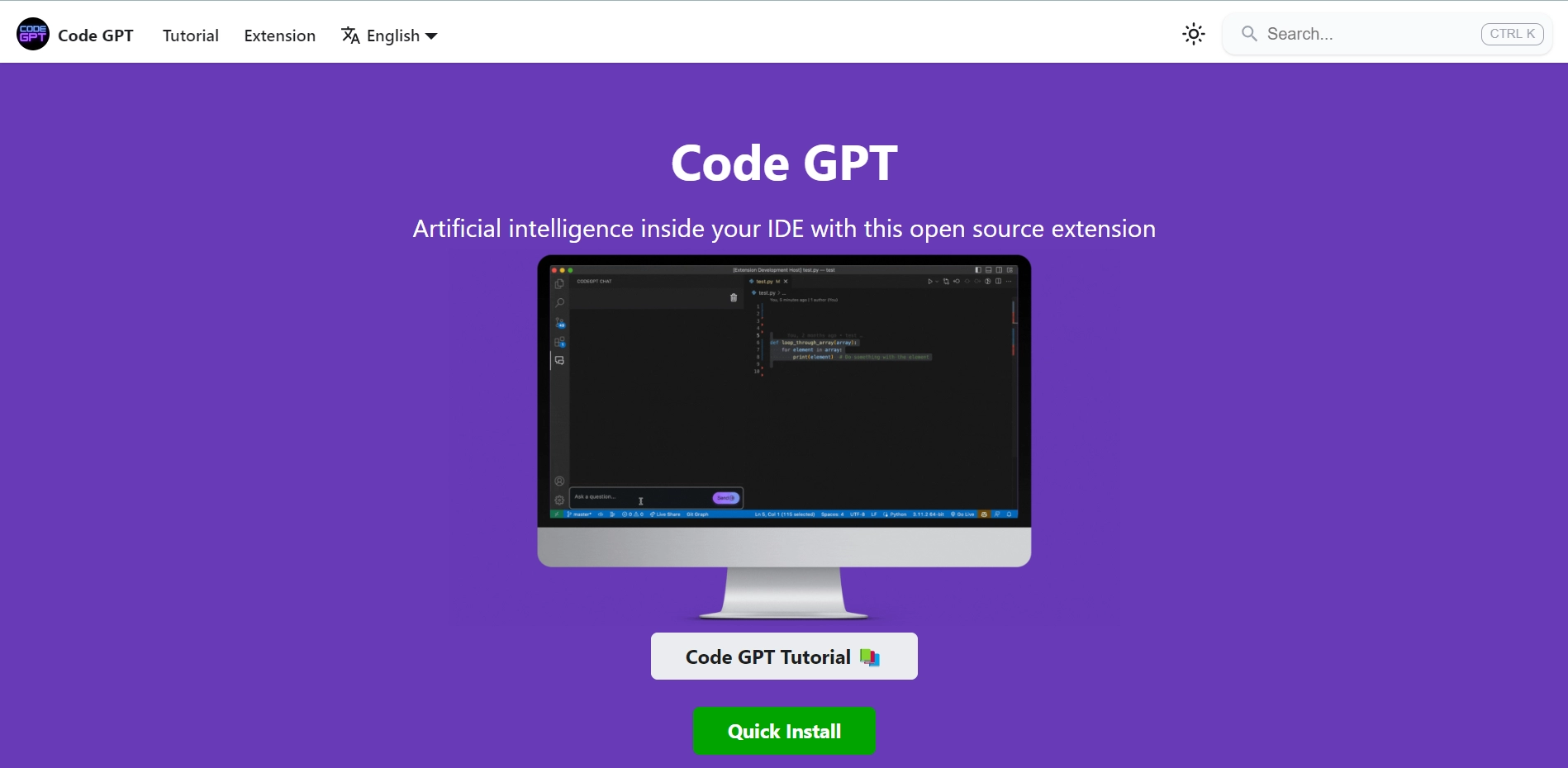
CodeGPT works with different AI providers, such as OpenAI, Judini, Cohere, AI21, Anthropic, or GPT4All. You can choose the provider that fits your needs and budget, and easily switch between them. You can also modify the parameters for each query, such as engine, temperature, frequency penalty, and presence penalty, to fine-tune the quality and diversity of the generated responses.
CodeGPT is easy to install and use. Simply install Visual Studio Code on your computer, then download the Code GPT extension from the VS Code Marketplace. Once the extension is installed, you can access Code GPT's settings from the VS Code menu or by pressing Ctrl+K. Then, you can start using Code GPT by typing a natural language query in the code editor and pressing Ctrl+Enter. Code GPT will generate a response based on your query and insert it into your code.
CodeGPT Features:
It is a free, open-source tool for generating code and documentation using GPT-3.
It supports multiple languages and frameworks, such as Python, JavaScript, React, and Django.
It has a simple and intuitive user interface that allows users to input keywords, select options, and view results in real time.
It comes with a rich set of features, such as code formatting, syntax highlighting, error checking, and auto-completion.
It can help users save time and effort by generating high-quality code and documentation with minimal input.
Code GPT is a powerful tool that can help you write better code faster and more easily. It can also help you learn new skills and explore new possibilities of AI. Code GPT is constantly being improved with new features and providers being added. You can visit the Code GPT website for more information, tutorials, examples, and updates.












