
 Script Planner Assistant▸
 AI Apps
 AI News

Canva: Easy Logo Maker
Canva: Easy Logo MakerIntroduction
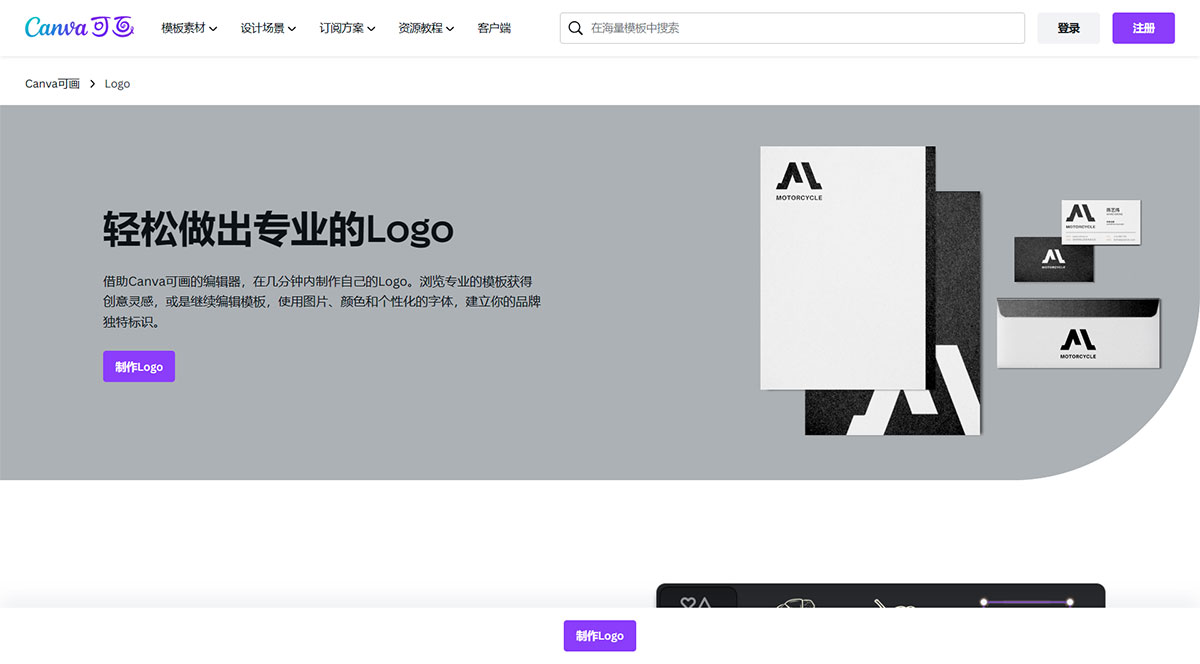
With Canva's editor, you can easily create your own Logo in just a few minutes. Browse professional templates for creative inspiration, or continue editing a template using images, colors, and personalized fonts to build a unique identity for your brand.
I. Canva Logo Features:
1. Design resources at your fingertips
Thousands of Logo templates,browse templates made by professional designers to find the one that best suits your brand, and create a Logo for free.Massive library of free online design assets,add built-in graphic elements from the online asset library to your Logo to make your brand Logo more vivid and recognizable.Hundreds of eye-catching font combinations,perfect font pairings give your brand identity a unique and memorable presence.
2. From design to use, in one seamless flow
Canva's free and easy-to-use editor,the drag-and-drop editor is simple and intuitive, with tools and resources gathered on the left side, so even those with zero design experience can quickly get the hang of it.Export Logo images with transparent backgrounds,when applying the Logo to business cards, websites, or other media, a Logo image with a transparent background blends more seamlessly with the underlying color.Resize your Logo with a single click,use the "Resize" tool to adjust the size of your Logo, scaling it up or down proportionally so it works in any advertising scenario.
3. Easy team collaboration, just like talking face to face
No need to keep chasing—design progress is visible,invite colleagues and clients to join the design team by sharing a link. No more sending files back and forth, and everyone on the team can see real-time editing actions.Talk within the design so changes are crystal clear,team members can add comments to the entire design or to specific assets, suggest revisions, use @mentions to tag someone, and assign to-dos.Online everywhere, perform brilliantly anytime,work whenever inspiration strikes—edit your design directly on your phone, tablet, or computer. Don't worry, design progress syncs automatically.
4. Build a consistent brand image
Upload your brand Logo, colors, and fonts to the Brand Kit (a paid feature) to ensure all your designs maintain a consistent brand visual identity. Share your brand assets with your team by giving them access to Brand Kit and Brand Templates, so everyone stays in sync and creates designs that follow the same brand style guidelines.
II. Steps to Create a Logo Online with Canva:
1. Click "Start designing", select a free Logo template to apply to the canvas, or start from scratch on a blank canvas.
2. Adjust the colors in the template, or use your brand colors to customize the Logo template.
3. Insert icons, graphics, and text into your design to bring your visual identity to life.
4. Send a design link to your team to get their input and collaborate on the design.
5. Click "Export", then click "Download"—you can choose JPG, PNG, PDF, or PNG with a transparent background.
III. Frequently Asked Questions about Canva Logos
1. What does a good Logo look like?
The main purpose of a Logo is brand recognition, so an excellent Logo design should achieve the following:
Simple and easy to remember;
Unique with a certain degree of recognizability;
Scalable—the Logo should remain easily recognizable when extended to various applications;
Universal—the brand message should be understood consistently by all types of audiences.
2. How do I export a Logo image with a transparent background?
Click "Export", then click "Download", select "PNG", and check the "Transparent background" option. The transparent background download feature is perfect for creating Logos. Subscribe to Canva Premium, Canva Teams, Canva for Education, or Canva for Nonprofits to unlock the transparent background feature. See subscription plans and pricing for details.














