
 Script Planner Assistant▸
 AI Apps
 AI News

Foxit Screen Recorder
Foxit Screen RecorderIntroduction
Foxit Screen Recorder is a powerful video recording software that supports HD recording, real-time editing, and multi-format export. It can be used in a variety of scenarios such as business, office, teaching, learning, gaming, and entertainment.
Foxit Screen Recorder Applications:
In the business and office field, Foxit Screen Recorder can capture full-screen images, active windows, computer webcam, and more, making it easy for you to create demo videos or record online web conferences for backup and review. At the same time, you can also use Foxit Screen Recorder to record communication activities for later viewing.
In terms of teaching and learning, Foxit Screen Recorder provides a rich set of recording tools. You can use the recording tools to add annotations at any time, vividly presenting the teaching content and allowing viewers to understand the key points more intuitively.
For gaming and entertainment, Foxit Screen Recorder supports HD recording of gameplay, recording voiceovers for game commentary, capturing brilliant game moments in original quality and taking screenshots of impressive operations, and sharing them on major platforms with others.
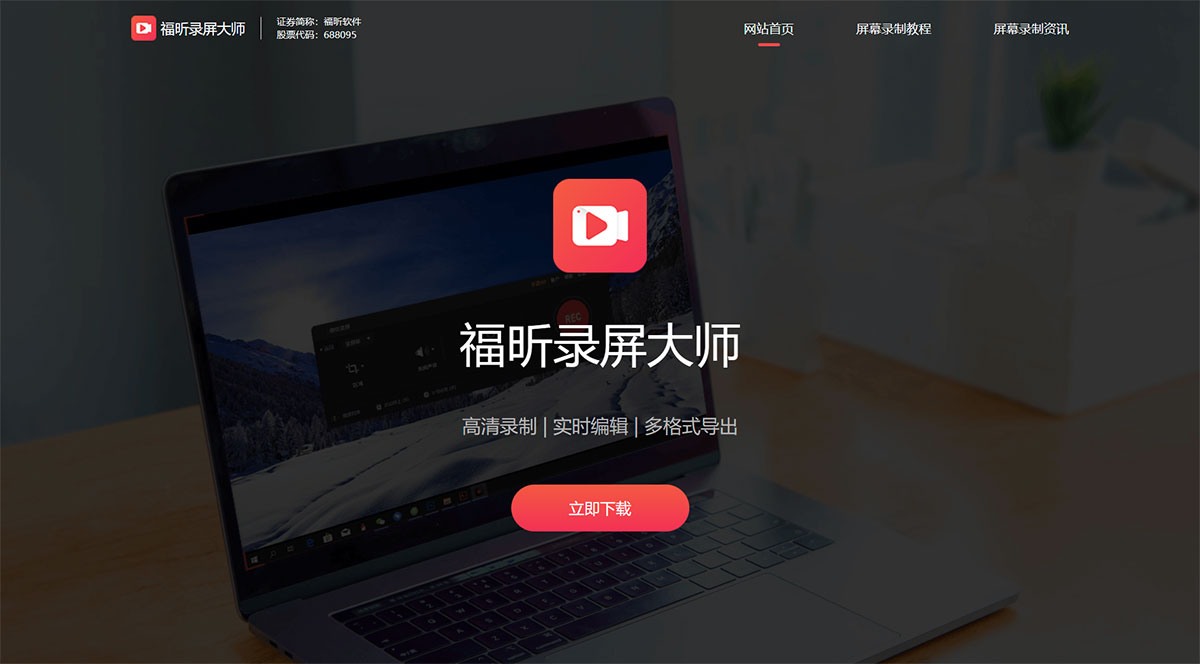
Foxit Screen Recorder Features:
Full-screen Recording. Record all activities on your computer desktop.
Webcam Recording. Record picture-in-picture videos or the webcam alone.
Audio Recording. Perfectly record system sound and microphone sound.
Video Editing. Trim video length, add watermarks, and other advanced editing features.
Scheduled Recording. Set start and stop times as needed to automatically record your computer screen or webcam at the designated time.
Zoom Recording. During recording, use the shortcut key F10 or the zoom button to magnify a specific area of the screen, highlighting the recorded content.
Annotation and Doodle. Add text, lines, doodles, annotations, and more during the recording process.
Spotlight Effect. Use the shortcut key F4 or click the spotlight button to emphasize a specific part of the screen.
Foxit Screen Recorder Reviews:
Mr. Zhang | Investment Banking Professional
For every quarterly meeting, I need to record the entire session for follow-up documentation. So choosing the right computer screen recording software is important, and Foxit Screen Recorder is a great choice. The audio and video are in sync, it supports application window recording and webcam recording, and the picture quality meets our requirements.
Ms. Wu | Teacher
When recording course videos, I always need to add some notes and marks. The real-time annotation and doodle feature of Foxit Screen Recorder is really convenient! It saves me a lot of time. The designated window recording feature is also excellent; even if students suddenly send a WeChat message, I don't have to start over from the beginning.
Mr. He | College Student
Having a screen recorder during online classes is really convenient. The audio and video are in sync, and I can also make annotations and doodles for notes, which helps with organizing after class. Even if I occasionally zone out, I don't have to worry about it—hahaha.
Mr. Dai | Esports Player
When we record gameplay videos for review, we have very high demands for clarity and frame rate. Foxit Screen Recorder is not only clear but also very stable and smooth. Many people can't even tell whether it's gameplay or a recording. It's been a huge help to us.
Xiao Chen | Couple in a Long-Distance Relationship
I'm absolutely hyped! The ultimate secret weapon for long-distance love! Even though my boyfriend and I are in different places and can't video chat every day, I can still dig out the chats I previously recorded with Foxit Screen Recorder and rewatch them from time to time. It's like reliving those wonderful memories—haha, it's really awesome!
Whether you want to record online courses, web calls, remote meetings, or document computer operations, Foxit Screen Recorder can provide you with a smooth recording experience. Let you capture every wonderful moment of your life anytime.















