Script Planner Assistant▸
 AI Apps
 AI News

Krea AI_云技派,专注ai人工智能!
Krea AI_云技派,专注ai人工智能!Introduction
Krea ai is an AI-powered intelligent design tool that can generate images and videos, along with design tools, to meet creative needs. KREA offers over 2,500 AI models, enabling precise style and quality, and users can customize the AI according to their aesthetic preferences. In addition, KREA provides real-time AI training, allowing the AI to learn the user's aesthetic preferences during the process of using KREA.
Krea AI can search based on the prompt you enter, and then retrieve a large number of AI images containing that prompt. Users can copy the prompts of the images that match their needs, optimize them, and then input them into other AI painting tools for secondary creation and generation.
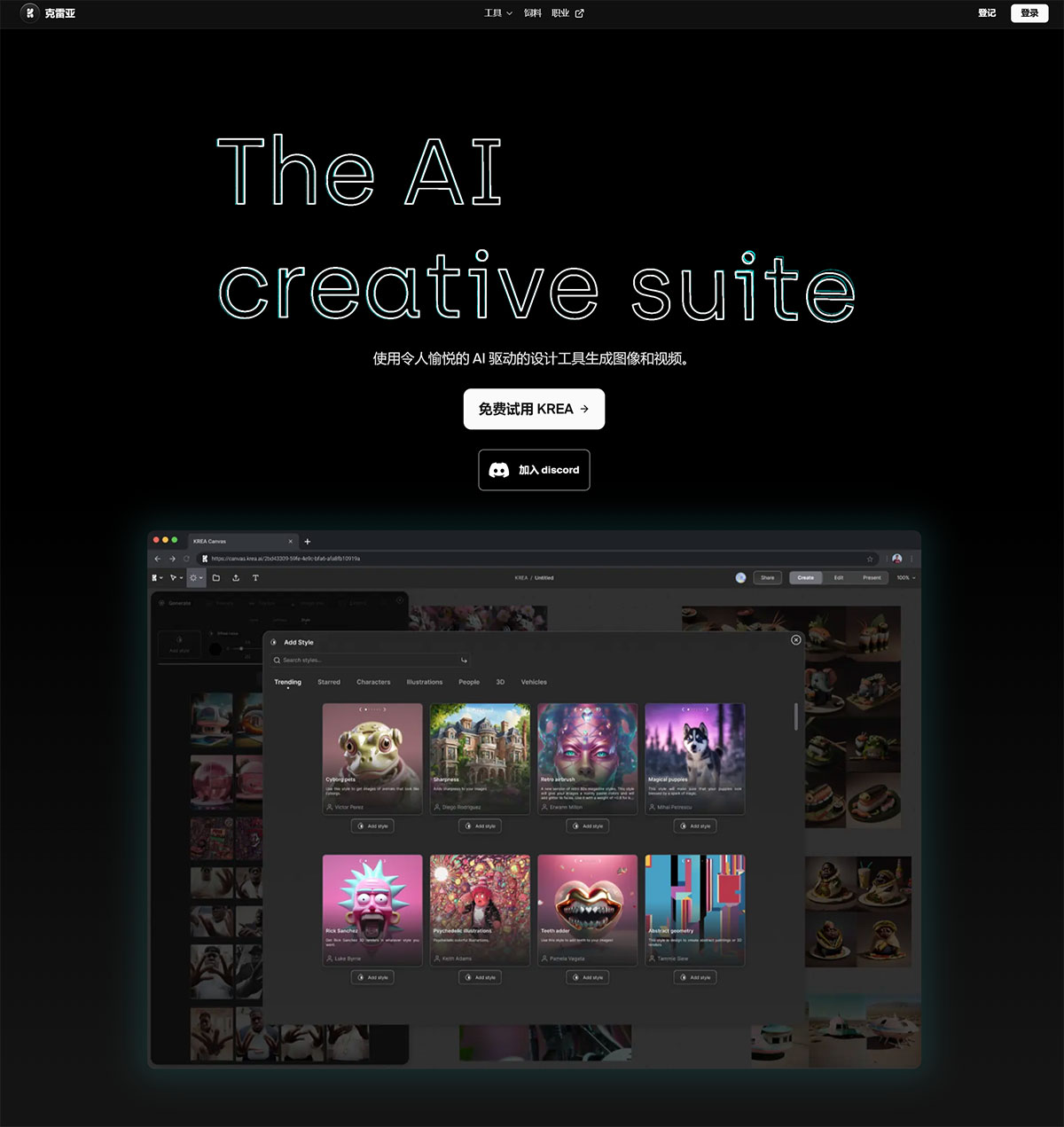
KREA provides AI-based image generation, full control over the AI, a variety of use cases including graphic design, product photography, concept art, and architecture, an intuitive and powerful interface, a stable diffusion XL AI engine, dark mode support, private beta access, improved image variants, community AI training, inpainting and stylization features, blending custom AI models, image prompt generation, and mobile device support.
Krea AI also provides users with a simple and efficient way to cut out images, ensuring that they can better control the appearance of the generated content.
Krea AI tools include:
1. Real-time Generation
Users only need to enter text prompts, images, or select a style, and Krea AI provides real-time visual feedback.
2. Upscale & Enhance
Still in the Alpha stage, it can upscale and enhance images, providing higher resolution, and can increase image resolution to 4k with a single click.
3. AI Patterns
AI automatically embeds images into patterns or text, and once completed, the images can be downloaded or turned into videos.
4. Logo Illusion
Embed a logo into an image to create an illusion effect, and once completed, the image can be downloaded or turned into a video.
5. AnimateDiff
Users only need to enter text prompts, and AnimateDiff quickly generates videos.
Krea AI Features:
KREA is a creative tool for the AI era that helps you search and generate images based on keywords.
KREA has a large and diverse image catalog created by AI artists of different styles and genres.
KREA allows you to fine-tune your searches using modifiers and tags, and save your favorite images to your favorites.
Krea AI is very simple and intuitive to operate. Users only need to drag the images they want to use onto Krea's interface, and the system will automatically perform image cutout processing, removing background distractions and making the picture cleaner and more professional. This process not only saves time and effort but also avoids the hassle of users needing to use other tools for tedious image cutouts.
How to use Krea?
1. Upload images: First, upload images that represent your preferred styles, concepts, or products.
2. Train the AI: Use the uploaded images to train the AI engine so that it understands your preferences.
3. Generate canvas art: Use the trained AI to generate high-quality visual effects on the canvas using the BOLDTRON art algorithm.
Krea AI supports integration with software such as Photoshop, Illustrator, Figma, Blender, and Sketchfab. Krea AI offers both free and Pro versions, with the free version allowing users to generate 50 images and 10 videos per day.
Related News:
Krea AI launches a brand-new video generation tool: Krea Video