
 Script Planner Assistant▸
 AI Apps
 AI News

SkyCode
SkyCodeIntroduction
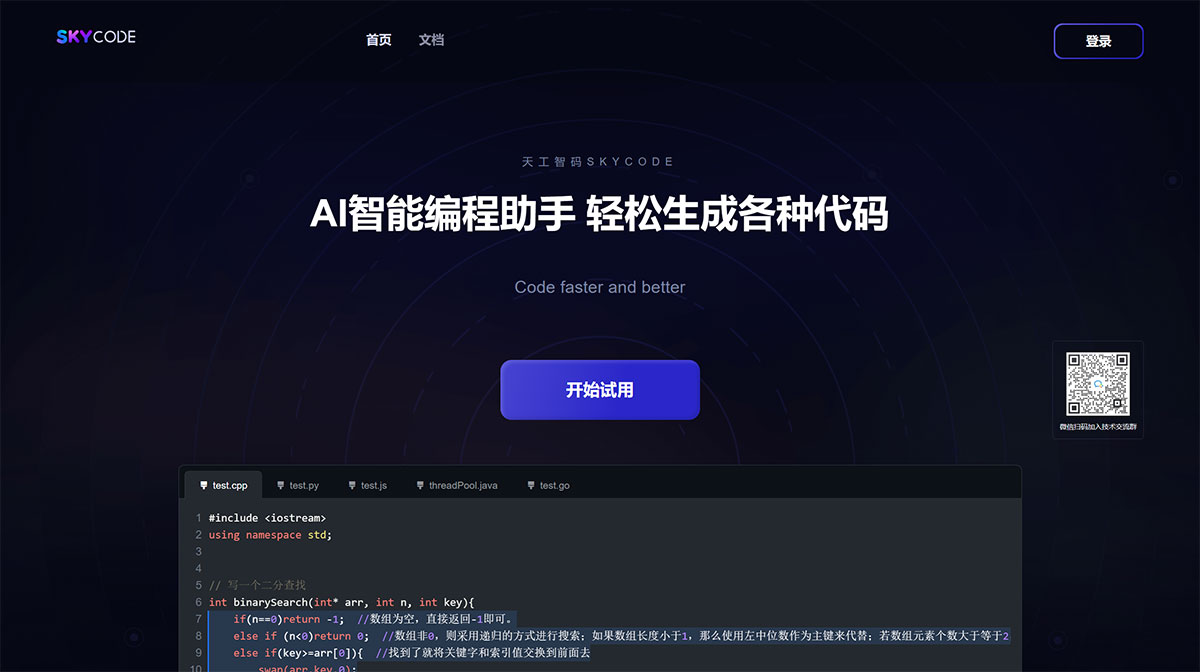
Sky-code is an AI code generation tool developed by Singularity AI, supporting various mainstream programming languages to help developers code faster and better. Sky-code can be directly integrated into editors, seamlessly connecting to the development environment, intelligently and efficiently completing code while typing, improving work efficiency and saving development time. Sky-code is currently integrated into Visual Studio Code, and will support more platforms and tools in the future, such as Neovim, JetBrains IDE, Visual Studio, etc. It is committed to solving trivial and repetitive coding tasks for developers, allowing them to focus on higher-value research and development work.
After integrating our tool, you can write a description of the functionality you want to achieve, or provide a comment describing the functionality, and let Sky-code give you code completion or generation suggestions. Sky-code will analyze the context of the file you are editing, the file path, etc., and provide the optimal completion strategy. Sky-code is powered by Singularity-AI's latest Yuheng model.
SkyCode Plugin Usage Guide
Visual Studio Code
Open VSCode, go to the Extensions page, and search for "Sky-code", as shown in the figure
1.1 Search for the plugin
1.2 Search results page
Install the SkyCode Plugin
2.1 After installation, a cute lightning icon will appear in the bottom right corner of the VSCode editing page, with a prompt to log in
2.2 Click the login button to open the login page, and register/log in to our platform
2.3 After logging in, the plugin's disabled icon will become active
2.4 You can click the plugin button to disable the feature or log out of the account
Using SkyCode
3.1 Once everything is set up, you can experience the features of our plugin. It will perform intelligent code completion from the current cursor position, and the gray code suggestions can be completed into code content by pressing the "Tab" key on the keyboard.












