
 Script Planner Assistant▸
 AI Apps
 AI News

InvokeAI_云技派,专注ai人工智能!
InvokeAI_云技派,专注ai人工智能!Introduction
What is Invokeai?
InvokeAI is an open-source project that provides a streamlined process with various new features and options to help generate images using Stable Diffusion models. Stable Diffusion models are generative models that can produce realistic images from text or image prompts. InvokeAI supports both text-to-image and image-to-image generation, as well as a variety of image processing tasks such as inpainting, outpainting, embeddings, and more.
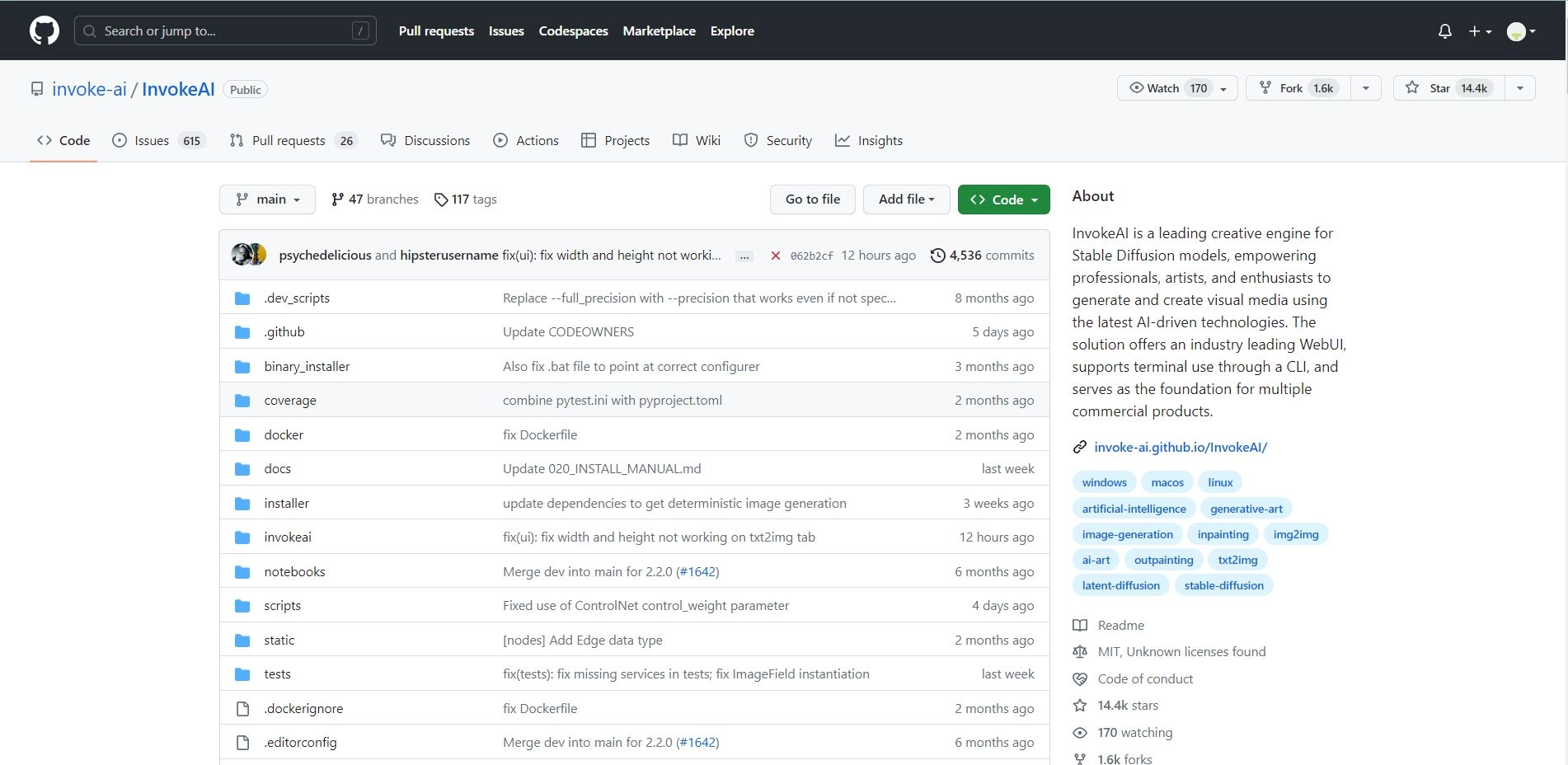
InvokeAI runs on Windows, Mac, and Linux machines, and works on GPU cards with as little as 4 GB of RAM. It offers an industry-leading web interface, an interactive command-line interface, and also serves as the foundation for multiple commercial products.
What can InvokeAI do?
InvokeAI can generate and create stunning visual media using the latest AI-driven technology. Here are some examples of what you can do with InvokeAI:
- Generate realistic images from text prompts, such as "a blue dragon flying over a castle" or "a cute cat wearing a hat."
- Generate realistic images based on image prompts, such as sketches, photos, or paintings.
- Process images in various ways, such as inpainting (filling in missing parts), outpainting (extending the image), upscaling (improving resolution), and more.
- Merge multiple models to create new and diverse images.
- Train your own models using textual inversion or variations.
- Use the Concept Library to access predefined concepts and attributes for image generation.
- Use post-processing to improve the quality and diversity of generated images.
- Use the NSFW Checker to filter out inappropriate images.
How to get started with InvokeAI?
Getting started with InvokeAI is very easy. You can choose from different installation options based on your preferences and system requirements. You can use the automated installer, the manual installation guide, the Docker installation guide, or the source installer. You can also find detailed documentation on how to use InvokeAI on its GitHub page or its website.
After installing InvokeAI, you can start generating and creating stunning visual media using the latest AI-driven technology. You can use the Web Interface to access a user-friendly graphical interface that allows you to interact with InvokeAI's models and features. You can also use the command-line interface to access a powerful and flexible interface that allows you to customize invocations and scripts. You can find examples and tutorials on how to use both interfaces on the documentation page.
InvokeAI is an open-source project and welcomes contributions from anyone interested in developing and improving it. You can join the Discord server to connect with other developers and users, report bugs, request features, share ideas, and get help. You can also check out the GitHub page to view the source code, submit pull requests, or fork the project.
InvokeAI is a leading creative engine for Stable Diffusion models, empowering professionals, artists, and enthusiasts to generate and create visual media using the latest AI-driven technology. If you are interested in co-creating with artificial intelligence, I encourage you to try out InvokeAI and see what amazing things you can create with it.
InvokeAI Advantages:
It is an open-source project that provides a streamlined process for generating high-quality images using Stable Diffusion models.
It offers an industry-leading web interface, an interactive command-line interface, and also serves as the foundation for multiple commercial products.
It supports GPU cards with as little as 4 GB of RAM and runs on Windows, Mac, and Linux machines.
It has various features and options to assist the image generation process, such as inpainting, outpainting, model merging, post-processing, variations, and more.
It has a large and active community of developers and users who contribute to the project and provide feedback and support.














