
 Script Planner Assistant▸
 AI Apps
 AI News

Luka: Online Screen Recording & Cloud Video Suite
Luka: Online Screen Recording & Cloud Video SuiteIntroduction
RecCloud — an AI-powered multimedia service platform and an all-in-one audio and video processing platform. Our services include AI video chat, AI speech-to-text, online screen recording, video editing, storage, and sharing, all designed to boost your video creation efficiency and convenience.
RecCloud API empowers developers with professional recording and editing API services, along with detailed API documentation and a seamless integration process. Our services cover AI video chat, AI subtitles, AI video creation, and AI speech-to-text, as well as recording, editing, merging, conversion, cropping, rotation, audio extraction, and muting. These services can be widely applied in scenarios such as online education, live streaming, meetings, and gaming to meet your diverse needs.
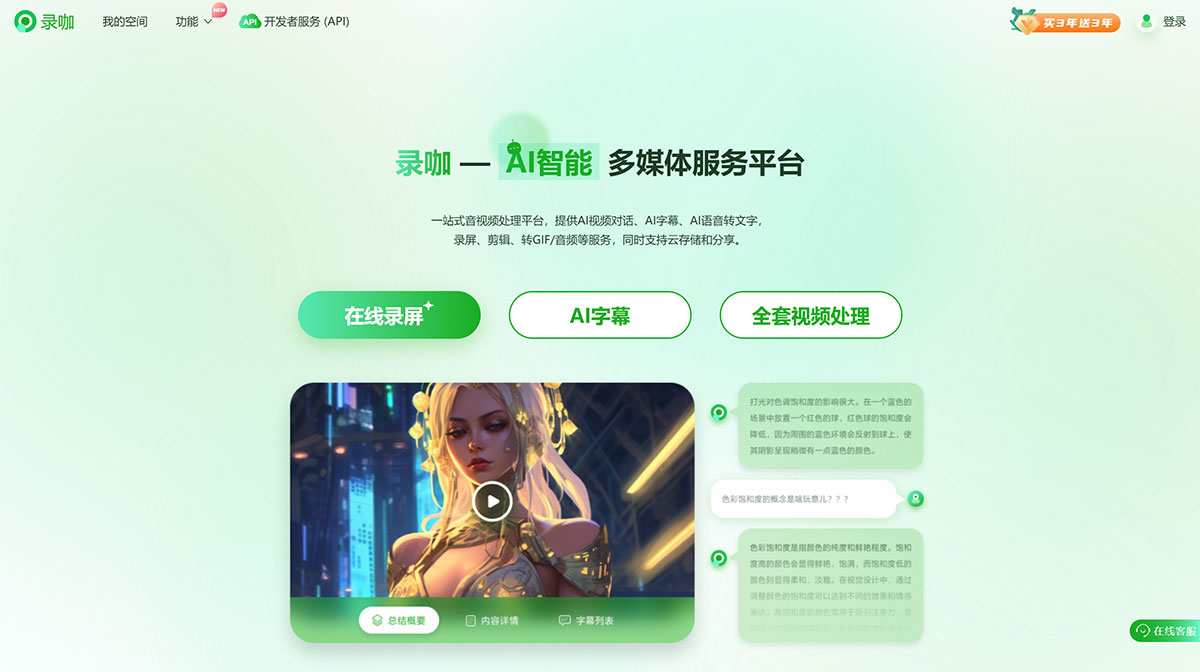
RecCloud Advantages:
AI-Driven
Intelligent processing boosts efficiency; AI video tools with rich features.
Easy to Use
No downloads required—web-based access with an intuitive interface for a quick start.
Secure and Convenient
Cloud storage, one-click sharing, data protection, and worry-free usage.
RecCloud Reviews:
I'm truly glad I discovered RecCloud—it's a free and easy-to-use screen recording software. Whether it's for online classes or sharing gameplay footage, RecCloud handles every task reliably and has left a lasting impression on me. It's the best screen recorder I've ever used, and I highly recommend it to everyone.
-- Zhang Honghong
I've tried many video editing tools, and RecCloud is the one I'm most satisfied with. The interface is friendly, and all editing tools are clear at a glance. Comprehensive editing features such as trimming, splicing, adding effects and subtitles can all be done with ease. The fast processing speed has saved me a tremendous amount of time.
-- Xuanzi
I recently started using RecCloud, and its AI features have truly been a huge help. At first, I just wanted to quickly create some videos with RecCloud, but its AI video chat feature turned out to be so powerful that I could easily extract key content from videos. Plus, its AI video editing feature makes my videos look more professional. I'll keep using it and recommend it to my friends.
-- Qiqi
RecCloud makes it incredibly easy for me to share videos on social media, blogs, and other platforms with just one click. It also offers multiple storage options—I can save files locally or upload them to the cloud, making it convenient to access videos across different devices. Whether it's remote work, online teaching, or sharing travel memories, RecCloud has brought tremendous convenience to me.
-- Lockie
RecCloud, operated by Shenzhen Wangxu Technology Co., Ltd., is a platform that combines online recording with cloud-based video management.
RecCloud has gained the support and affection of many video managers with its rich features. First, you can use RecCloud to record any area of your computer screen, including presentations, online teaching courses, remote meetings, game streams, video calls, and more. During recording, you can also use doodle tools to add lines, shapes, numbers, and text to enrich your content. In addition, RecCloud provides cloud storage space, allowing you to upload local or recorded video files directly to the cloud, and you can set unique passwords for videos to protect their privacy.
Beyond that, you can share videos online with one click via the links generated by RecCloud, and use the team collaboration feature to add your family, friends, or colleagues to a shared playlist. This way, you can share and manage the video files in the collaborative list together.















