
 Script Planner Assistant▸
 AI Apps
 AI News

Interior AI_云技派,专注ai人工智能!
Interior AI_云技派,专注ai人工智能!Introduction
If you're looking for some interior design inspiration, you might want to check out Interior ai, a virtual staging application that uses artificial intelligence to transform your current room into a new style. Interior AI is a project by @levelsio, who also created Photo AI, Avatar AI, and This House Does Not Exist.
Interior AI works by taking a photo of your current room and generating new ideas based on the style and mode you choose. You can select different styles, such as minimalist, modern, bohemian, tropical, and more. You can also choose between Virtual Staging mode and Interior Design mode. Virtual Staging mode will preserve the original structure of the room and only change the furniture and accessories, while Interior Design mode will give you more creative freedom and may alter the walls, ceiling, or floor.
To use Interior AI, you simply upload a photo of your room or take one with your camera. Make sure the photo shows the entire room at a 90° angle, facing the walls or windows horizontally. Interior AI is not yet good with angled or wide-angle photos. You can also paste an image from the clipboard if you have one. Then, you can choose the style, number of renders, and privacy settings. The app will then generate new images based on your input and display them on the website. You can also reuse the generated images to get more similar results.
Interior AI is a fun and easy way to get inspired for interior design ideas for your home or office. You can also use it to showcase your property for sale or rent, or impress your friends and family with a virtual makeover.
Interior AI is free to use for up to 5 renders per day, but you can upgrade to Pro for more renders, higher resolution, private workspaces, and no watermarks.
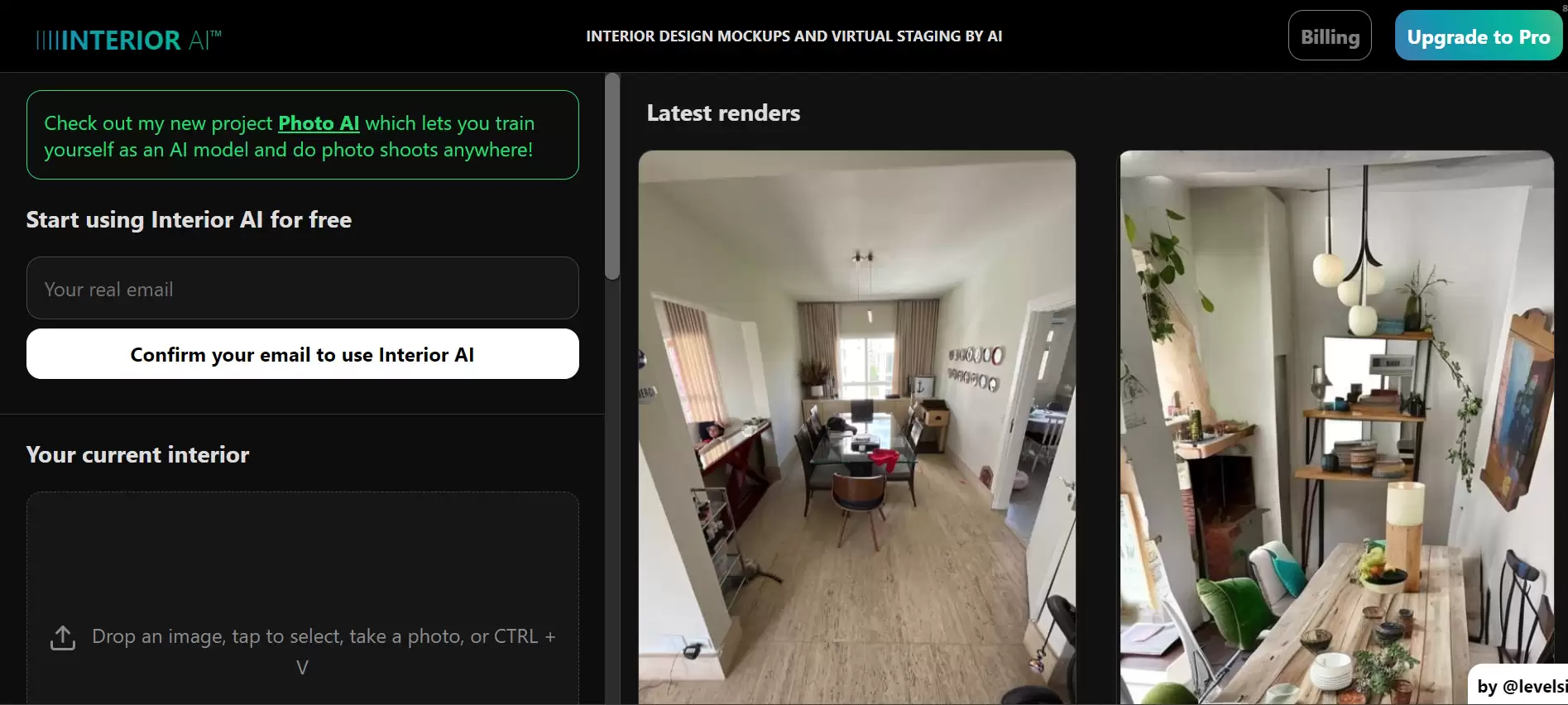
Features and Benefits of Interior AI:
It offers creative and diverse suggestions for different styles and modes
It can save time and money compared to hiring a professional designer or buying furniture
It helps users visualize their desired results and experiment with different options
It is free to use for up to 5 renders per day, or upgradeable to Pro for more features and priv















