
 Script Planner Assistant▸
 AI Apps
 AI News

StartAI_云技派,专注ai人工智能!
StartAI_云技派,专注ai人工智能!Introduction
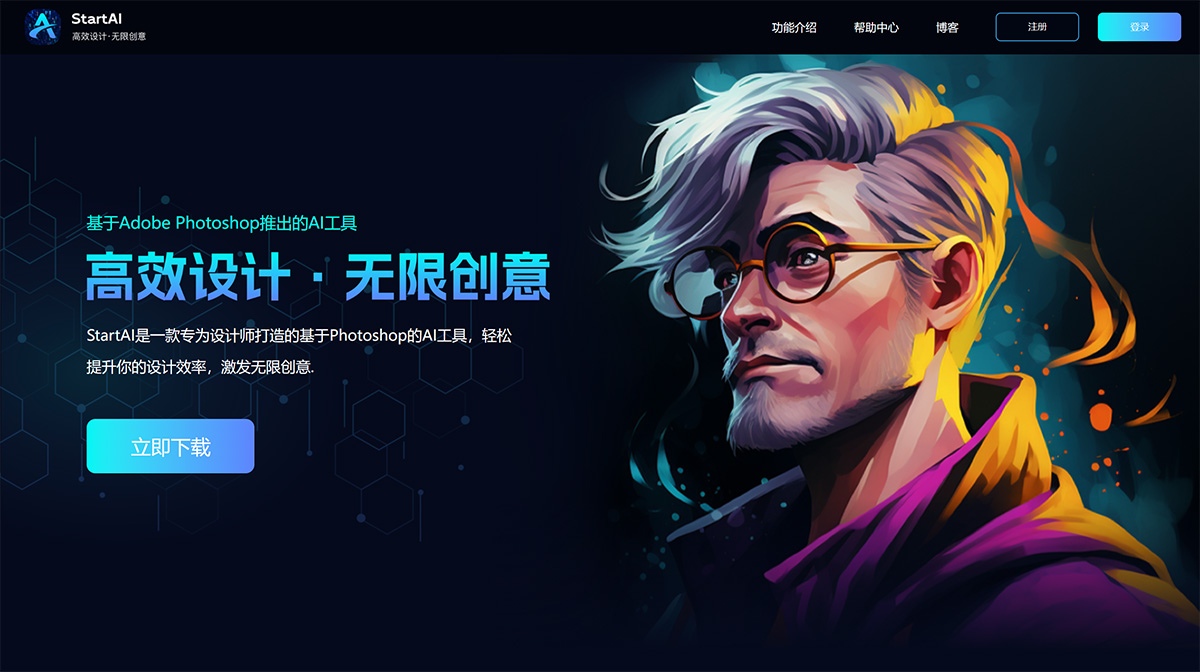
Startai-PS plugin is a PS plugin we have launched based on Photoshop. It is an AI tool designed specifically for designers, easily boosting design efficiency and inspiring unlimited creativity. It not only helps you explore the world of art deeply within Adobe Photoshop, but also allows you to improve your design efficiency faster. Whether you are engaged in painting, photography, design, or other art forms, the StartAI PS plugin will become your most powerful partner, sparking your creative inspiration and providing practical tools and techniques.
Supports local and remote drawing engines, providing massive design inspiration. Supports local and remote engines, and supports Stable Diffusion, Midjourney, and other drawing engines.
Integrates multiple AI drawing engines and a vast number of models for free use, with faster speed and greater stability, building an AIGC super platform.
Drawing engines that support API will be gradually supported by us. You can contact customer service to prioritize access to a specific engine.
Compatible with multiple versions of Photoshop, one-click registration and use, simple and convenient, even older versions can be easily compatible
Main Features of StartAI:
(1) Text-to-Image: Generates countless different design solutions based on the user's imagination or needs. It can automatically explore and generate novel design elements through machine learning and artificial intelligence technology, allowing users to obtain unique creativity and design inspiration.
(2) Generate Similar Images: Quickly generates a series of artwork similar to the design elements provided by the user. It helps users quickly obtain multiple similar design solutions, saving a lot of time and effort.
(3) Local Repaint: Helps users quickly select and redraw specific areas in an image. It enables precise control over details, allowing users to quickly replace or modify local elements of the image without affecting the overall effect.
(4) Line Art Coloring: Helps users quickly color hand-drawn line art, automatically recognizing and preserving the shape and details of the lines, eliminating the tedious process of manual coloring.
(5) Lossless Enlargement: Ensures that images do not distort or lose detail during enlargement. Using advanced AI image processing technology, it achieves high-quality enlargement of images, keeping the enlarged work still clear.
How to Use StartAI:
1. How to check your Photoshop version?
1. Open Photoshop, click "Help" from the top menu bar, and select "About Photoshop"
2. You can view the current Photoshop version number
2. How to download the StartAI PS plugin
1. Click to enter the official "StartAI" website, register an account and log in;
2. After logging in, you can download the installation package with one click.
3. How to install the StartAI PS plugin
1. First, close the currently opened Adobe Photoshop, otherwise the installation will fail;
StartAI opens the path of AI for designers. We are committed to helping designers start their AI journey, improving their AI usage ability, easily boosting design efficiency, and inspiring unlimited creativity.














