
 Script Planner Assistant▸
 AI Apps
 AI News

Kdenlive
KdenliveIntroduction
Kdenlive is an acronym for KDE Non-Linear Video Editor. It is a free and open-source video editing software built upon the MLT Framework and KDE Frameworks5. The project was initiated in 2003. Kdenlive is built upon Qt and KDE framework libraries, while the functionality of MLT is realized through free and open-source software projects such as FFmpeg, frei0r, movit, ladspa, and sox. It offers a wide range of features and tools that help users easily edit and produce video content.
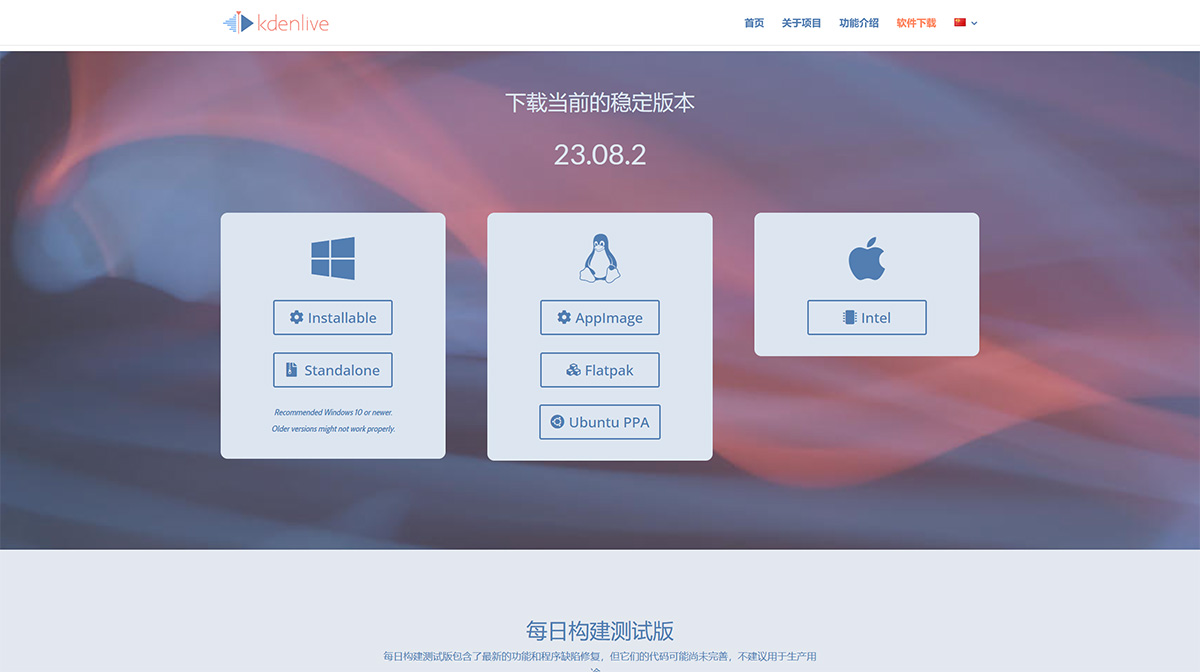
Kdenlive can run on multiple operating systems, including Linux, Windows, and macOS, enabling users to edit videos on the platform they are most familiar with. Whether you are a professional video editor or a beginner, Kdenlive provides powerful tools to meet a variety of video editing needs.
Kdenlive Features:
1. Multi-track Video Editing
Kdenlive supports the use and adjustment of multiple audio and video tracks. Each track can be individually locked or muted as needed.
2. Use any audio / video format
Powered by the robust FFmpeg library, Kdenlive can handle virtually every audio and video format. No need to transcode your clips beforehand.
3. Customizable Interface and Shortcuts
You can adjust Kdenlive's interface to suit your own workflow habits. You can also customize the keyboard shortcuts as needed.
4. A Variety of Effects and Transitions
Dozens of effects are available to choose from, ranging from color correction to audio adjustments, as well as common distortion options.
5. Titler (Subtitle Creation) Tool
Create flat subtitles/titles for your projects
6. Audio and Video Scopes
Monitor audio volume levels and check color scope information to ensure your output remains properly balanced.
7. Proxy Clips
Kdenlive can automatically create low-resolution copies of source clips for smooth editing on lower-spec computers, and then export at full resolution.
8. Timeline Preview
Projects with high resolution and complex effects sometimes cannot be played back in real time. Timeline preview allows you to pre-render sections of the timeline for smooth playback.
9. Adjust Effects via Keyframes
Most effects can be adjusted via keyframes, allowing you to change parameters over time using linear or smooth curves to achieve the desired result.
10. Export and Share
Kdenlive supports exporting your editing projects to a variety of common video formats, including HD and 4K resolutions. You can directly upload videos to platforms such as YouTube and Vimeo to share your work with others.















