
 Script Planner Assistant▸
 AI Apps
 AI News

Tongyi Lingma
Tongyi LingmaIntroduction
Tongyi Lingma, based on the Alibaba Cloud Tongyi large model, provides intelligent code generation and intelligent R&D Q&A capabilities. As your intelligent coding assistant, it offers developers line-level and function-level code completion, unit test generation, code comment generation, and intelligent R&D Q&A capabilities, helping you complete coding work with high quality and efficiency.
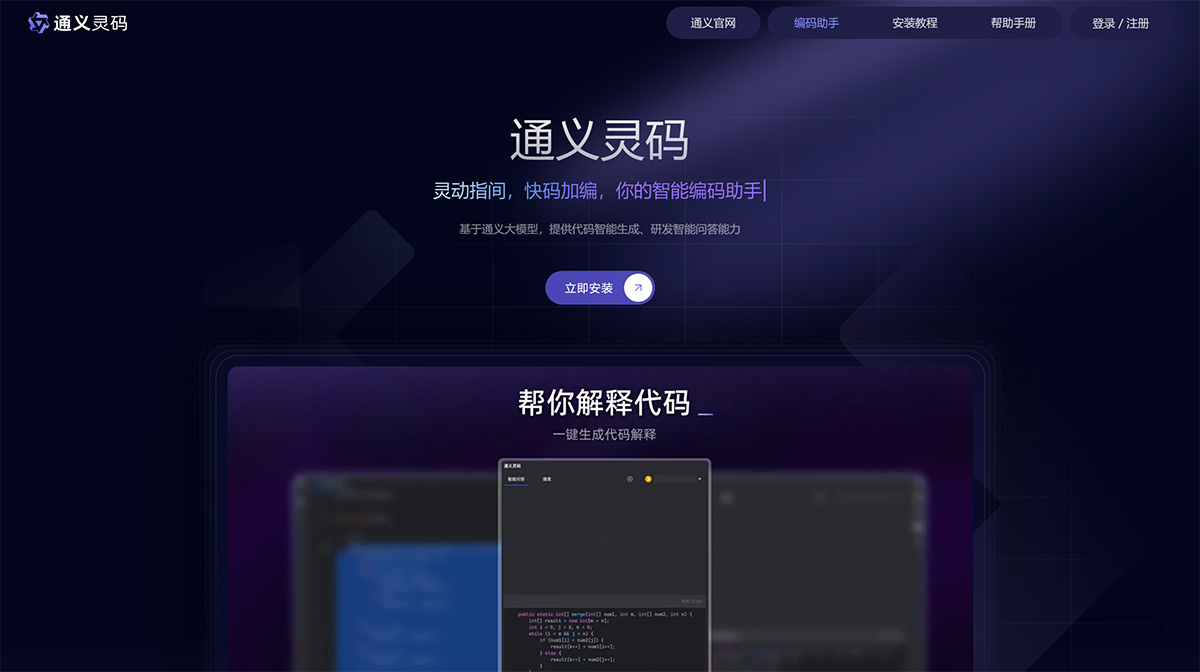
Tongyi Lingma Features:
1. Intelligent Code Generation for More Efficient Work
Trained on massive amounts of high-quality open-source code data, Tongyi Lingma can generate line-level/function-level code, unit tests, code comments, and more based on the current code file and cross-file context. With an immersive coding flow and second-level generation speed, you can stay focused on technical design and complete coding work with high quality and efficiency.
2. Line/Function-Level Real-Time Completion
During the coding process, based on the context and current syntax, Tongyi Lingma automatically predicts and generates suggested code for you. Just press the Tab key to accept.
3. Natural Language to Code
In the editor, describe the functionality you want through natural language. Based on your description and context, Tongyi Lingma supports generating code and related comments directly in the editor area, keeping your coding flow uninterrupted.
4. Unit Test Generation
Tongyi Lingma supports generating unit tests and related code explanations based on frameworks such as JUnit, Mockito, Spring Test, unit test, and pytest.
5. Code Comment Generation
Generate method comments and inline comments with one click, saving you time writing code comments and effectively improving code readability and comment coverage.
6. Code Explanation
Tongyi Lingma supports recognition of over 30 languages. After selecting code, it can automatically identify the programming language and generate code explanations. Crossing the boundaries of language, it helps you quickly understand code logic and functional design.
7. Intelligent R&D Q&A for Easier Problem Solving
Tongyi Lingma is trained for Q&A based on massive R&D documents, product documentation, general R&D knowledge, Alibaba Cloud service documentation, and SDK/OpenAPI documentation, answering your questions and helping you easily solve R&D problems.
8. Comprehensive Support for Multiple Programming Languages and Editors
Tongyi Lingma supports mainstream languages such as Java, Python, Go, JavaScript, TypeScript, C/C++, and is also compatible with mainstream programming tools such as Visual Studio Code and JetBrains IDEs, providing you with an efficient, smooth, and enjoyable intelligent coding experience.
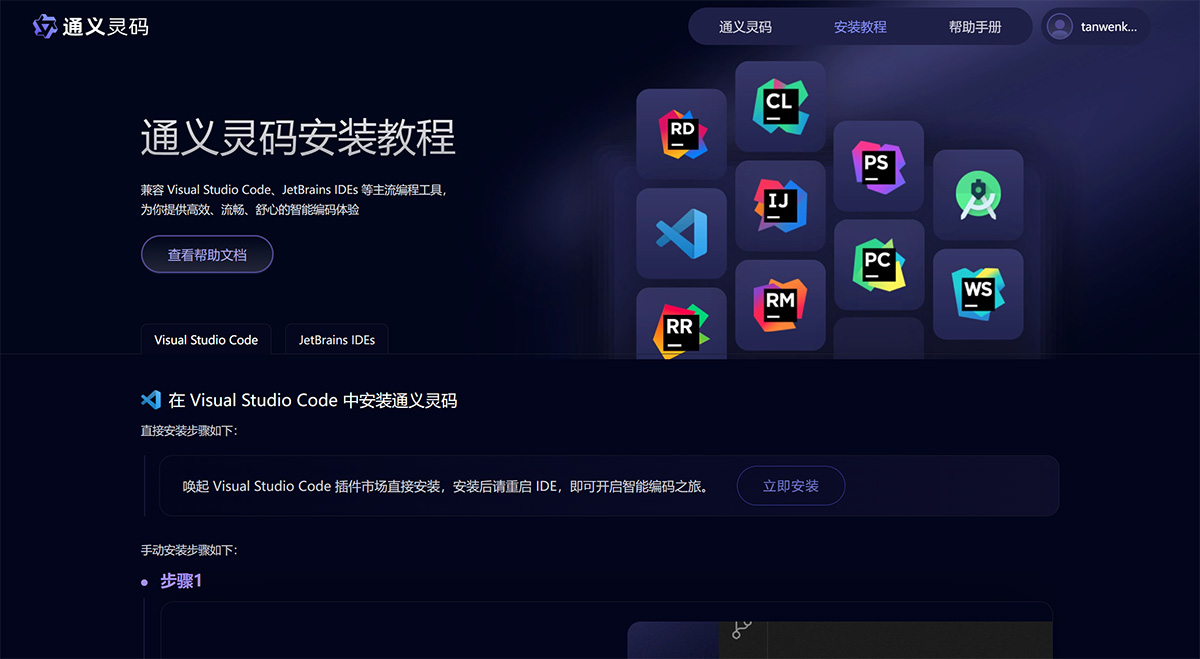
Tongyi Lingma Installation
Installing Tongyi Lingma in Visual Studio Code
Direct installation steps are as follows: Open the Visual Studio Code extension marketplace and install directly. After installation, please restart the IDE to start your intelligent coding journey.
Manual installation steps are as follows:
Step 1: With Visual Studio Code already installed, click Extensions on the side navigation bar.
Step 2: Search for Tongyi Lingma (TONGYI Lingma), find Tongyi Lingma, and click Install.
Step 3: Restart Visual Studio Code. After a successful restart, log in to your Alibaba Cloud account and start your intelligent coding journey right away.












