Script Planner Assistant▸
 AI Apps
 AI News

JianYing (CapCut)
JianYing (CapCut)Introduction
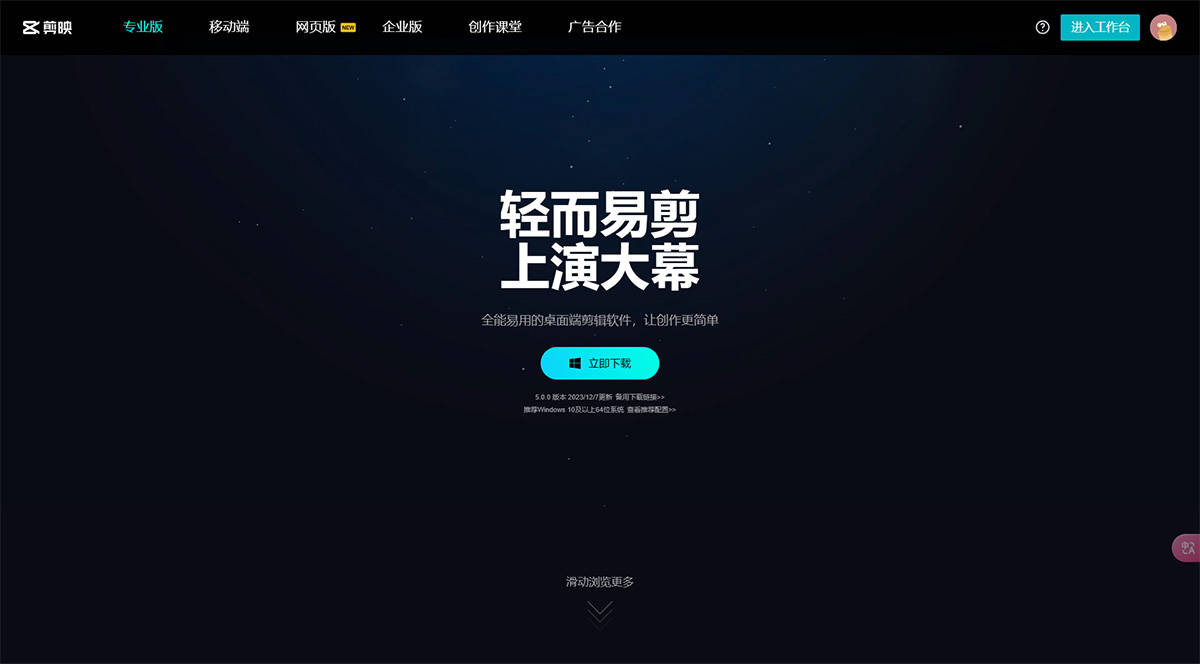
Versatile and easy-to-use video editing tool, CapCut (Jianying) Desktop is an all-in-one and easy-to-use desktop editing software that makes creation simpler. Learn a stunning the official CapCut website offers free download service for CapCut Desktop, which includes Windows and Mac versions. Try it out now!
CapCut Desktop Features:
Smooth Workflow for Creation Anytime, Anywhere
Drafts sync seamlessly across mobile, tablet, and PC, so you can edit wherever you go and create without limits.
Premium Video Editing Experience
CapCut Desktop features a more intuitive and comprehensive creation panel, making professional editing simpler and more efficient. It provides a smooth professional editing experience for more people, allowing more users to enjoy the fun of video creation!
Boost Efficiency and Make Creation Effortless
Leave the complex tasks to AI and get twice the result with half the effort. Powerful advanced features and a rich library of premium assets meet all your editing needs, so anyone can quickly become an editing master.
Massive Assets for Endless Excitement
CapCut Desktop integrates the powerful Heiguancai asset library, supporting searches for massive audio, emojis, stickers, text effects, special effects, filters, and more to meet all your creative needs, making your videos come to life.
CapCut Web Version Features:
Edit Videos Easily Without Professional Skills
A free online video editor with comprehensive features and simple operation, allowing you to get started quickly without any experience. A massive library of premium copyrighted assets ensures worry-free commercial use with no infringement risks.
Professional Review Tools to Improve Video Collaboration Efficiency
Review videos frame by frame and convey modification feedback precisely through circles and arrow annotations. Videos edited with CapCut Desktop can also be freely shared and reviewed on the web.
Secure Cloud Storage to Protect Your Digital Assets
1. Encrypted Data Transmission:
Lightning-fast data upload using SSL/HTTPS encrypted transmission to prevent eavesdropping.
2. Secure Data Storage
Free cloud storage space with files stored using AES128 segmented encryption to ensure personal data security.
3. Access Permission Control
Flexible file permission management, with password-protected review links to safeguard your digital assets.