Script Planner Assistant▸
 AI Apps
 AI News

Geek Editor
Geek EditorIntroduction
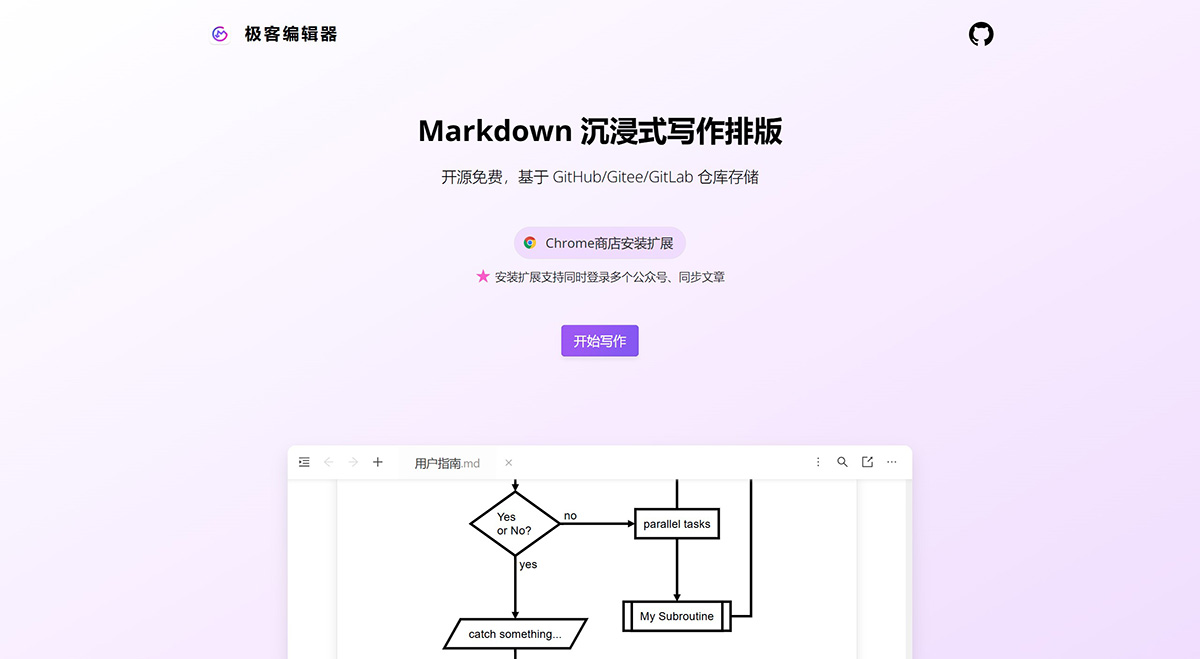
Geek Editor, a WYSIWYG rich-text immersive writing and typesetting editor, focuses on efficient creation. It supports multi-document editing, and also supports Markdown syntax input and one-click typesetting.
Geek Editor emphasizes content privacy and data security. Currently, it supports document storage on local, GitHub, GitLab, and Gitee repositories, and supports image resource storage on GitHub and GitLab repositories.
Currently, in addition to common content blocks, Geek Editor also supports code blocks, LaTeX math formulas, Mermaid charts, and Drawio diagrams. Content can be copied/synced with one click to platforms such as WeChat Official Accounts, Zhihu, and Juejin for publishing.
In addition, Geek Editor also supports convenient features such as screenshot pasting and dragging local image files to any position in the editing area, as well as exporting files in formats such as images, Word, PDF, HTML, and Markdown.
Geek Editor Features:
1. Private Storage: All data is saved locally or to your personal GitHub/Gitee repository, with self-managed data.
2. Efficient Editing: A convenient rich-text editing toolbar, supporting WYSIWYG rich-text/Markdown editing.
3. One-Click Typesetting: One-click theme typesetting, with multiple built-in themes, and infinitely customizable theme typesetting CSS.
4. No Image Hosting Required: No need to configure an image host to insert images. At the same time, it supports configuring an independent image host.
5. Multi-Format Export: Supports exporting HTML, Markdown, Word, PDF, images, etc.
6. Official Account Sync: Install the browser extension to support syncing articles to WeChat Official Accounts, allowing multiple articles to be synced to multiple Official Accounts at once.
Currently, the Geek Editor Web App code is fully open source: https://github.com/geekeditor/geekeditor, and the Markdown editor used in it is also open source: https://github.com/geekeditor/meditable. Feel free to Star!