Script Planner Assistant▸
 AI Apps
 AI News

PDF Reading Assistant
PDF Reading AssistantIntroduction
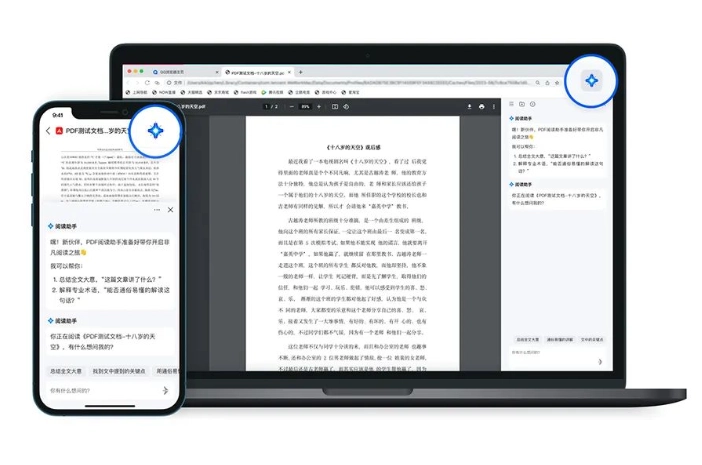
PDF Reading Assistant is a smart PDF tool launched by QQ Browser. Its main features include smart summaries, smart Q&A, multi-turn questioning, and original text positioning. Powered by Tencent's Hunyuan large model, its highlights include availability on both mobile phones and computers, as well as a series of intelligent reading assistance features.
Features of PDF Reading Assistant:
Smart Summary: No need to read word by word to get information, a single click can quickly extract important information for you, greatly saving reading time.
Smart Q&A: No need to "personally" read documents and materials, just ask a question and it can help users quickly obtain the information they need.
Multi-turn Questioning: Based on the previous Q&A information, you can ask follow-up questions. Through the multi-turn questioning feature, you can gradually delve deeper into the document content until you fully understand it.
Original Text Positioning: Just one click to jump to the corresponding position in the original text, making it convenient for side-by-side reading.
How to Use PDF Reading Assistant:
To experience the powerful features of "PDF Reading Assistant," simply open a PDF file and click the button in the upper right corner to summon the assistant.
In the future, PDF Reading Assistant will also cover more application scenarios such as Word, Excel, ppt, and web pages.