
 Script Planner Assistant▸
 AI Apps
 AI News

Wink: Meitu's AI Video Portrait Retouching Tool
Wink: Meitu's AI Video Portrait Retouching ToolIntroduction
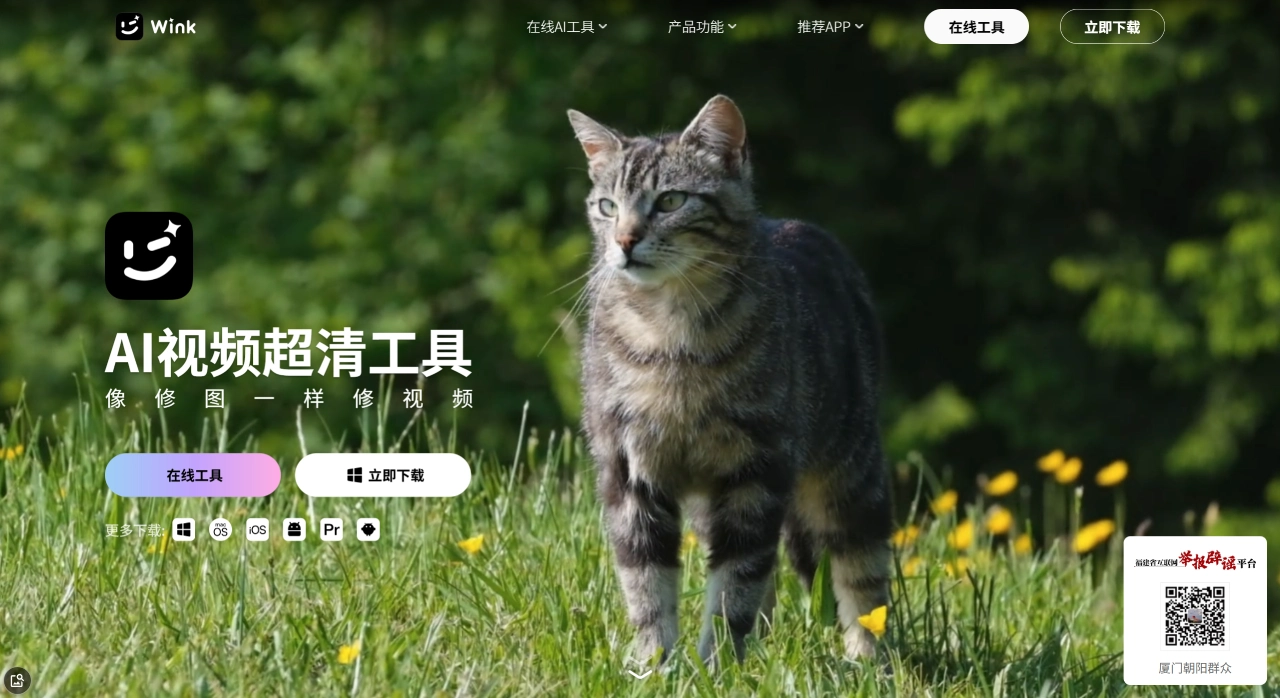
Wink is a video portrait retouching tool launched by Meitu. Its main pitch is "retouch video like you retouch photos", bringing the portrait beautification technology from Meitu Xiuxiu to video. Even ordinary users without experience in complex editing software can make the people in their videos look good and natural. In June 2023, Meitu also released the desktop version WinkStudio, which uses a "retouch one frame, apply globally" workflow to provide video creators with more professional processing capabilities. In the same year, Wink made it onto the annual video editing APP ranking list by Internet Weekly.
Wink Core Features
Video Portrait Beautification
One-tap beautify: Apply style presets to automatically optimize skin tone and facial features globally
Localized retouching: Individually adjust eye light, teeth whitening, and facial proportions, with pinpoint control
Subject differentiation: Multiple people in a video can be processed separately, so male faces won't be smoothed into an "influencer makeup" look
Segmented beautification: Apply different beauty effects to different clips, such as bare-faced in the first half and makeup in the second half
Quality Restoration
AI upscaling: Advanced restoration 3.0, AI automatically fills in image details, upscaling 480P low-resolution footage to close to 4K
Portrait-optimized restoration: Tailored for portrait scenes, handling facial details in backlit and low-light conditions
2D lossless restoration: Suitable for quality restoration of anime and illustration content
3D game screenshot restoration: Specifically optimized for gameplay recordings and screenshots
Body Reshaping
Use 3D portrait technology to adjust parameters such as smaller head, slimming, and longer legs with one tap. The effects look relatively natural and won't obviously break immersion.
Video Editing & One-Tap Video Creation
Built-in plenty of video recipe templates, updated daily. Import footage and directly apply styles like "Cinematic Vlog" or "Mood Short Film" to create videos with zero learning curve. Basic editing such as trimming, splicing, filters, stickers, text, and BGM beat-sync are all included.
AI Creative Features
AI anime style: Convert real-person videos into Japanese anime or American comic styles
AI animated photo: Bring static photos to life, generating short videos paired with music
Live Photo beautification: Supports beautifying, editing, and adding filters to Live Photos, compatible with Weibo, Xiaohongshu, and WeChat Moments
Smart cutout: Cut out portraits and swap backgrounds without a green screen, with precision down to individual hair strands
AI color grading / frame interpolation / denoising / night enhancement: Unify color tones in batches, interpolate from 30fps to 60fps, remove noise, and optimize low-light footage
Other Tools
Video eraser, watermark removal, AI video translation (multilingual subtitle adaptation), color enhancement, and more.
Wink Use Cases
Social media: Beautify short videos and Live Photos for Douyin, Kuaishou, Xiaohongshu, and WeChat Moments
Personal Vlogs: Portrait retouching and atmospheric color grading for travel and daily life footage
E-commerce & live selling: Quickly edit product videos, beautify the host's appearance, and add multilingual subtitles
Wedding photography: Batch beautification and quality restoration for wedding highlight videos
Old video restoration: Upscale and denoise home videos and legacy footage
Gaming content: Enhance quality of gameplay recordings and edit highlight clips
Wink Pros & Cons
Pros:
Strong portrait beautification algorithm with high facial recognition and tracking accuracy, producing natural-looking makeup and skin tones without an artificial appearance
The "retouch one frame, apply globally" AI workflow saves time — no need to manually adjust frame by frame
Low learning curve; the interface carries on Meitu Xiuxiu's style, so beginners can pick it up immediately
Live Photo beautification keeps up with social media trends and is highly practical
Quality restoration delivers noticeable improvements for low-resolution footage and old videos
Cons:
4K video processing on mobile is relatively slow, with noticeable heat and battery drain
The free version exports with a watermark, and many advanced features require a membership
Limited capability for complex effect compositing — particle systems and 3D modeling aren't supported
Does not support deep color grading for professional camera RAW formats
No cloud collaboration, which is inconvenient for team projects
How to Use Wink
Portrait Retouching:
Open Wink and tap "Video Beautify" or "Quality Restoration"
Import your video footage
Choose "One-Tap Beautify" for quick processing, or enter "Manual Retouch" to adjust facial features, skin tone, and body shape
To restore quality, select "Quality Restoration" in the AI toolbox and choose the appropriate mode such as upscaling or portrait-optimized restoration
Once the preview looks good, choose a resolution to export (the free version has some limitations; 4K requires a membership)
One-Tap Video Creation:
On the home page, tap "Recipes" or "One-Tap Video"
Pick a template you like (Cinematic, Vlog, Food, etc.)
Tap "Use Same Style" and import footage as prompted
The system auto-generates the video; fine-tune stickers, text, and music as needed
Save and share
Quality Restoration:
On the home page, tap "Quality Restoration"
Choose the restoration tier (Upscaling / Portrait-Optimized / 2D / Game Screenshot)
Upload your video and wait for AI processing
Compare before-and-after results, confirm, and export
FAQ
Q: What is the relationship between Wink and Meitu Xiuxiu?
A: They are both products from Meitu. Meitu Xiuxiu focuses on photos, while Wink focuses on video portrait retouching and editing. Their accounts are interoperable.
Q: Is Wink free?
A: Basic features are free, but advanced quality restoration tiers, 4K export, AI anime style, and watermark removal require a membership, priced around 50 RMB/month or 398 RMB/year.
Q: Is there a desktop version?
A: Yes. The desktop version is called WinkStudio and supports Windows and macOS. It has more features than the mobile version and is suitable for handling long videos and batch tasks.
Q: Will the exported video lose quality?
A: The free version applies some compression. Members can export at higher resolution and bitrate; 4K restoration and export require a subscription.
Q: Which platforms are supported?
A: Mobile supports iOS and Android; desktop supports Windows and macOS.
Q: Can I share Live Photos directly to WeChat Moments after beautifying them?
A: Yes. Wink supports editing and exporting Live Photos, compatible with Live Photo publishing on WeChat, Weibo, and Xiaohongshu.
Q: Do AI features require an internet connection?
A: Some AI features (quality restoration, AI anime) need to be uploaded to the cloud for processing and are automatically deleted afterward. Basic local editing can be used offline.
How Does Wink Compare to Competitors?
| Dimension | Wink | CapCut (Jianying) | CapCut | InShot | Kuaiying |
|---|---|---|---|---|---|
| Developer | Meitu | "noreferrer noopener">ByteDance | ByteDance | InShot Inc. | Kuaishou |
| Core Strengths | Portrait beautification, image quality restoration | TikTok ecosystem, asset library | Overseas CapCut, multi-language | Lightweight and simple | Kuaishou ecosystem, abundant templates |
| Portrait Retouching | Strong | Average | Average | Weak | Average |
| Image Quality Restoration | Strong | Average | Average | Weak | Average |
| Editing Depth | Medium | Relatively comprehensive | Relatively comprehensive | Medium | Medium |
| Effects/Templates | Rich | Massive | Massive | Average | Plenty |
| Price | Basic free, membership around 50 yuan/month or 398 yuan/year | Mostly free | Mostly free | Basic free, watermark removal/assets require subscription | Mostly free |
| Target Users | Short video creators who focus on portraits | TikTok creators, all-around users | Overseas creators | Light editing users | Kuaishou users |
Why Choose Wink
If what frustrates you most when filming videos is "not photogenic on camera"—skin flaws, poor lighting, unsatisfied face shape, or wanting to subtly adjust your figure—Wink is currently the most hassle-free choice for portrait processing on mobile. It brings Meitu's portrait algorithms refined over more than a decade to video, delivering natural and non-artificial beautification, while its image quality restoration noticeably improves old and low-definition footage. No need to learn complex editing—just open the app and produce a polished clip within minutes, making it ideal for everyday users and short video bloggers who want to quickly make their videos look better.
Last updated: August 03, 2026














