Script Planner Assistant▸
 AI Apps
 AI News

EasyCover: Create Cover Images the Simple Way
EasyCover: Create Cover Images the Simple WayIntroduction
简单封面EasyCover is a browser plugin application whose main function is to create cover images. Our goal is to build the best and easiest-to-use cover image generation tool. Simple images paired with text can also produce really cool cover images. Cover image generation made simple.
简单封面EasyCover requires no login, has no ads, is free to use, is distraction-free, and comes with no copyright concerns. All built-in images and font assets are free for commercial use, and are ready to use as soon as you install it. We will continue to iterate and deliver a better experience going forward.
How to install the 简单封面EasyCover plugin?
1. Go to the 简单封面 official website;
2. Click the "Browser Plugin Download" button to download the plugin to your local machine;

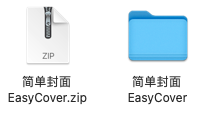
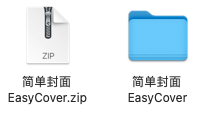
3. Unzip the browser plugin archive to get the "简单封面EasyCover" folder;
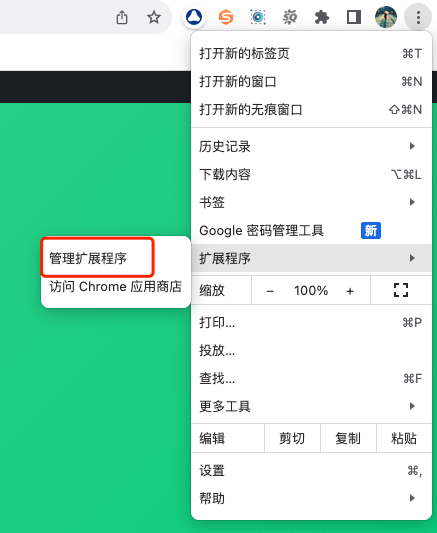
4. Click the menu in the upper-right corner of the browser, choose Extensions - Manage Extensions, and open the Chrome extensions management page;
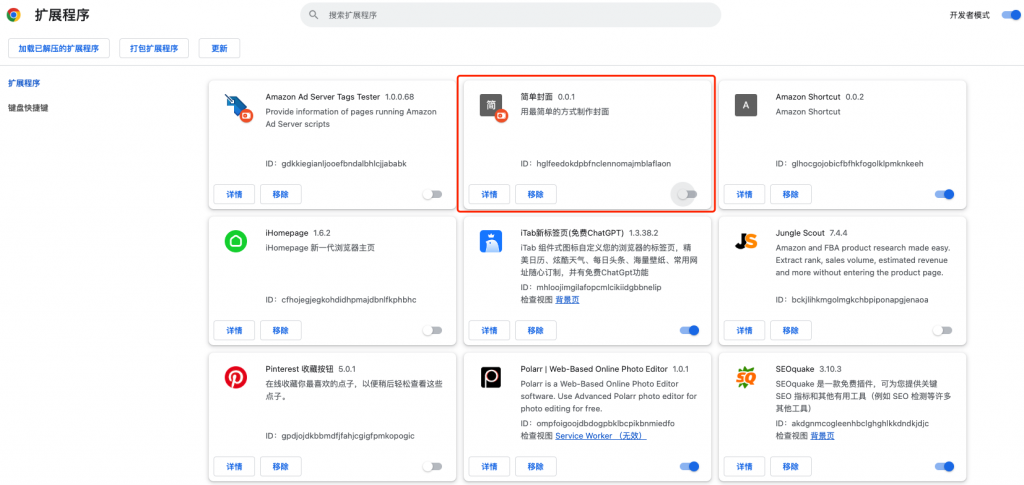
5. Drag the unzipped extension folder 【简单封面EasyCover】 into the "Extensions Management" page, and the installation is complete;